
View PSD files without Photoshop in Mac OS X
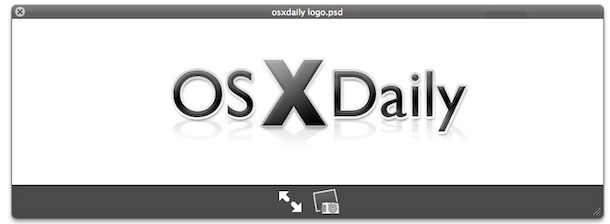
You can view .PSD Adobe Photoshop files directly in Mac OS X with no additional software, thanks to Quick Look and Preview.
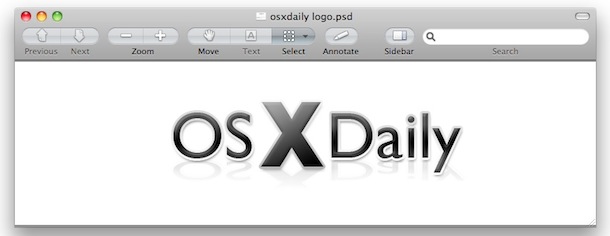
To get a fast preview of a PSD file, simply select the document within the Finder and hit the Spacebar to launch the PSD file rendered in Mac OS X’s very own Quick Look. If you want a bit more control over viewing the PSD file (zoom, resize, whatever), you can take it a step further by opening the PSD document within the Preview app, just drag and drop it onto the application icon and away you go (note some versions of Mac OS X will automatically open PSD files within Preview if you just double-click on them, assuming Photoshop is not installed on the Mac).
If you want to edit a PSD file with the same type of capabilities as Photoshop without paying for it, you could try using Gimp, a free open source Photoshop clone. It’s not perfect but works pretty well for image editing, and if you’re not trying to do anything overly complex, it’ll save you a few hundred bucks.






There is a great solution on the PC side – paintshoppro.
It does everything PS does – much cheaper
Great app.
I wish they had it for MAC!!!
Everything? My anus.
I’m on windows 7
so i’m missing features like this, but i believe photoshop still is the best and there is no competitor to adobe
GraphicConverter also opens and converts PSD files
Photoshop has become very bloated, unless you have a brand new computer with 4GB of RAM it’s not even usable anymore.
What happened to Adobe? They used to be the best, it seems like since they merged with Macromedia they’ve gone downhill. Thankfully Apple is picking up their slack with this type of feature in QL and Preview. For image editing I just use Pixelmator now… sorry Adobe you snooze you lose!
I’m crossing my fingers that future version of Preview or iPhoto will allow decent image editing features, that would be AWESOME! The color correction is already great… just need some text, layers, brushes, and they’ll have a Photoshop killer.
I guarantee you don’t even know a tenth of what photoshop can do.
Yes, the power of Quick View astounds me.
I can read Word documents without Word installed – amazing stuff.
When it comes to multi-layered PSDs and TIFFs, often only one layer shows up on a transparent background – good enough for daily use, quick slideshows to clients – not the best option.
My conclusion can only be that QV actually reads layers – amazing.