
Use Different Desktop Background Pictures for Spaces in Mac OS X
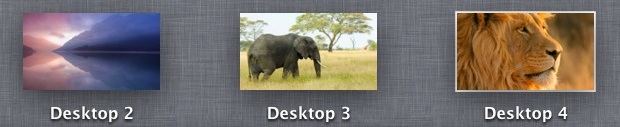
The Mission Control “Spaces” feature in OS X is essentially a virtual desktop environment. A nice way to differentiate each individual desktop Space is to go about assigning different wallpapers to different desktop spaces.
Setting unique wallpaper backgrounds per desktop is easy in Mac OS X now, here’s the quickest way to do this:
- Open Mission Control
- Enter each space individually
- Right-click on the desired background image and choose “Set Desktop Picture”
- Repeat for the next desktop space
Using this method and Mission Control to switch spaces is the fastest method, but you can also do this through System Preferences.
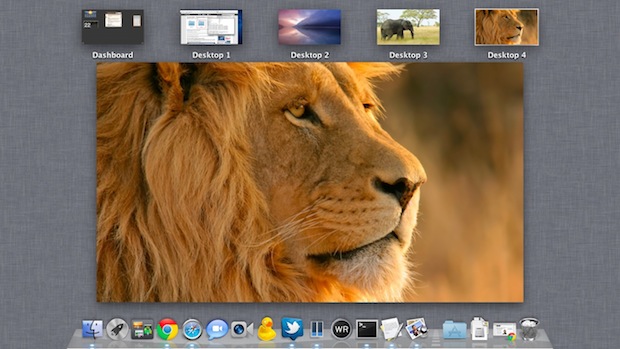
Still around in modern releases of OS X like Yosemite and Mavericks, this was first introduced to OS X in Mac OS X Lion. Before Mac OS X 10.7, third party utilities had to be used to set different wallpapers to each virtual desktop space, making this another nice addition to the Mac operating system.






[…] Via | OSXDaily […]
how can i get space #2 to always have the same background (even when i close and create another space #2)? is that even possible?
I commented on your old post about Lion having this feature… remember? :)
What about for different monitors in a dual screen setup?
[…] Use Different Desktop Background Pictures for Spaces in Mac OS X Lion […]