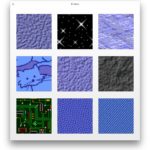
The lightly shaded large linen wallpaper from the OS X Lion developer previews didn’t end up being the final shipping version, instead a linen tile came with the final release of Lion. This linen tile appears everywhere in Mac OS X 10.7 and even iOS 5, from Mission Control, to behind Safari windows, Notifications Center, LaunchPad and iOS folders, and a variety of other places.
We’ve uploaded both versions of the gray tile to this post and you can download it here, but there isn’t much reason to if you’re on a 10.7 based Mac right now because you can access them directly yourself.
Getting the Grey Linen Tile from the Mac OS X Finder:
- Hit Command+Shift+G to bring up the “Go To Folder” window
- Enter the following path:
/System/Library/Frameworks/AppKit.framework/Versions/C/Resources/
- Locate the file named “NSTexturedFullScreenBackgroundColor.png” that is the linen tile that is ubiquitous in Mac OS X Lion
The Lighter Gray Linen Tile
There’s also a lighter version of the gray linen in the same folder, named “NSLinenBackgroundPattern.png”
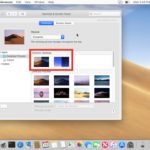
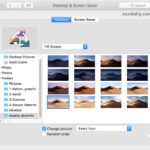
The linen tiles make a great wallpaper, just be sure to set it to “Tile” in the Desktop & Screen Savers preference panel, rather than stretch, or it’ll look awful.
Nope, not the most thrilling post in the world, but we’ve been asked twice in the past two days about this and it came up again on Twitter yesterday, so hey, why not make a post about it. Enjoy.