Subscribe to OSXDaily

Subscribe to RSS Subscribe to Twitter Feed Follow on Facebook Subscribe to eMail Updates

OSXDaily on Facebook

OSXDaily on Google+

Shop at Amazon

Ad

Shared on Facebook

Search Notification Center

Notification Center

Turn Off Notification Center in OS X Mountain Lion Temporarily

Aug 10, 2012 - 7 Comments

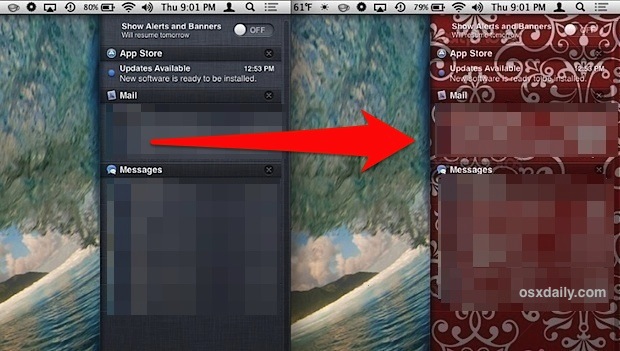
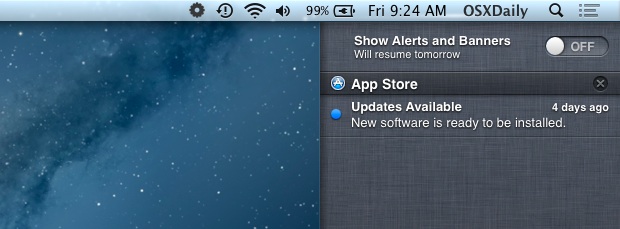
Looking for some temporary peace and quiet from alerts and notifications but don’t want to completely disable Notification Center on your Mac? There are two quick ways to temporarily hush all notifications in OS X, both methods last until the next day before automatically resuming: Option+Click the Notification Center menu bar icon, it will turn … Read More

Disable Notification Center & Remove the Menu Bar Icon in OS X Mountain Lion

Aug 6, 2012 - 42 Comments

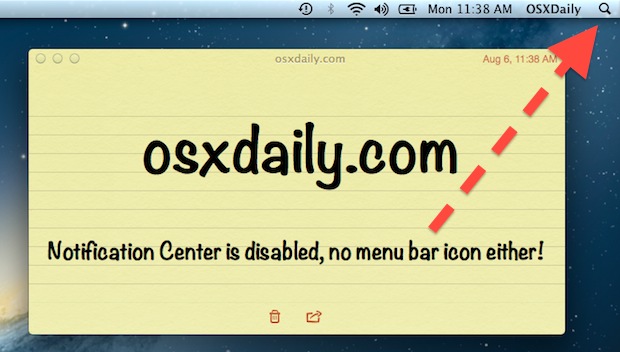
Notification Center is a great addition to OS X but not everyone likes it, sometimes just muting the alert sounds and turning them off per-app is not enough, and you may want to disable it completely. Furthermore, if you don’t use Notifications on the Mac then you probably don’t want the menu bar icon sitting … Read More

Open Notification Center with a Keyboard Shortcut in OS X Mountain Lion

Aug 5, 2012 - 6 Comments

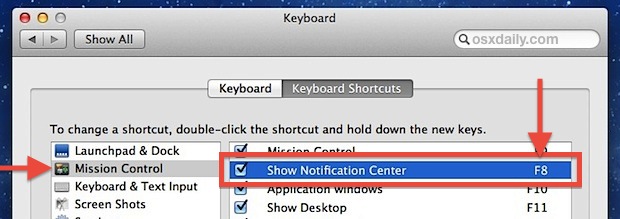
Notification Center can be summoned either with a click of the menu bar item or a two-fingered swipe left on a trackpad, but you can also set a custom keyboard shortcut to see your notifications or alerts. Open System Preferences from the  Apple menu and choose “Keyboard” Click the “Keyboard Shortcuts” tab and select … Read More

Send an Alert to Notification Center from the Command Line in OS X

Aug 3, 2012 - 14 Comments

Using an excellent third party tool called terminal-notifier, you can post alerts and messages to Notification Center directly from the command line. This has a myriad of potentially valid uses, but one fantastic use-case is along the same veins of verbally announcing when a command has completed or sending a badge alert, but instead posting … Read More

Mute Notification Center Alert Sounds in OS X Mountain Lion

Jul 31, 2012 - 3 Comments

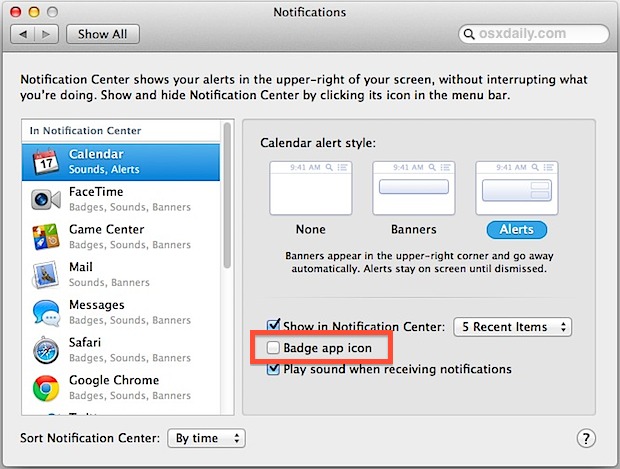
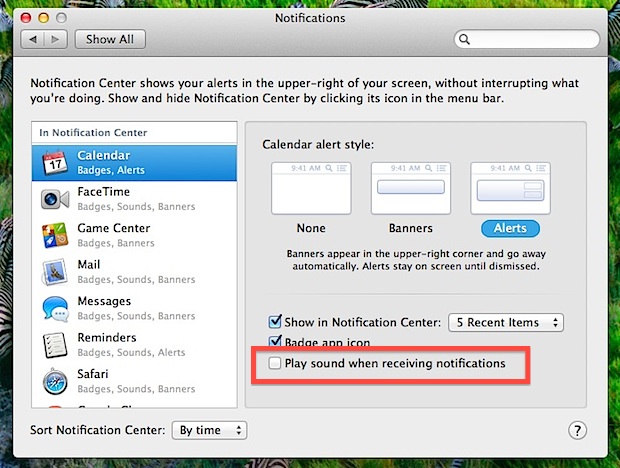
Notification Center is a great addition to OS X Mountain Lion but the alert sounds can be pretty annoying if you have a lot going on. Rather than muting all system audio to hush the constant chiming, you can directly silence notifications on a per-app basis. Open System Preferences from  Apple menu and click … Read More

See the 6 Day Weather Forecast Quickly on iPhone from Notification Center

Jul 31, 2012 - 4 Comments

Want to see what the weather is going to be like for the next 6 days? You can quickly see the weeks forecast showing conditions with high and low temperatures directly from Notification Center on iPhone: From the homescreen, swipe down from the top of the screen to summon Notification Center Swipe left (or right) … Read More

Send Growl Notifications to Notification Center in OS X 10.8 with Hiss

Feb 20, 2012 - 6 Comments

Make OS X 10.8 Mountain Lion‘s new Notification Center feature instantly more useful by grabbing Hiss, a free application that sends apps Growl notifications directly to Mountain Lion’s desktop notification panel. There’s not much more to the app than that, but nonetheless it’s a great utility and worth downloading for those who are using the … Read More

Add or Remove Apps from Notification Center in iOS

Nov 14, 2011 - 7 Comments

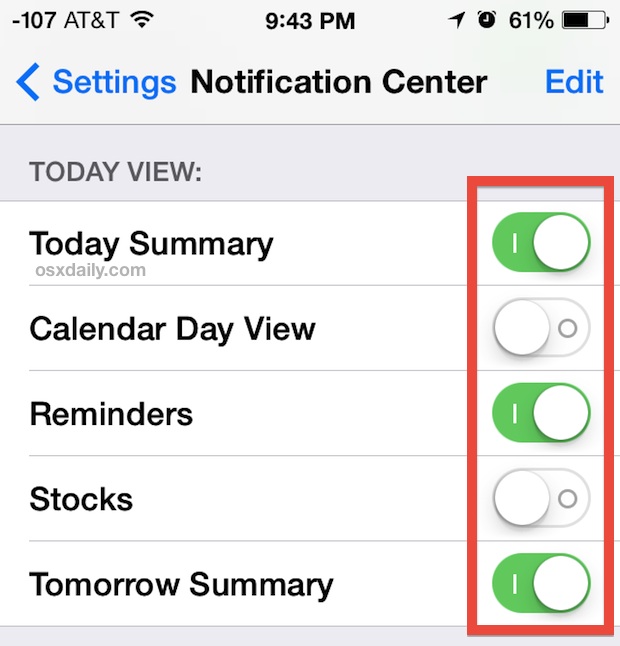
You can quickly add or remove any items from showing up in Notification Center in iOS through the central system settings. This isn’t the same method as disabling an item like the stock ticker, but it’s faster if you want to adjust several apps at once and quickly determine what appears in Notification Center screen … Read More

Get the Old Pop-Up Style Alert Notifications Back in iOS 5

Nov 3, 2011 - 3 Comments

Many users are thrilled about the new iOS Notification Center and easily dismissed alerts, but some still prefer the old style of pop-up dialog notifications. You can enable the old pop-up alert style again, but you have to do it on a per-application basis with iOS 5: Tap onto “Settings” and go to “Notifications” Tap … Read More

Swipe Left to Dismiss New Notifications in iOS 5

Nov 2, 2011 - 8 Comments

If you want to quickly get a notification off your screen in iOS 5, all you need to do is swipe left across the notification and it’ll be pushed off screen. Update: It turns out this works because you are briefly activating the Notification Center by slightly pulling down and letting go, this is what … Read More