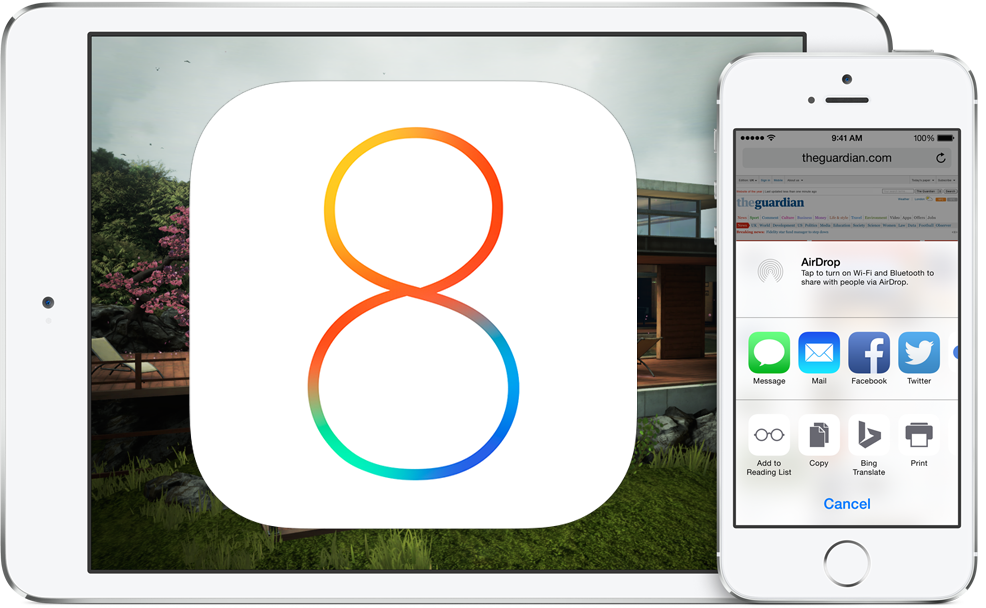
Wondering if your iPhone, iPad, or iPod touch will be able to run the latest and greatest of iOS 8 when it’s released this fall to the public? Chances are good that it’s compatible, and if your device supports iOS 7 then it can probably run iOS 8 too, well, with the exception of the iPhone 4 at least.
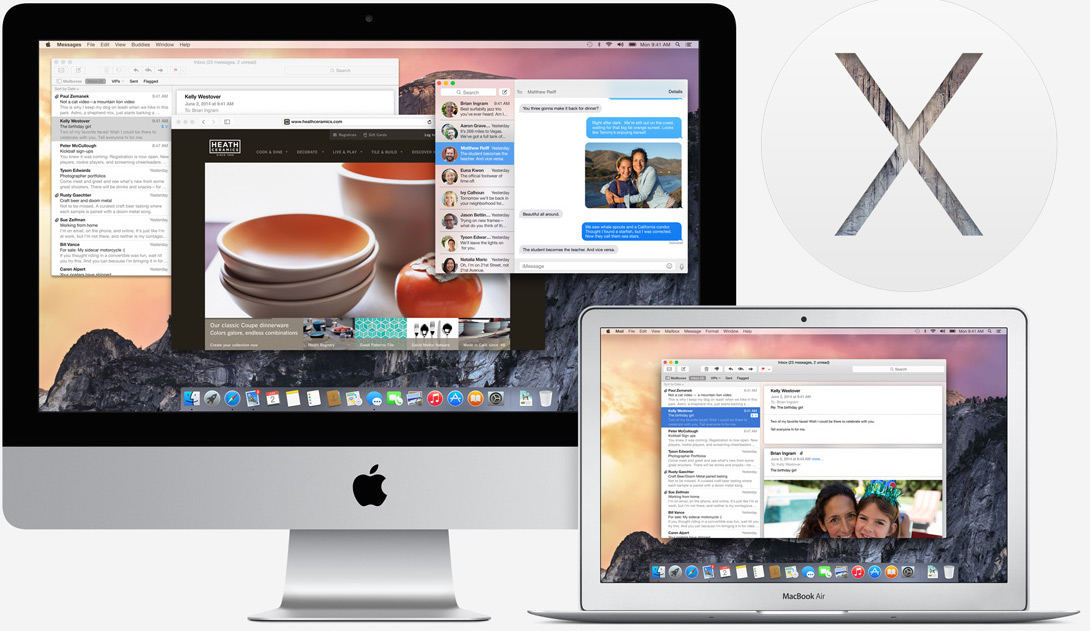
OS X Yosemite will be one of the most exciting updates to Mac system software in many years, complete with an all new user interface, major iOS integration, and tons of new features. Of course all the excitement surrounding Yosemite is largely useless if your Mac won’t actually run OS X 10.10 when it launches in a public release this fall, so let’s quickly find out if your Mac can run OS X Yosemite.
The first beta of iOS 8 comes with a really nice default water wallpaper of an underwater camera shot, it appears to be sun or light rays shining through the calm surface waves of an ocean. It looks absolutely fantastic on an iPhone, iPad, iPod touch, and even if you aren’t running the latest iOS 8 beta release you can still enjoy it on your iOS device (or Android, no judgements) by downloading the high resolution versions.
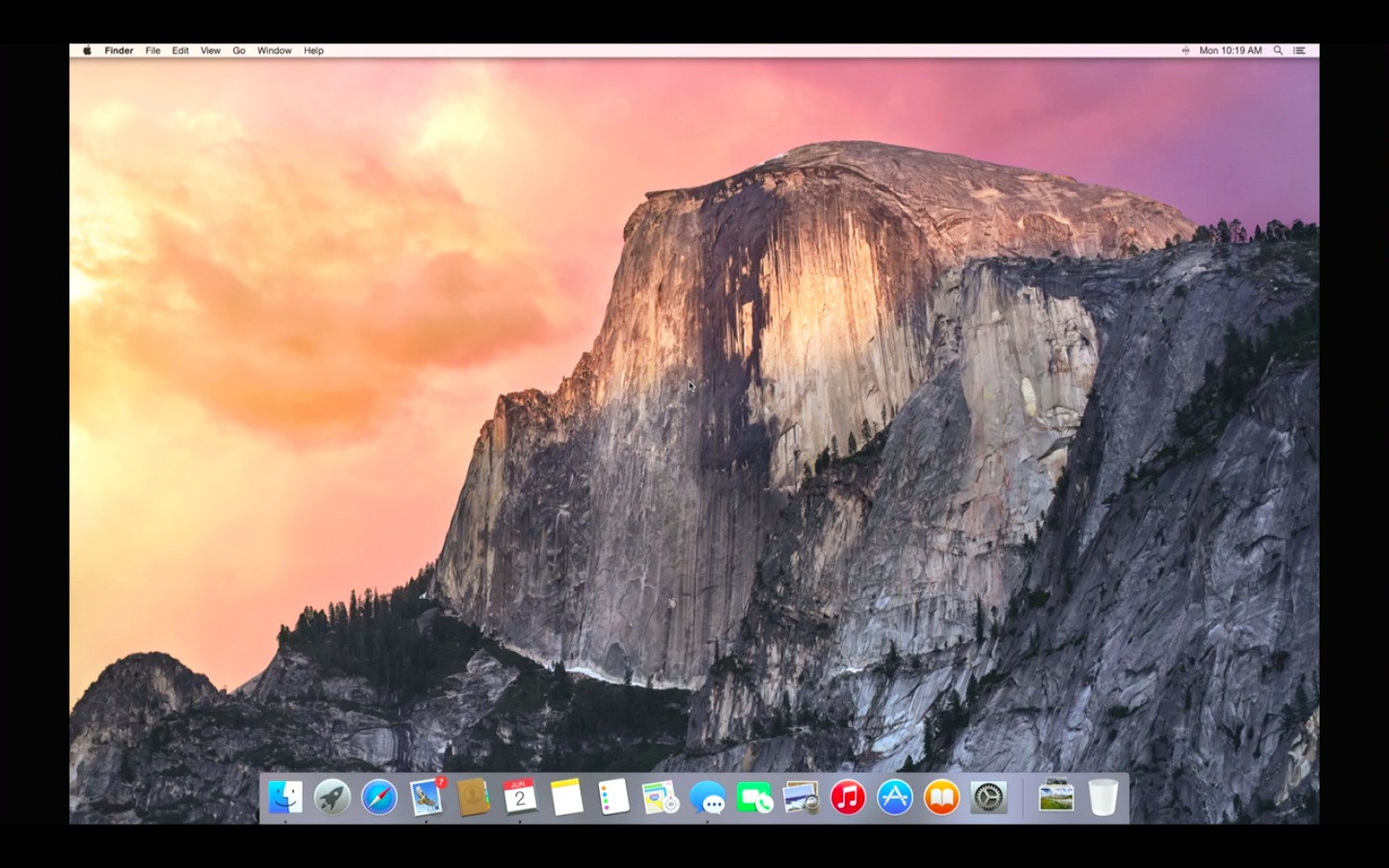
OS X Yosemite looks great, and the new appearance is certainly helped by the excellent choice of default wallpaper that Apple uses to show off the new Mac look. But why wait for the release of OS X Yosemite before beautifying your Mac desktop with that gorgeous background image? You don’t have to, instead you can grab the new default wallpaper picture of that stunning sunset on that famous granite peak in Yosemite right now. Additionally, you can download the 2x “Hero” image of cloudy El Capitan that is used on Apple’s official OS X Yosemite preview page, which also makes for an excellent wallpaper choice.
OS X Yosemite Developer Preview 1 and iOS 8 Beta 1 are both now available to download for users who are registered with the respective Apple Developer Programs. Additionally, Apple has offered a beta release of Xcode 6, and online documentation for the new Swift programming language that was introduced at WWDC 2014.
Though the iOS 8 beta and OS X 10.10 Dev Preview are aimed primarily at users developing solutions for the iOS and OS X platforms, technically anyone can register to be included in the Apple Developer Programs for an annual fee of $99 per OS. Due to the nature of beta releases being buggy and generally incomplete, it is generally not recommended for average users to install beta builds of software unless they have a compelling reason to do so.
OS X Yosemite offers a major visual redesign of Mac OS X, with heavy usage of translucency, transparencies, redesigned icons, a new appearance to the Dock, a completely redesigned Notification Center, and so much more. Set to be released this fall as a free download with tons of features to go along with the visual changes, let’s take a further peak at some of the official preview screen shots of OS X Yosemite (versioned as OS X 10.10 for those who were wondering), because it’s really best seen rather than described.
Apple’s next major mobile operating system release, iOS 8, is set to launch this fall. Similar to the anticipated desktop release timeline of OS X Yosemite, no specific release date has been announced yet, but Fall of 2014 ranges from September 22 to December 21, providing for a general timeframe of when to expect the iOS 8 public release. As usual with iOS releases, it will be a free download when it does become available.
The next major Mac operating system, OS X Yosemite, will be released to the public this fall. While a specific release date has yet to be announced, fall of 2014 officially begins on September 22 and ends on December 21, offering a vague timeline for the launch and to expect when all Mac users will get to download OS X Yosemite.
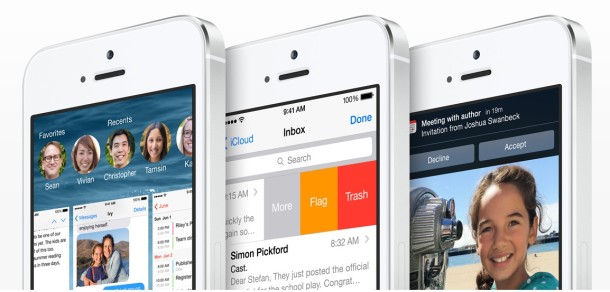
Apple gave everyone a first look at iOS 8 today, the next major operating system for iPhone, iPad, and iPod touch. It’s largely focused on feature enhancements and additions to iOS, with many refinements that are looking to improve the overall experience. There is also increased platform compatibility with the Mac, thanks largely to the new features added to OS X Yosemite.
Let’s take a quick look at some of the discussed iOS 8 features (and pictures) based on the WWDC 2014 presentation.
OS X Yosemite is the next major release of the Mac operating system. It’s set to be a whopper of an update for the Mac, with a major new user interface overhaul and a slew of amazing features. Let’s take a quick look based on what we’ve seen so from the OS X Yosemite presentation at WWDC 2014. Read more »
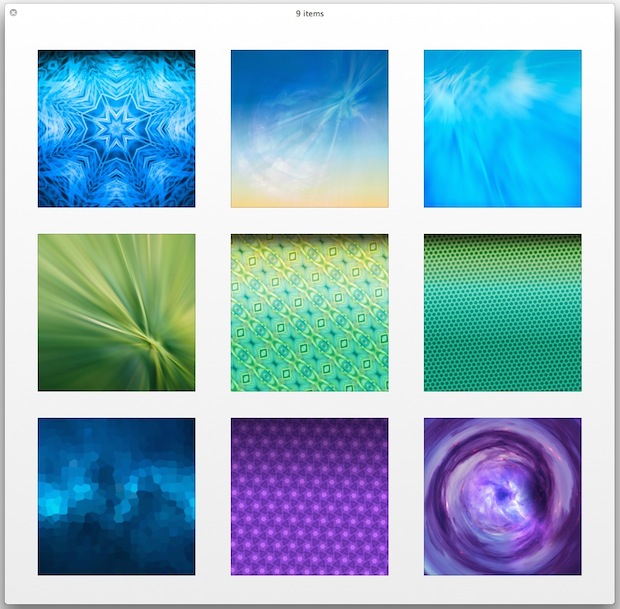
Ready for some new wallpapers sized at a hefty 2048×2048 resolution? We’ve got you covered with a new collection of wild high-def images perfect for the iPad, or any iPhone, Mac or PC desktop background for that matter. These images were provided to us by Zack R., and while there’s no particular theme (other than being completely abstract and out there), you’ve got a range of crazy patterns, blurs, colors, and other indescribable weirdness to choose from. Enjoy!
iOS allows users to control what apps can access the images and photos stored on their iPhone, iPad, and iPod touch. This is handled through the Privacy settings and offers granular control over which specific third party applications are allowed to pull images from the Photos app, Camera Roll, and also whether or not they are able to save new images to the on-device storage within Photos app as well.
If you want to adjust or control app access to photos on an iOS device, or you just want to see what apps could theoretically access your devices pictures and save to the on-device image library, here what you’ll want to do.
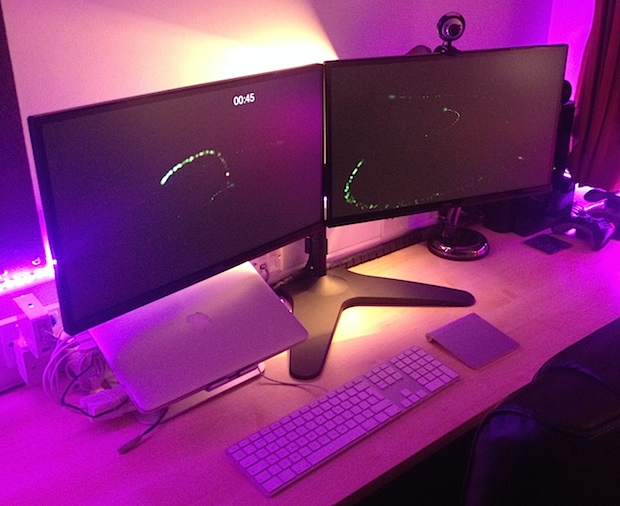
It’s time for another featured Mac setup! Let’s visit the excellent Mac workstation of Paavan G., a student designer who has a great dual-display desk with some really fancy customizable lighting to add some flair. Let’s jump in and learn a bit more about this setup:
Many Mac users choose to put their computers to sleep when they’re not in use, and unless Macs are scheduled to wake at a specific time, the computer should stay asleep until it has been manually awoken by user input, like a key press or mouse click. Should of course is the operative word here, because some users have discovered that their Macs are waking from sleep seemingly at random, with no obvious reason for this to happen.
Animated GIFs are little moving images and they can be a lot of fun, particularly since they can be sent and received playing through iMessages to other iPhone, iPad, and Mac users. While the iOS Camera is packed with plenty of features and can take pictures or video, it’s lacking an ability to create animated GIFs natively, so you’ll need to turn to a third party app to do that. GifMill does that job well, plus it’s free, so we’ll focus on creating animated GIFs directly on an iPhone from the app.
GifMill does have a funky looking interface, but it’s a piece of cake to use, is fairly versatile with a variety of customization options, and you can use it to join images together into an animated GIF, or even turn a video into an animated GIF. Then you can export your creation to the Camera Roll, send it through Messages, Email, or share it through the typical social channels.
Safari Reader mode simplifies the appearance of web pages by attempting to render only a pages primary article text into a minimalistic focused view. This can be helpful when reading much of whats found on the web on any iOS device, but it’s particularly useful on the iPhone since many websites don’t have an optimized mobile reading experience appropriate for small screens.
Not only does Safari Reader mode make reading easier on the eyes by boosting the font size and legibility of text found on the page, but it also can turn a non-mobile version of a website into a completely tolerable mobile version, offering significant improvements to the web reading experience in iOS.
Safari Reader is an excellent feature that is available on iPhone and iPad, this tutorial will show you how to use it.
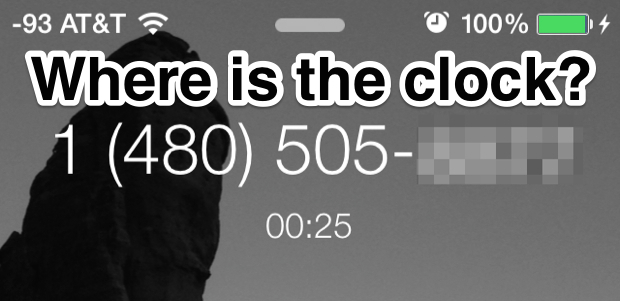
Ever noticed that the current time and clock become inexplicably invisible on the iPhone lock screen when you’re on a phone call and using a headset or the earbuds? Yes, the call time is always visible to show you how long you’ve been on the call, but oddly the actual time of day becomes completely invisible, which is obviously annoying if you rely on an iPhone as your primary watch. That’s what this simple easy trick is for though, it lets you see the clock and current time instantly from the lock screen when on an active phone call.
The Mac file system received tabbed window support in OS X Mavericks, which also caused opening new Finder windows into launching new tabs rather than an actual new Finder window. While this helps to cut down on window clutter when browsing the file system, it can also be kind of frustrating if you want to actually open a specific directory into a separate Finder window. Fortunately, there are a few workarounds to this, and you can open new windows instead of tabs in the OS X Finder by using a specific trick or by changing the default window behavior. We’ll cover both methods, so you can use whichever is most appropriate for your situations.



 Many Mac users choose to put their computers to sleep when they’re not in use, and unless Macs are
  Animated GIFs are little moving images and they can be a lot of fun, particularly since they can be
  Safari Reader mode simplifies the appearance of web pages by attempting to render only a pages primary article text into a minimalistic focused view. This can be helpful when reading much of whats found on the web on any iOS device, but it’s particularly useful on the iPhone since many websites don’t have an optimized mobile reading experience appropriate for small screens.