tricks

Search tricks

Rip the Audio Track from Video with QuickTime on Mac OS X

Jul 23, 2012 - 5 Comments
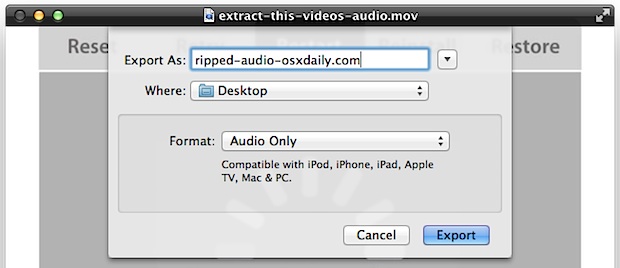
Rip Audio Tracks from Video using QuickTime

Though Mac OS X now includes built-in encoding tools to perform conversions of video to audio, you can also extract an audio track from a movie by using QuickTime Player. The great thing about ripping an audio track from a video this way is that mo downloads are necessary, and there is no enabling any … Read More
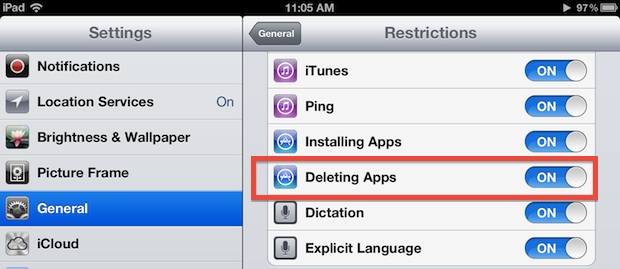

Prevent Apps from Being Deleted on an iPad, iPhone, or iPod touch

Jul 23, 2012 - 3 Comments
Prevent the Deletion of Apps in iOS

If you want to prevent someone from deleting apps on an iPhone, iPod touch, or iPhone, all you need to do is flick a Restrictions setting in iOS: Open “Settings” and tap on “General” Go to “Restrictions” and enter your pin code, locate “Deleting Apps” and switch to OFF Exit out of Settings You can … Read More

Sleep a Mac from the Command Line

Jul 22, 2012 - 21 Comments
Mac Terminal icon

Sleep can be invoked instantly on any Mac through the command line by running the pmset command or a very simple AppleScript run in Mac OS X. This can be useful for many reasons, whether scripting, system administration, remote management with SSH, or perhaps you just live in the command line. We’ll show you two … Read More

Hide Anything from Spotlight in Mac OS X with the Library Folder

Jul 21, 2012 - 7 Comments
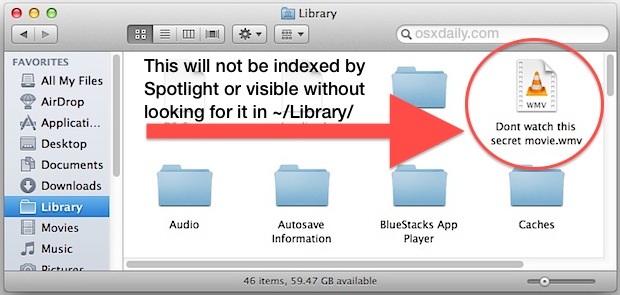
Hide anything from Spotlight with the Library Folder

Though you can add anything to Spotlights Privacy list to prevent indexing of that folder or file, the obvious problem with that approach is the file or folder is shown within the Spotlight control panel in Mac OS X, making it easy for someone else to find the excluded items. Another way to hide a … Read More

Fix Stuck Podcast, Music, and Video Downloads in iOS

Jul 21, 2012 - 4 Comments
Fix stuck downloads in iOS

Though you can usually fix stuck app downloads by double-tapping the stuck icon, that doesn’t work with things downloaded from iTunes like podcasts, music, audio books, and video. If you find yourself forever waiting for a stuck media download from iTunes, the solution is very simple: Launch iTunes and then tap on “Downloads” Find the … Read More

Add Favorite Websites & Bookmarks to the iOS Home Screen

Jul 21, 2012 - 4 Comments
Add a website bookmark to the homescreen of iPad or iPhone

Have a favorite website that you read on your iPhone, iPad, or iPod touch and perhaps you’d like to have faster access to it? You’re probably reading it this very minute, right? Of course you are, but rather than launching Safari first and then going to a web page, you can add this website or … Read More

Rename Terminal Tabs in Mac OS X

Jul 20, 2012 - 10 Comments
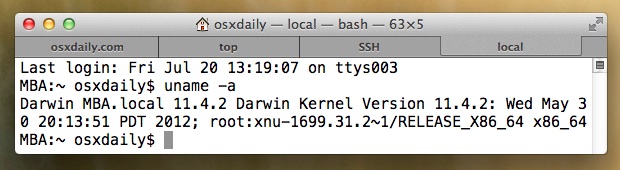
Rename Terminal Tabs

Having a bunch of Terminal tabs named “bash” “bash” and “bash” isn’t too useful or descriptive. Instead, you can rename each tab individually to something more specific by using the Terminal inspector. Before doing so, keep in mind that tabs default to rename themselves automatically based on the currently running process, thus if the terminal … Read More

Quickly Hide a File in Mac OS X Using chflags

Jul 19, 2012 - 7 Comments
Hide a file in Mac OS X

Want to quickly hide a file from prying eyes? Just like you can hide folders, you can hide individual files too. Here is how to do this using the command line tool chflags. Launch Terminal from /Applications/Utilities/ and use the following command syntax: chflags nohidden /path/to/hide/file.txt If you know the path to the file just … Read More

Fake a Phone Call to Your iPhone To Get Out of Awkward Situations

Jul 19, 2012 - 6 Comments
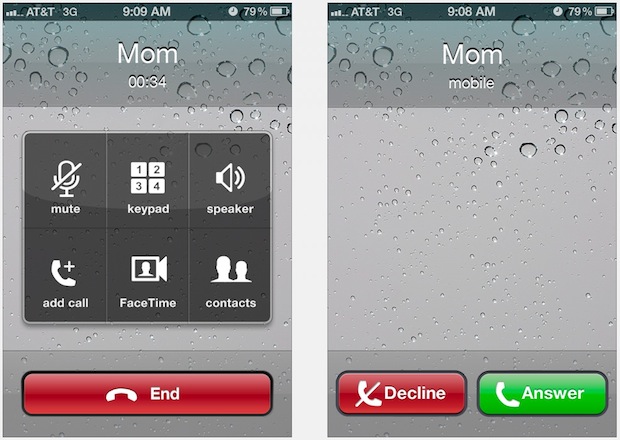
Fake an iPhone phone call

We’ve all been in an awkward situation where we wished we could get out of, whether it’s standing around the watercooler listening to Bob discuss too many details of his dermatologist appointment, sitting next to the crazy guy on the train, or you’re just on a horribly bad date that couldn’t end soon enough. Actually, … Read More

Force Empty Trash in Mac OS X When File is Locked or In Use

Jul 19, 2012 - 56 Comments
Force Empty the Trash if a file won't delete

Mac OS X can sometimes throw permissions errors when trying to delete files or empty the Trash. The most common variations of the errors are usually “Operation cannot be completed because the item “File” is in use” or “because the file is locked”, sometimes you can get around this by just quitting open applications or … Read More

Always Show the Bookmarks Bar in Safari on iPad

Jul 19, 2012 - 5 Comments
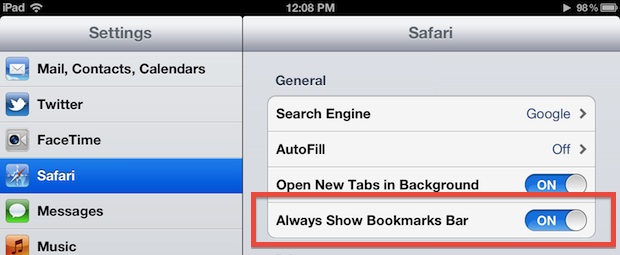
Always show bookmarks bar in Safari for iPad

The bookmarks bar is hidden by default in Safari on iPad, undoubtedly to save screen space and to keep the experience simple, but if you access some websites frequently or use bookmarklets like View Source often you may want to have the bookmarks bar always visible. From the home screen, open Settings and tap on … Read More

Delete Text Messages, iMessages, & Conversations from iPhone

Jul 18, 2012 - 23 Comments
Delete entire text message threads from iPhone

Want to delete a text message or conversation thread from an iPhone? Maybe it’s a regretful SMS, a security risk, or just an embarrassing iMessage conversation from after you had too much to drink, whatever it is you can quickly delete an entire conversation or even selectively delete only certain parts of a message thread, … Read More

Explore a Mac Apps Graphical Resources & GUI Elements with Preview

Jul 18, 2012 - 7 Comments
Explore applications UI elements and graphical resources

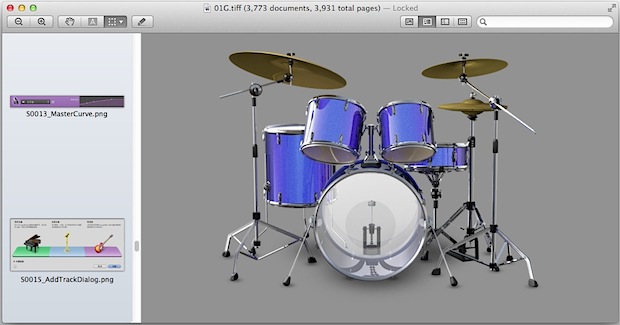
Designers and UI tweakers alike should get a kick out of this one: Launch Preview app, and then drag any application into the Preview Dock icon to view and explore all of that applications graphical resource files. Inside you’ll often find extensive amounts of graphics, icons, interface elements, screenshots, assorted images, and tons of other … Read More

Convert DMG to CDR or ISO with Disk Utility

Jul 18, 2012 - 17 Comments
Convert a DMG to CDR or ISO

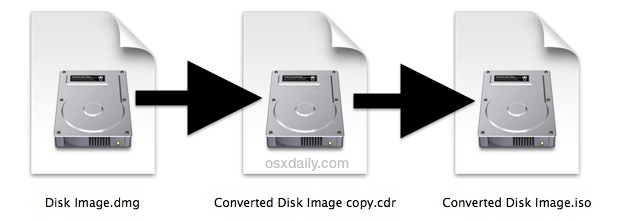
Need to convert a DMG disk image file to a CDR or ISO disk image format? Don’t bother downloading any third party tools, all you need for conversion is built right into Mac OS X and you don’t even have to go the command line route for most cases.

The Single Most Important Tip for Recording Video on iPhone

Jul 18, 2012 - 29 Comments
iPhone video recording tip

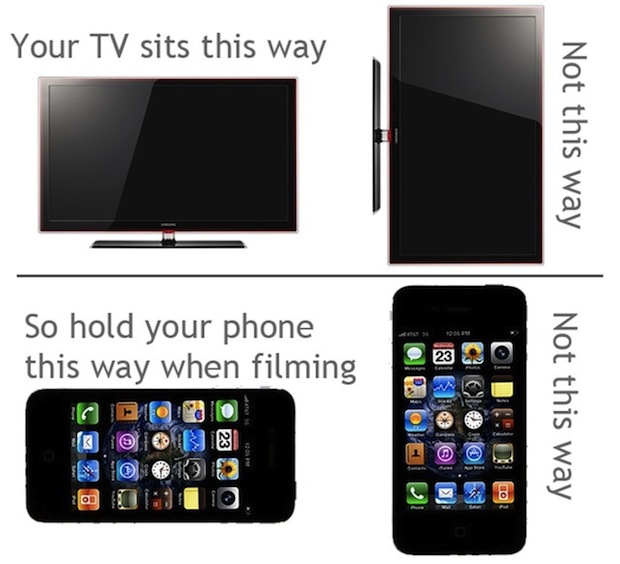
Have you ever noticed that iPhone video gets recorded according to the orientation of the device? If you haven’t noticed that yet, pay attention to it now, because you’ll create significantly better videos if you just rotate the iPhone into horizontal orientation before hitting that record video button.

Forget Windows Media Player, Here Are 3 Free Ways to Play WMV Video on a Mac

Jul 17, 2012 - 6 Comments
Play WMV Video in Mac OS X

WMV files typically are played in Windows Media Player, but Mac users don’t have that app. Not to worry though, there are plenty of solutions to play WMV video right in Mac OS X and you can go ahead and forget about WMP because the Mac apps are better and more versatile anyway. Without further … Read More

Send a Notification Badge to the Terminal Dock Icon When a Task is Finished

Jul 17, 2012 - 12 Comments
A notification badge alert is sent to the Terminal icon in the OS X Dock

Not long ago we showed you how to announce when a command line task was finished by using the ‘say’ command, but because it speaks aloud it may be inappropriate to use in a quiet environment. A much more subtle notification takes advantage of Terminal apps new usage of the BEL alert, which in OS … Read More

Make Easy Diptych & Triptychs of Your iPhone Photos with Diptic App

Jul 17, 2012 - 1 Comment
Diptic iPhone app makes diptychs and triptychs easy

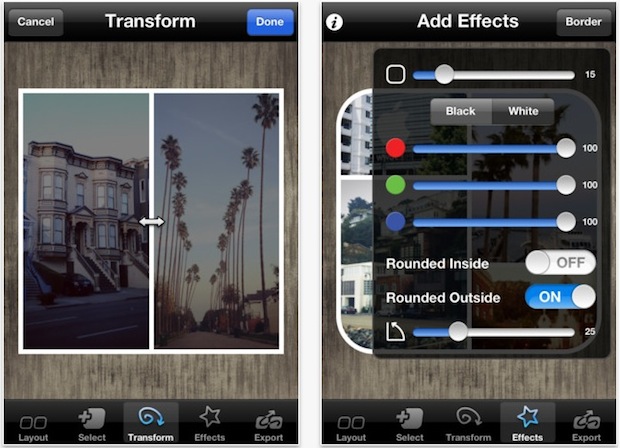
Diptic is an app for iPhone and iPad that makes creating diptych and triptych photo collages easier than ever. With a ton of layouts, filters, basic editing tools, and customizations, you can quickly build a visual story using either freshly taken photos or pictures stored in your iPhone camera roll. When you’re finished, Diptic let’s … Read More

Subscribe to OSXDaily

Subscribe to RSS Subscribe to Twitter Feed Follow on Facebook Subscribe to eMail Updates

Tips & Tricks

News

iPhone / iPad

Mac

Troubleshooting

Shop on Amazon to help support this site