
Force Dictionary to Use One Window in Mac OS X
 If you regularly use Spotlight (or Services) to access the dictionary app in Mac OS X, you may have noticed that with each definition a new window is spawned. This can quickly lead to clutter, which annoyed TUAW enough to ask MacOSXHints for a solution. Like magic, MacOSXHints provided one and that’s what we’re sharing here. Basically, this causes Dictionary to only use a single window on the Mac.
This is accomplished with a defaults command string, so you need to have some command line experience or just copy and past the pertinent text below.
To force Dictionary to use only one window, launch the Terminal and type the following:
defaults write com.apple.Dictionary ProhibitNewWindowForRequest -bool TRUE
You can reverse this by changing TRUE to FALSE and re-executing the command.
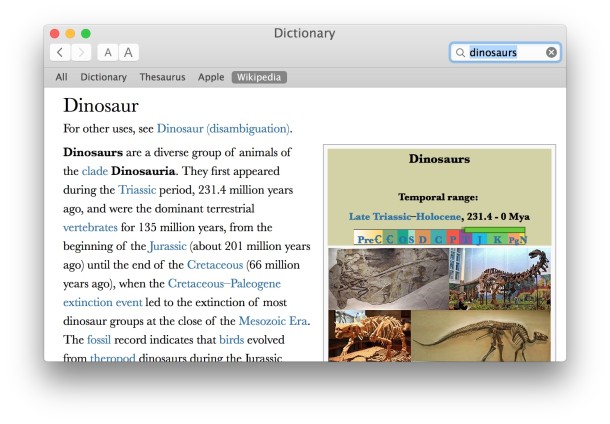
Relaunch Dictionary, and the change will take effect. Cool!





