
Remove a System Preference Pane in Mac OS X
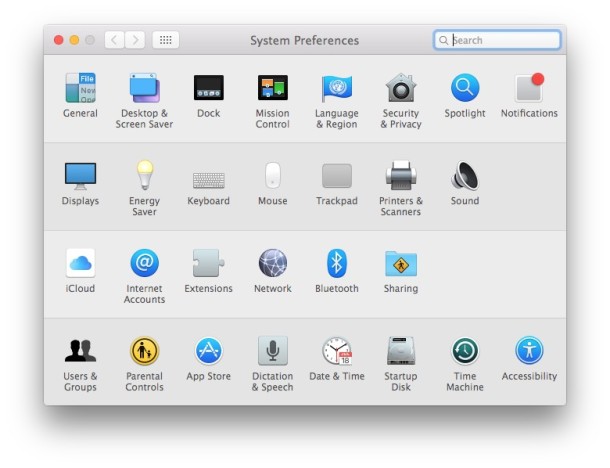
If you have added any third party system preference panels to the Mac, you can easily remove them if you no longer have a need for that system preference panel.
This is easy to do in all versions of OS X, you need to open System Preferences from the Apple menu then just do the following:
How to Remove a Preference Panel in Mac OS X System Preferences
- Right-click on the third party preference panel you wish to remove
- Choose “Remove Preference Pane” to delete it from the System Preferences
This will actually remove the system preference panel rather than simply hide it.
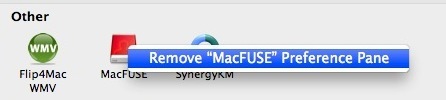
Keep in mind this only works with third party preference panes and third party preference panels. These usually appear in the bottom of the system preference panel screen in OS X under the “Other” section.
Rather than right-clicking, you can also use control-clicking on the icon, and then selecting “Remove Preference Pane”, it will immediately disappear.
This works in all versions of OS X. For system preference panels you can hide them, but you can not remove them.






[…] can hide unwanted System Preferences from appearing in the control panel without actually removing them. This is a helpful distinction for setting up other user accounts or just for hiding System Prefs […]