
Use Tab to Auto-Complete Paths at Go To Folder Screen in Mac OS X
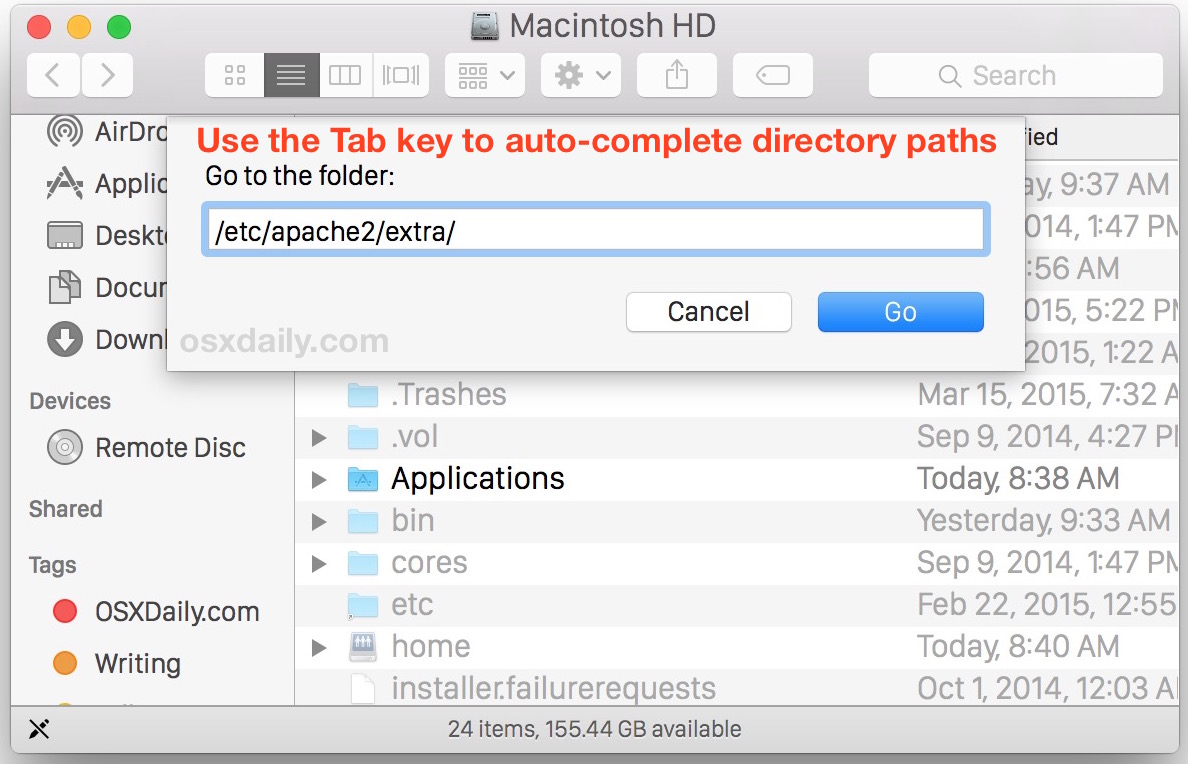
You can use the tab key to auto-complete paths within Go To Folder on the Mac, a particularly handy trick to keep in mind the next time you’re navigating directory paths on the Mac.
Tab key auto-completion is a feature that many command line users are familiar with, particularly those with a unix and linux background. Of course, the Mac OS X command line features tab completion as well, but much lesser known is that the excellent “Go To Folder” screens of the Mac also support tab completion.
Yes, the very same Go To Folder option that lets you jump anywhere in the Mac OS X file system in a jiffy, also allows for you to start typing out a directory path and use the tab key to finish writing it for you.
How to Use Tab Completion in Go To Folder on Mac
This is best tested out yourself to understand how it works, particularly if you’re less familiar with Tab completion functionality. To try out tab completion in Go To Folder just do the following:
- Open the Go To Folder (Command+Shift+G in Finder) window and start typing the path to a folder, like ~/Library/Pre
- Stop there, then hit the tab key to complete the rest of “Pre” with “Preferences” – that’s tab completion!
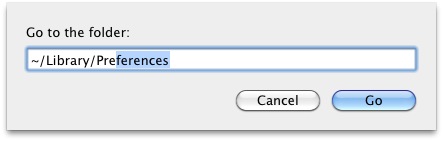
You must type out a folder or directory prefix to use the tab key to complete the folder path, so for example /e for tab completing to /etc/ or ~/Ap for tab completing to ~/Applications/
If you’re unfamiliar with tab completion this is one of those tricks that you should try out yourself so that you can see how it works, it’s often better experienced than explained.
This is extremely useful when you are accessing lengthy paths in your filesystem, and if you come from a command line background then you’ll be sure to appreciate this functionality.
Auto-completion should be familiar to anyone with a unix background, since it is regularly used within the command line interface. It works basically the exact same way here, and is supported in nearly all versions of Mac OS X regardless of origin date or system software version, from MacOS Catalina, Mojave, Sierra, Mavericks, Snow Leopard, and earlier.
You can use the tab key to autocomplete any path in the Finder Go To Folder window, so whether you’re trying to navigate to a local user directory, or some deeply embedded path in the file system, tab it out and save yourself some typing.
Do you know of any other handy tricks for tab completion of paths on the Mac? Share with us in the comments if so!






I love this, what a fantastic idea.
[…] discussed tab completion a while ago but it’s worth mentioning again since it makes Command+Shift+G even speedier when […]
[…] just a general Terminal tip, I would highly recommend using tab completion when entering in long directory strings and complex names, it’ll save you plenty of […]
Paster : Exactly, and and must open a new windows to run without take front one… But nice twick so
I’m not really surprised by this functionality, nor am I surprised by the fact that Finder auto-completes the path. I’v never used go to folder in Finder though, contrary to tab completion in terminal which I use daily.
After fiddling around with it I’ve found one major flaw:
~/Library/Pr[TAB] adds up to ~/Library/Printers/
while Preferences/ and PreferencePanes/ is also available.
This won’t happen in terminal, either it adds nothing or it shows the available options if you press TAB twice.
I tried your suggestion with ‘~/Library/Pre’,
but before I could hit the Tab key, OS X had already completed the path.
Upon further testing with different and longer paths, OS X completed every path I started to type with no intervention from me.
I would have to question the usefulness of this tip…
OS X 10.6.4