
Sort top by CPU Usage to Make it More Useful
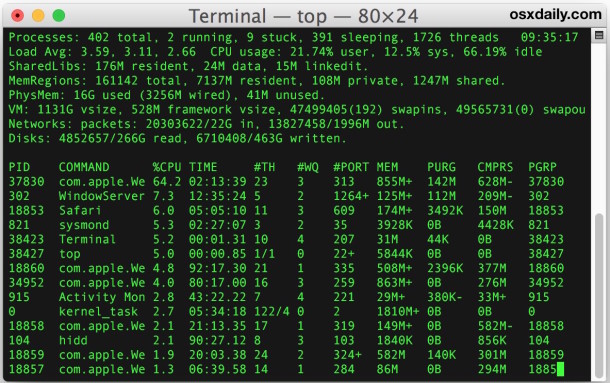
The top command is a great way to get a quick overview of how your system is performing and how apps are using your resources. If you are unfamiliar with it, it’s basically a command line task manager like Activity Monitor and it shows processor usage, memory usage, disk activity, load average, and other helpful system resource details. A common complaint with top is that by default the apps settings don’t sort processes by CPU use, which for many of us is one of the most useful ways to detect an errant process or to keep track of system resources. Fortunately, thanks to a few easy customizations to the top command, you can quickly run top to monitor all processes from the command line and sort them by CPU use from top to bottom.
How to Sort “top” Command by CPU Usage
The simplest trick to sort top by processor utilization is by adding the -u flag to the command, like so:
top -u
The top command running with -u for CPU priority looks like the following, processes will move up and down in the list depending on their CPU usage:
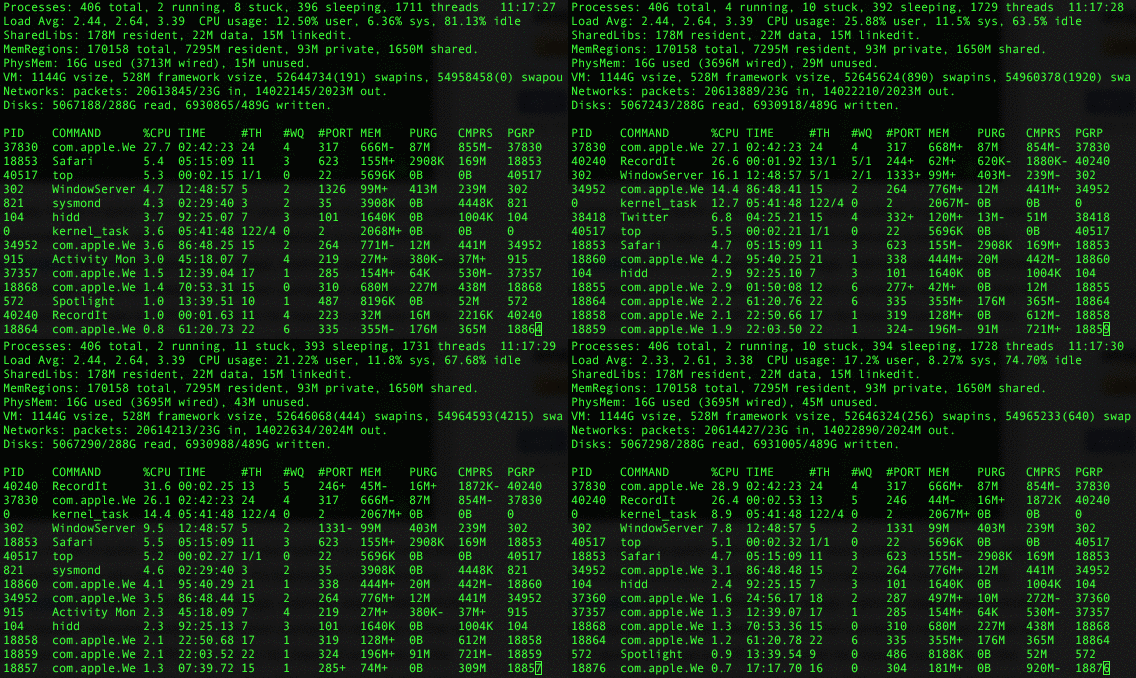
Another approach to sort by cpu (or anything else) is to use the -o flag then the modifier to sort by, in this case it would be ‘cpu’ since we wish to sort by processor usage.
top -o cpu
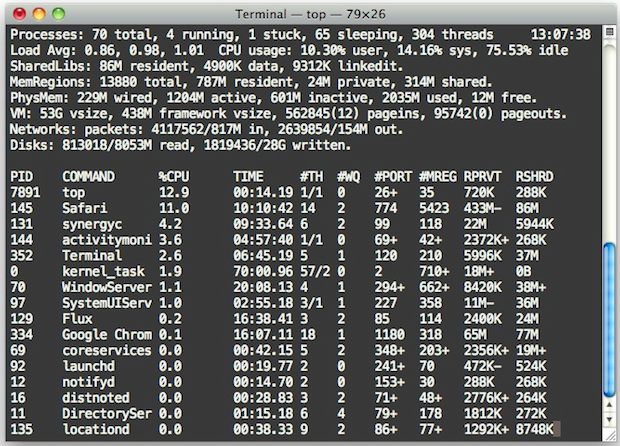
Alternatively, if top isn’t doing it for you, you could just install htop for Mac OS X through MacPorts or Homebrew. htop is superior to top in many ways, but because it requires additional software to install many users might not want to bother with it, whereas ‘top’ command is included in every version of Mac OS X and just about every linux and BSD release every imaginable.
Know of any other handy top tricks? Let us know in the comments.






Wow, thanks a billion for this info! Top author should be ashamed for not providing any of this.
Or while in top, you can interactively sort the order by pressing o, then the key, e.g. press ocpu gets ordering by CPU usage. Other e.g. keys :
pid
command
time
ports
uid
vsize
ppid
etc.
‘top -u’ is shorter and does the job.
Post updated, thanks!