
Enable & Access AirDrop File Transfer in Mac OS X Quickly with a Keystroke
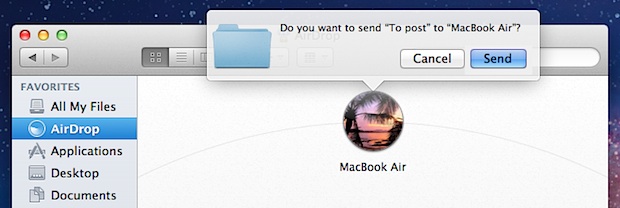
Remembering a keyboard shortcut makes using AirDrop even easier in Mac OS X, by quickly accessing the AirDrop window and enabling the Mac to be ready to accept or send files to other nearby computers.
How to Enable & Instantly Access AirDrop in Mac OS X with a Keyboard Shortcut
The quickest way to both enable and access AirDrop on a Mac is with a simple keystroke:
The AirDrop Keyboard Shortcut: Command+Shift+R
The instant go-to AirDrop keystroke is Command + Shift + R. Just hit that keyboard shortcut from anywhere in the OS X Finder and you’ll jump to the AirDrop window.
In turn, this will immediately enable AirDrop, broadcasting your Mac to others that are using AirDrop, which then allows for simple file sharing using the service.
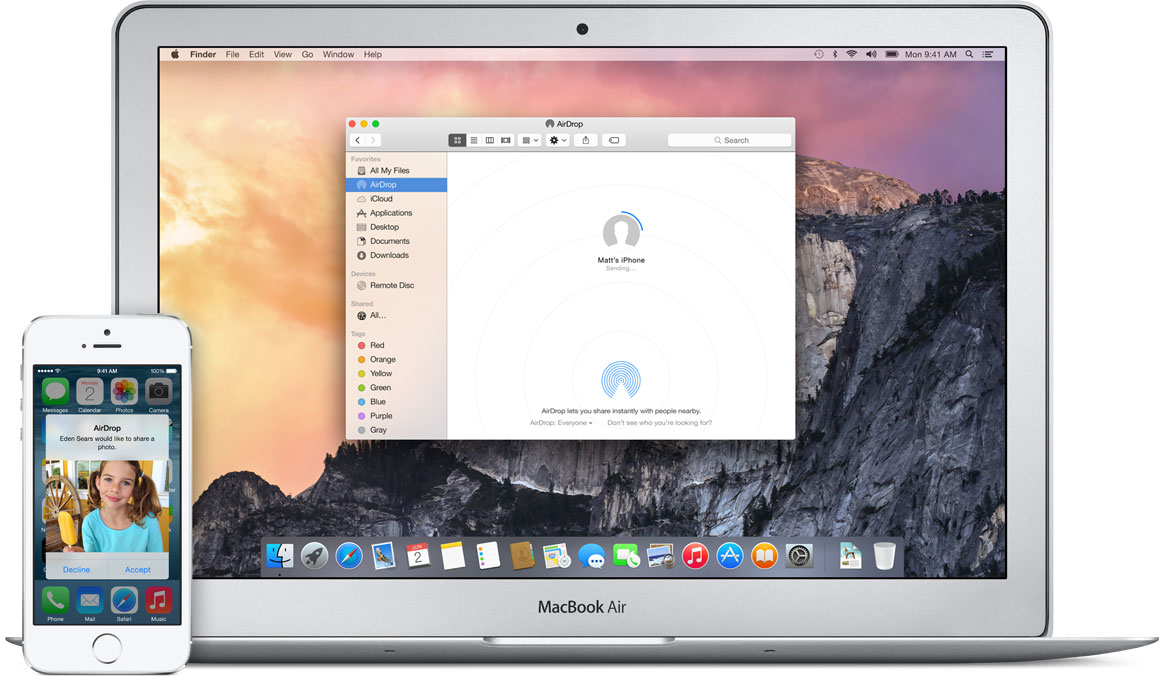
Remember that all Macs must be in the AirDrop window in order to work with each other. If you’re unfamiliar with how AirDrop works, you can learn more here.
This keyboard shortcut is the same in OS X El Capitan, Yosemite, Mavericks, Mountain Lion, and Lion, and it works from anywhere on the Mac OS X desktop within the file system, and it should even work with AirDrop on unsupported Macs as well, at least after the service has been turned on for those computers.
AirDrop really is one of the easiest ways to share files with other Macs that are also using the AirDrop service, with virtually no setup required, so remember this keystroke, you’ll use it!






Cannot make connection between iPhone and iMac.
Running current OS on both.
In Safari the shortcut “Command+Shift+R” opens the “Reader”
Which is why you have to do this from the Desktop