
How to See Accessibility Options in Mac OS X Instantly from Anywhere with a Keystroke
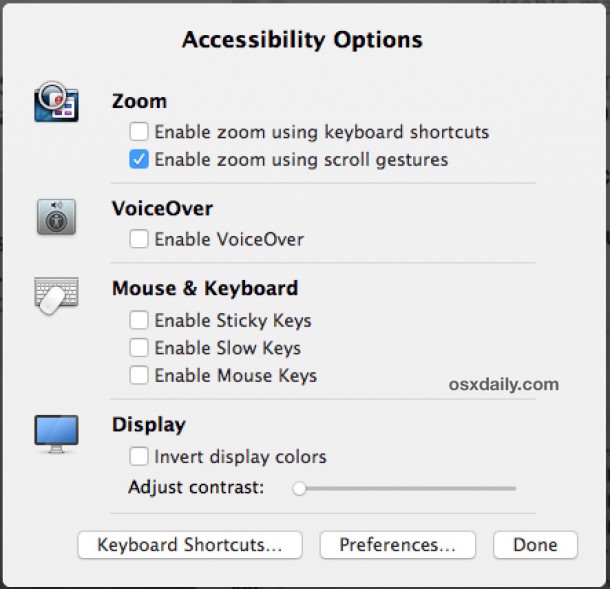
Mac OS X makes it easier and faster than ever to access and tweak Accessibility Options from anywhere on the Mac, thanks to a new keyboard shortcut.
The Accessibility panel allows Mac users to quickly toggle zoom, VoiceOver, sticky keys, slow keys, mouse keys, screen contrasts, screen invert, and more, depending on what version of Mac OS you are using.
Accessibility Options Keyboard Shortcut on Mac: Command + Option + F5
To access the quick Accessibility options panel in any modern version of Mac OS X, just hit Command+Option+F5 and a preference window will instantly appear that allows you to adjust commonly used Accessibility features.
For modern versions of MacOS system software, accessing the Accessibility Options panel will also trigger VoiceOver temporarily as it describes what is on screen – this is an excellent and thoughtful addition for users with visual difficulties, and it can also be helpful for advanced systems administrators who are troubleshooting some curious issues with a Mac display.
The Accessibility Options panel settings list includes enabling zoom from keyboard or scrolling, enabling and disabling VoiceOver, toggles for sticky keys, slow keys, and mouse keys, contrast adjustments, and the ability to toggle screen inversion on and off.
You can also launch the main Accessibility Options preference panel from the window, and clicking either Done or outside of the window makes it go away.
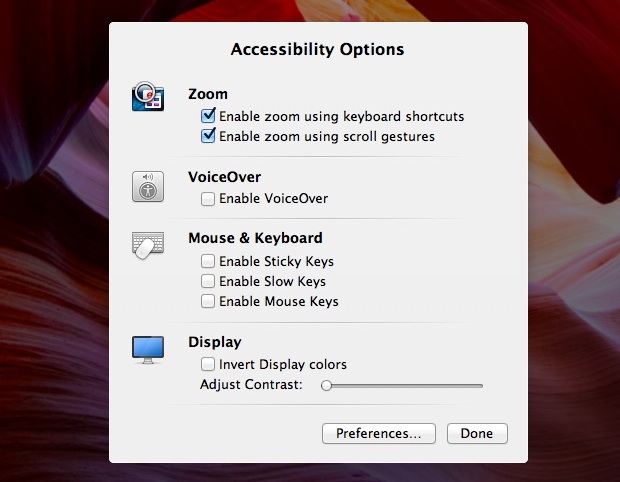
If you don’t have it enabled, the zoom features are very useful and allow you to hold down the control key combined with a two-fingered swipe gesture to zoom in and out of areas on the screen.
Of course you can also adjust your Accessibility Options on the Mac via the System Preferences, but this quick access shortcut is extremely useful for users who need it, and it’s a pretty easy keyboard shortcut to remember too.






Control-Option-Command-8 inverts the display
That key combination isn’t very “accessible”.