iPad

The iPad is a tablet computer from Apple that runs the iOS mobile operating system. Similar in functionality to the iPhone, the iPads purpose is often quite different, sometimes even serving as a general desktop computer replacement.

Search iPad

Delete Pictures from Photo Stream & iCloud

Oct 23, 2011 - 16 Comments
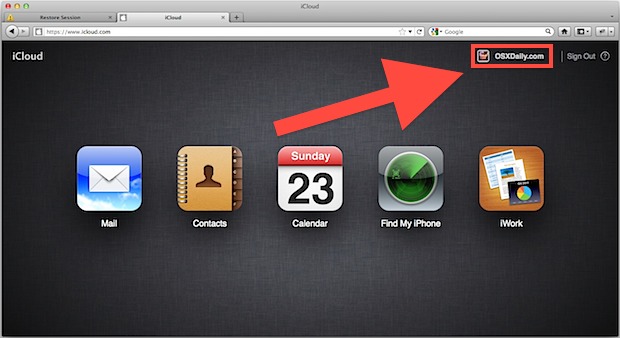
Delete Photos from Photo Stream in iCloud

If you’re set up to use iCloud with an iOS 5 device, you may have noticed that Photo Stream hosts your pictures online on iCloud.com and also syncs the pictures to the Photo Stream of your other devices. Apple will remove these pictures automatically after 30 days or after 1000 photos are uploaded, but if … Read More
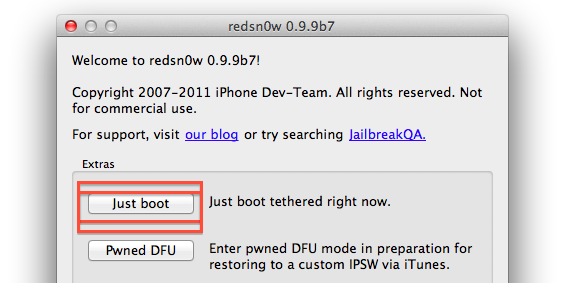

Get a Semi-Tethered iOS 5 Jailbreak

Oct 23, 2011 - 21 Comments
Boot tethered with redsn0w

For anyone who has used the existing iOS 5 jailbreak methods, a new package has been added to Cydia that allows for a semi-tethered reboot. What the semitether means in practice is that you’ll be able to reboot an iPhone, iPad, or iPod touch if you’re in a pinch without the assistance of redsn0w’s “Just … Read More

Newest Redsn0w 0.9.9b7 Jailbreaks iPhone & iPad with iOS 5 in 80 Seconds

Oct 23, 2011 - 9 Comments
redsn0w 0.9.9b7

The newest version of redsn0w released by the iPhone Dev Team provides one of the fastest jailbreaks yet, and you’ll be finished in as little as 80 seconds. This is achieved by offloading some of the procedure to Cydia itself, which then takes longer to open on it’s first launch as the entire process is … Read More

Enable Private Browsing on iPad & iPhone with Safari in iOS 6

Oct 21, 2011 - 27 Comments
Private Browsing in Safari with iOS 5

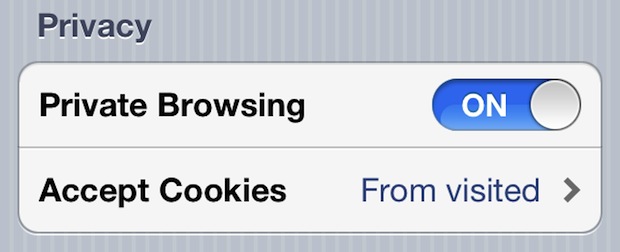
iOS allows you to enable private browsing in Safari for the iPhone, iPad, and iPod touch. This feature is sometimes called “Incognito Mode” with other browsers, and essentially this lets you browse the web and visit web sites without saving a record of any browser history, cache, logins, or searches, and it prevents cookies from … Read More

Bypass the iPad 2’s Passcode & Lock Screen with a Magnet or Smart Cover

Oct 20, 2011 - 9 Comments
Bypass the iPad 2 passcode

Well here’s a security flaw in iOS 5 that will quickly get patched: anyone with a magnet (or a Smart Cover) can bypass the iPad 2’s locked passcode screen and access whatever app was previously left open. The passcode bypass was discovered by 9to5mac, who recorded a video demonstrating the security breach (embedded below). From … Read More

How to Rename an iPhone, iPad, or iPod touch

Oct 20, 2011 - 6 Comments
iPhone

A nice addition to iOS is the ability to rename your iPhone, iPad, or iPod touch device directly on the device itself through the Settings app. This is a nice software feature which prevents users from having to go about changing the name with iTunes on a computer. Instead, the entire name adjustment is handled … Read More

Sync iMessage Across All iOS Devices: iPhone, iPad, & iPod touch

Oct 19, 2011 - 46 Comments
iOS Messages app icon

Now that you’ve set up iMessage, if you use multiple iOS devices you’ll want to be sure to sync your conversations across them all. For example, if you use an iPhone and have an iPad, you may want to have iMessage sync between the iPhone and iPad seamlessly. This is supposed to happen automatically as … Read More

How to Set Up & Use iMessage on iPhone, iPad, & iPod touch

Oct 18, 2011 - 197 Comments
iOS Messages app icon

Want to use iMessage with iPhone or iPad? Of course you do! iMessage is the fantastic messaging service that is built directly into iOS from versions 5 onward, available for iPhone, iPad, iPod touch, and Mac. iMessage is great because it allows you to send instant messages, text messages, pictures, video, contacts, and locations, across … Read More

iTunes “Other” Capacity Taking Up Tons of Space? Here’s a Fix for iPhone & iPad

Oct 18, 2011 - 231 Comments
iTunes Other Capacity

Back on the topic of iOS disk usage, we have several solutions to that persistently annoying “Other” space you see in iTunes, which sometimes can take up huge amounts of space that are seemingly impossible to recover. We will show you exactly how to get your “Other” space back from an iPhone, iPad, or iPod … Read More

Check Available Storage Space and How Much Space an App Uses in iOS

Oct 18, 2011 - 5 Comments
Check how much space an app uses in iOS 5

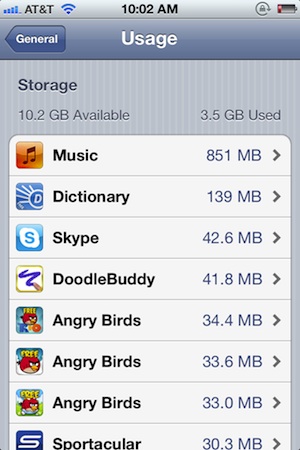
You can quickly find out how much storage space is available on your iOS device, and perhaps more useful, the amount of storage space currently being used. This same storage information screen also gives users details on how much space each specific app is taking up, and even shows how large your music, movies, and … Read More

iOS 5 GUI Elements in PSD

Oct 18, 2011 - 8 Comments
iOS 5 GUI Element PSD file

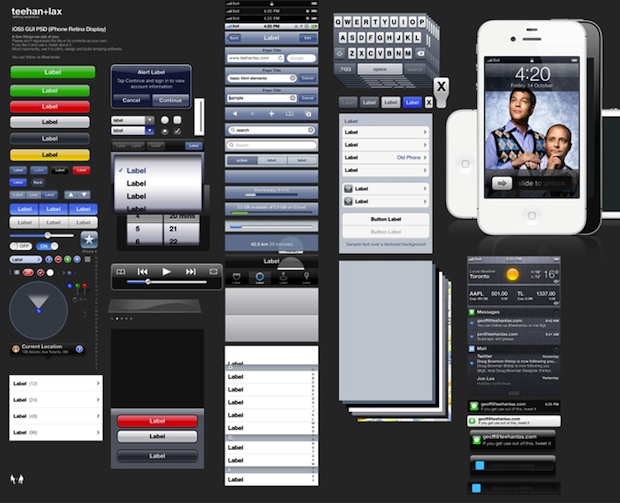
If you’re an UI designer, iOS developer, or anywhere in between, this iOS 5 GUI elements kit makes quick work of mocking up apps and iOS interfaces. The PSD file comes from Teehan+Lax, the same guys who brought the iPhone & iPad GUI elements as layered photoshop docs as well. Download it now or visit … Read More

Get the Hourly Weather Forecast in iOS 5 on iPhone & iPod touch

Oct 17, 2011 - 5 Comments
Hour by Hour weather forecast in iOS 5

If you’re on a modern version of iOS you have easily accessible hourly weather updates on iPhone, but if your iPhone is running a much older version of system software it’s a bit different. Fortunately the weather app in iOS 5 has been improved to include quickly accessible hourly forecasts, in addition to the percentage … Read More

iOS 5 Battery Life Worse? Fix Draining Battery Problems with these Tips

Oct 16, 2011 - 165 Comments
iOS 5 Battery Life Issues

Many users who have upgraded to iOS 5 have noticed decreased battery life, the problem seems to effect iPhone and iPad users the worst, but some iPod touch users have noticed battery reductions as well. Even without heavy usage and when a device is in standby mode, the battery seem to drain much quicker than … Read More

Siri for iPad 2 and iPhone 4 Are Coming Soon… Unofficially

Oct 15, 2011 - 14 Comments
Siri on iPad 2

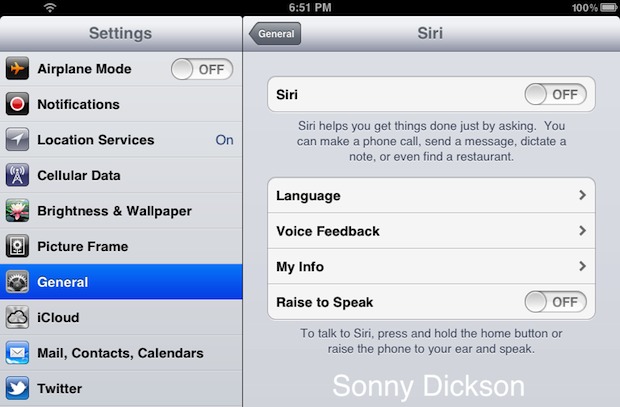
Siri, the personal voice assistant that comes with iOS 5 on iPhone 4S, is being ported to both the iPad 2 and iPhone 4. This isn’t official from Apple though – at least not yet – it’s the work of several iOS developers. First off, it doesn’t quite work yet, but considering the port has … Read More

How to Use the Camera from Lock Screen in iOS 5

Oct 14, 2011 - 73 Comments
Use the camera from lock screen in iOS 5

Yet another great feature of iOS 5 is the instant camera access from your lock screen. This lets you quickly pull out your iPhone (or iPad and iPod touch of course) and take pictures without having to unlock the iPhone or clicking on the camera app. Here’s how to use this quick camera access trick … Read More

Hide Purchases from the App Store in iTunes, iOS, & Mac OS X

Oct 14, 2011 - 10 Comments
Unhide hidden purchases in the App Store

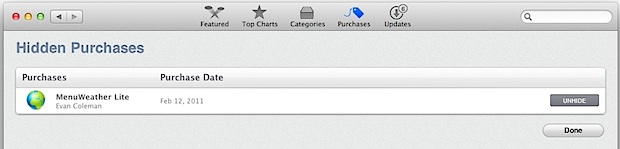
New to Mac OS X and iOS is the ability to hide purchases from appearing in the Mac App Store, iOS App Store, and the iTunes Store purchased items lists. This is great if you download tons of stuff but use only a fraction of apps, and you don’t want the other items clogging up … Read More

Move Newsstand App Into a Folder on iOS 5

Oct 13, 2011 - 19 Comments
Newsstand in Folder

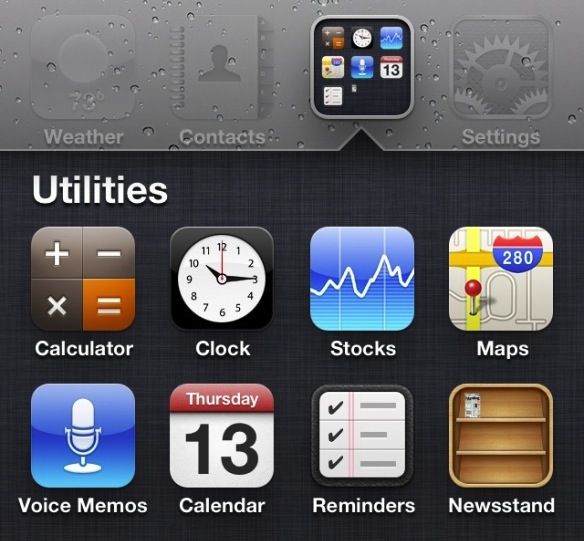
Those who have upgraded to iOS 5 have probably noticed that little Newsstand icon is unable to be moved to a folder, and like all other Apple iOS apps, it can’t be deleted. Well, a little tip from The Coding Massacre has made the rounds that shows us how we can force the Newsstand app … Read More

How to Use Wi-Fi Sync for iPhone, iPad, & iPod touch with iOS

Oct 13, 2011 - 135 Comments

By far one of the best features of iOS is wireless syncing and backing up, as the name implies it allows you to wirelessly transfer apps, music, books, contacts, calendars, movies, photos, everything you had to use a wired sync for, but it’s done through the air. As long as your iPhone, iPad, or iPod … Read More

Subscribe to OSXDaily

Subscribe to RSS Subscribe to Twitter Feed Follow on Facebook Subscribe to eMail Updates

Tips & Tricks

News

iPhone / iPad

Mac

Troubleshooting

Shop on Amazon to help support this site