How to Install MacOS Catalina Public Beta
Jun 26, 2019 - 8 Comments
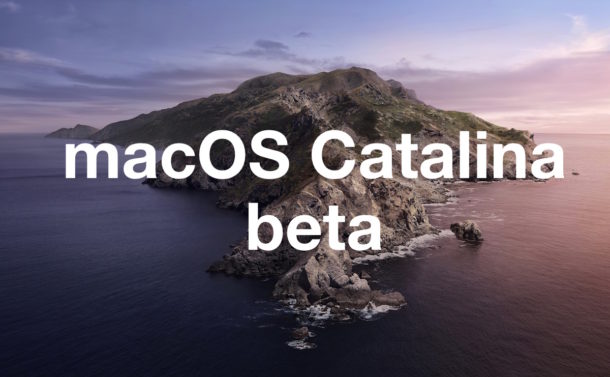
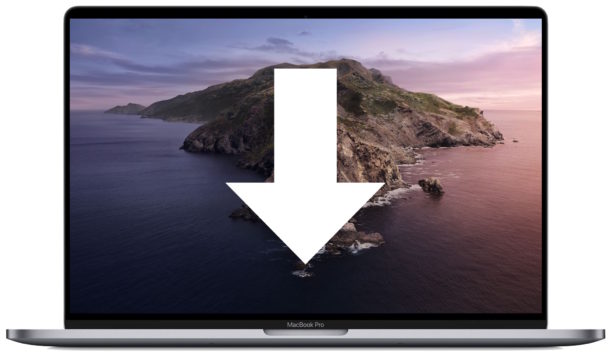
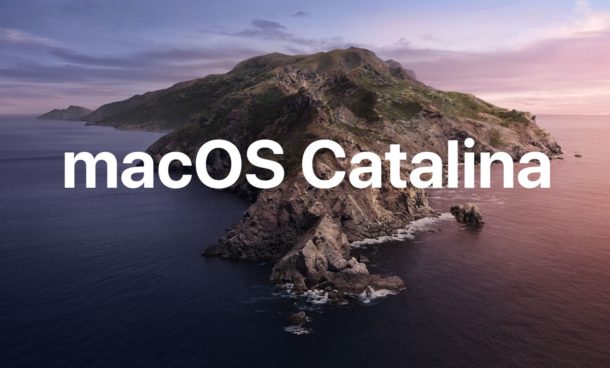
MacOS Catalina public beta is now available for the adventurous to download and install. With MacOS Catalina public beta you’ll be able to try out all the interesting new features of macOS 10.15, including Sidecar which allows you to use an iPad as a secondary display, Screen Time for Mac, Activation Lock for Mac, enhancements to Photos, Notes, and Reminders, and much more.
This tutorial will show you how to install MacOS Catalina public beta onto a compatible Mac.
By Paul Horowitz - Mac OS, Tips & Tricks - 8 Comments