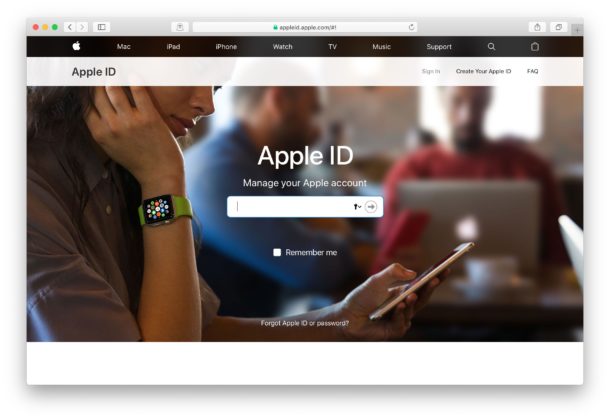
Disabled Apple ID? Here’s How to Fix When an Apple ID is Disabled
For a variety of reasons, an Apple ID may become disabled. Usually this corresponds with an obvious message like “Apple ID Disabled” or “This Apple ID has been disabled for security reasons” or some other notification that you are unable to sign in to the locked Apple ID because it has been disabled. This can be seen when trying to login to an Apple ID on iPhone, iPad, Mac, iCloud.com, or any other place you might attempt to login to an Apple ID. Obviously a disabled Apple ID is a big deal because nearly the entire Apple universe is accessed through an Apple ID, including iCloud, Music, iTunes, App Store, and much more, so you’ll understandably want to regain access to an Apple ID to re-enable it and fix the issue.
If your Apple ID is disabled and you having trouble logging into the account, read on to learn how to troubleshoot and resolve this problem. We’ll cover three different approaches to fix a disabled Apple ID.