Use an iPad as a Desk Workstation with Stand and Keyboard for $35
Apr 29, 2019 - 13 Comments
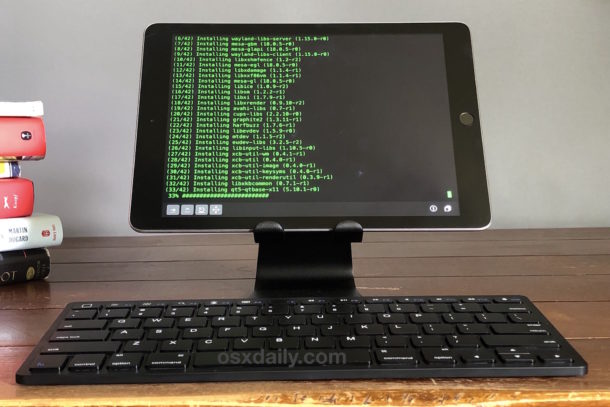
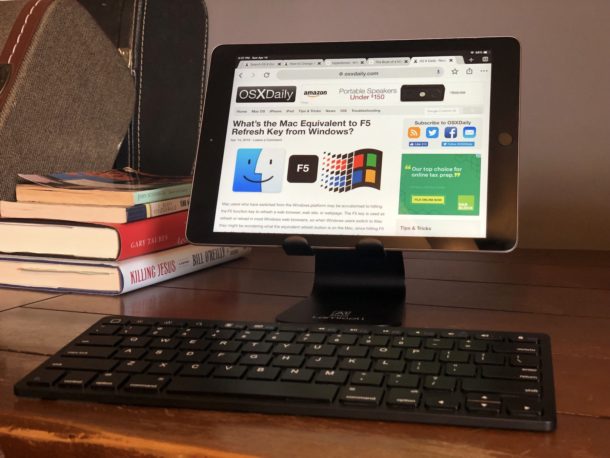
Want to use an iPad like a desktop workstation? With a couple of low-cost third party accessories, you can easily do just that and quickly setup a functional environment for using an iPad at a desk kind of like a mini-computer. All you need is an iPad stand and an external keyboard, and you’re good to go! And it even looks pretty good too, especially considering the low budget.
By Paul Horowitz - iPad, Mac Setups, Tips & Tricks - 13 Comments