How to Clear Quick Look Cache in Mac OS
Aug 21, 2018 - 10 Comments
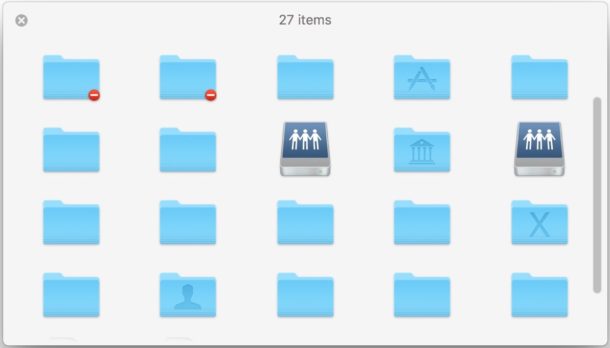
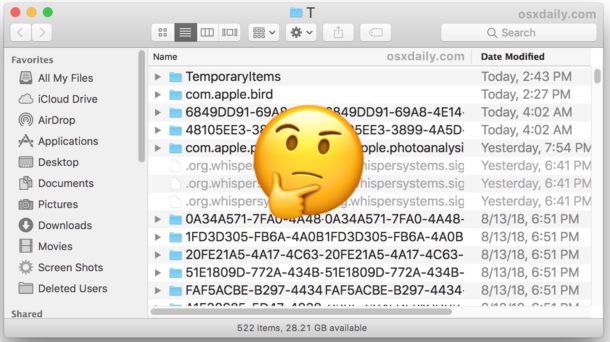
Quick Look is the ever-handy feature in Mac OS that allows you to select a file in the file system and get a quick preview of it, whether you’re in the Finder, an Open or Save dialog, or even some apps. Quick Look is a great feature with many abilities on the Mac that makes browsing around the file system much more efficient, but sometimes Quick Look can stop functioning as intended, either showing blank thumbnails and previews or erroneous previews, usually because of an issue with QuickLook cache. Typically these type of Quick Look issues can be resolved by simply clearing out and wiping the Quick Look cache on a Mac.
By Paul Horowitz - Mac OS, Tips & Tricks - 10 Comments