How to Hide Glances on Apple Watch
Apr 28, 2016 - 1 Comment
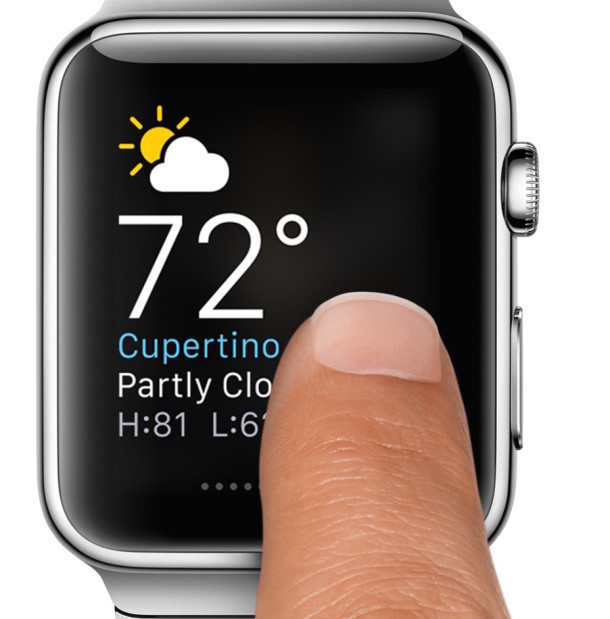
Apple Watch includes a variety of default glances, including a battery monitor, heart rate monitor, a calendar, a media playback adjuster, stocks, maps, a world map, amongst others. Additionally, many of the apps installed onto Apple Watch include a Glance feature with them, which allows users to quickly see a glimpse of what that app offers without having to open the app itself. While some of these glances are helpful and useful, some aren’t, and if you install a fair amount of third party apps onto the Apple Watch you’ll quickly find the Glances screen to be busy.
A simple solution is to hide and disable Glances that you do not use or do not find useful on the Apple Watch, this is done quickly in settings.
By Paul Horowitz - Apple Watch, Tips & Tricks - 1 Comment






 Most command line users know that the “rm” command for removing and deleting files is quite powerful, able to delete just about any file imaginable within the file system – whether it should be removed or not. Once you add in wildcards and sudo, rm and srm because exponentially more potent and potentially dangerous, so for advanced users who wish to add in a layer of security to the rm feature they can enable a confirmation dialog with the rm and srm commands. This also offers a helpful protective mechanism for those who are learning the command line and want to place a a layer of verification between the instantaneous deletion of files and their command execution.