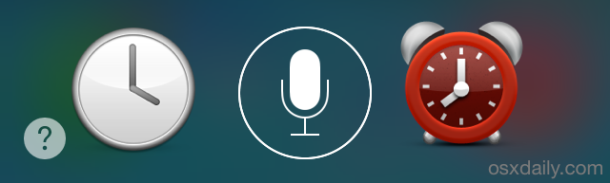
How to Pause Music & Podcasts on iPhone & iPod Touch Without Looking
Aug 19, 2014 - 13 Comments
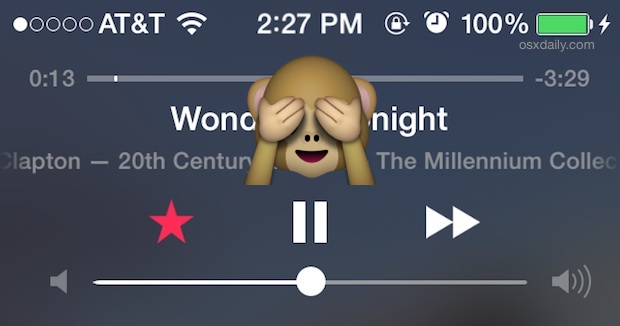
Fiddling around with your iPhone, iPod touch, or iPad while driving or riding a bike is dangerous as it takes your eyes off an important task, which is why things like texting and driving are made illegal. Many of us use our iPhones and iPods in the car though for listening to podcasts and music though, particularly since AUX input is becoming a common feature of car stereos. So what are we supposed to do if we need to keep paying attention to the road (or whatever the important task is), but need to pause the music or audio? That’s where this handy trick comes into play.
By Paul Horowitz - iPad, iPhone, Tips & Tricks - 13 Comments



 Apple has released the 6th developer preview build of OS X Yosemite to those registered with the Mac Developer Program. The update arrives as build 14A3429f, likely includes feature refinements and bug fixes, and is recommended for all Yosemite Dev Preview users to install.
 Though most email services nowadays support the “Sent” outbox, where you can easily find all emails that you’ve sent out from an iPhone (or elsewhere with that email account), not all mail providers do. This is particularly true for POP3 accounts where the email will be downloaded once from the server then deleted from the server, only to be stored on your local device, whether that’s an iPhone or a computer. For situations like this but when you’d still like to maintain an easy record of all emails you’ve sent from an iPhone or iPad, you can enable an option in iOS Mail app called “Always BCC Self”. As the name implies, when this setting is turned on, any mail sent from your iOS device will BCC (Blind Carbon Copy) to yourself, providing an alternative method of record keeping for sent emails.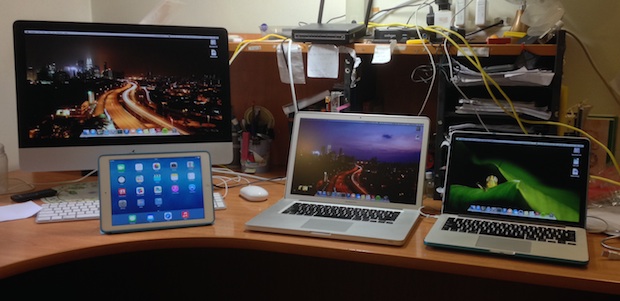
 Have you ever wanted to share an iPhone picture with someone, but you’re concerned about them flipping through your camera roll and finding other photos you’d rather not share? If you want to limit that you have a few options available, but because the iPhone doesn’t have a specific ability to lock onto a single picture, you’ll have to rely on a trick or two to limit the photo access instead.
  The user path is the series of directories that command line programs are searched in order to run. For example, if you type ‘iostat’ into the terminal, then iostat will be run from /usr/sbin because “/usr/sbin” is part of your $PATH. Accordingly, users who frequently use the command line may need to adjust or add new paths to their terminal so that commands can execute properly.