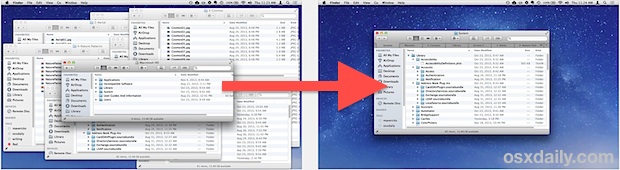
Get a Transparent Dock in OS X Mavericks by Disabling the Frost Effect

The Dock received a visual overhaul in OS X Mavericks which defaults to removing a minor transparency effect. It’s a subtle change that many users won’t even notice, but the difference is that now the content of windows, images, and items moved below/behind the Dock are no longer visible through what looks like a frosty window. With Mavericks, the frosty effect is stronger and there is no transparency at all, so anything behind the Dock becomes invisible.
Some users won’t care about this or even notice the difference, but for those who prefer the old look of a slightly transparent Dock or who use the auto-hiding Dock feature, it can make for a pleasant if not minor change. You should have some comfort with the command line to do this.
Read more »


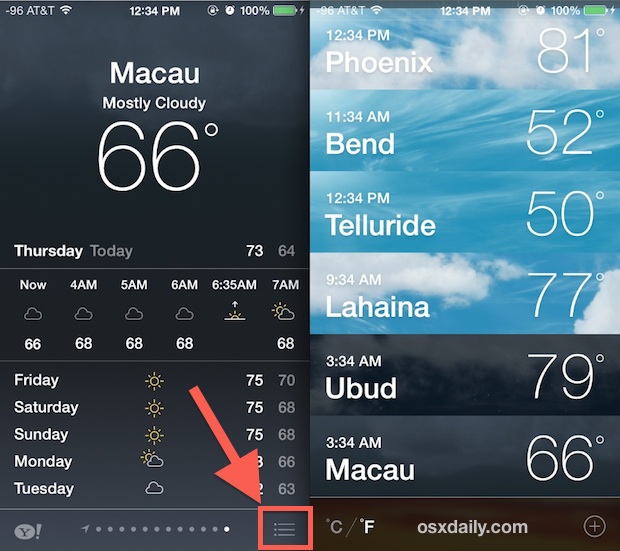
 Finder is the file manager in OS X, and it’s actually one of the oldest components of the Mac operating system, having been around since the earliest days of Mac OS. Despite it’s long history, many users who have upgraded to OS X Mavericks have discovered some peculiar behavior with Finder, where it can become extremely sluggish and slow doing when in use, even when doing just about anything. With some minor investigation through Activity Monitor, it’s typical to discover that the Finder process is pegging CPU, sitting somewhere between 80% to 200% – again, Finder is seemingly doing nothing strenuous or out of the ordinary.


 A full featured Apple Maps app is now bundled on all Macs running modern versions of Mac OS. Most people will probably use Maps to get directions and cruise around the globe for virtual tours, but there’s an excellent little feature that allows you to export any regions map as a PDF file.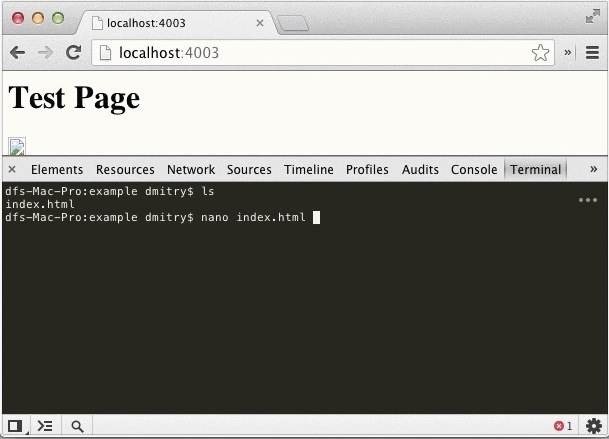


 Need to quickly toggle a system setting on your iPhone or iPad like Bluetooth or Wi-Fi on or off? Want to turn down the brightness of your iPhone without touching it? Now you can just summon Siri and ask your very own iOS personal assistant to change some of the most frequently accessed system settings within iOS for you.
  When opening a new page in Safari for iOS, the first thing seen is the “Favorites” page, which is basically a collection of website recommendations and bookmarks. That Favorites page is what you see when you have no active pages open in both normal and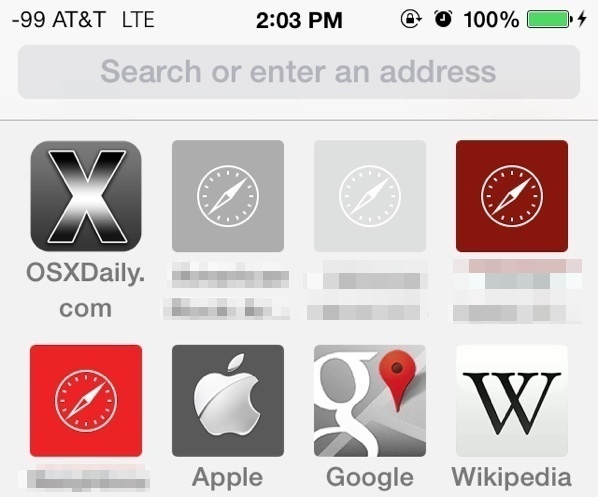
 Gatekeeper is an application level security feature on the Mac that aims to prevent unauthorized and unidentified apps from being launched in Mac OS X, thereby preventing potential security problems like exploits or trojans from running on a Mac. The feature is most often encountered when an app has been downloaded from the web, and upon attempting to launch the app a warning dialog will prompt the user with a message saying something along the lines of “This app
 With FaceTime Audio, the iPhone can now make free VOIP (Voice Over Internet Protocol) calls directly from the built-in phone or FaceTime app, without the need for any third party services or applications. This basically means you make phone calls to anywhere in the world for free, so long as the recipient of the call is also using an iPhone, iPad, Mac, or iPod touch, and are running a modern version of iOS that supports FaceTime Audio.