Mac OS X

Search Mac OS X

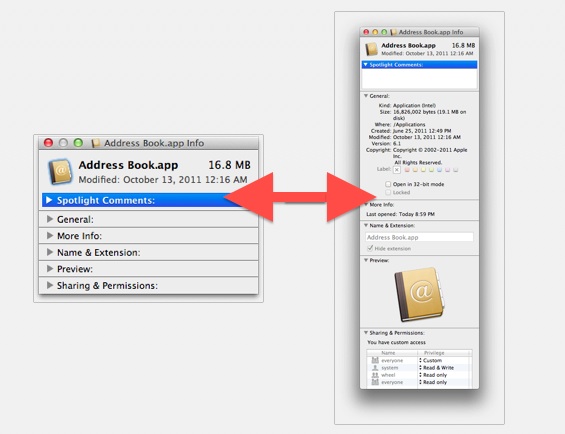
Expand or Shrink All Details in Get Info Windows on Mac with an Option Click

Dec 26, 2011 - 5 Comments
Get Info

If you want quickly expand (or minimize) all of the detail sections within a Get Info window on a Mac, you can do so with a super simple keyboard shortcut. To get started, you’ll need to be in a Get Info panel. Just select a file and access Get Info by hitting Command+i to see … Read More
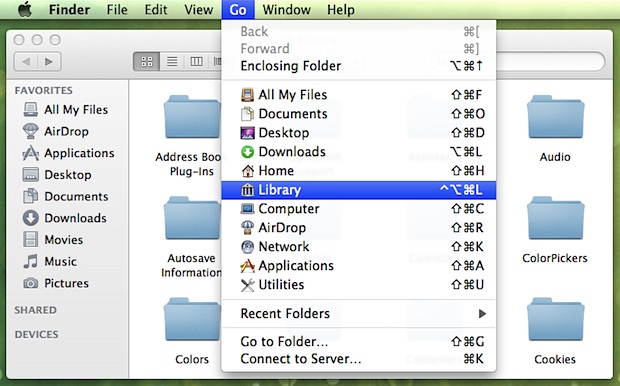

Create a Keyboard Shortcut to Go to User Library Folder in Mac OS X

Dec 23, 2011 - 7 Comments
Create a Keyboard Shortcut for Library Access in OS X Lion

Want to quickly get to the User Library folder on Mac? A keyboard shortcut is one of the best ways to do that, particularly if you find yourself frequently accessing that folder. Using keyboard shortcuts are often the fastest way to navigate around the filesystem in Mac OS X, but new versions of MacOS and … Read More

iChat Matte Mod for OS X Lion Removes Glossy Bubble Text Blocks from iChat

Dec 23, 2011 - 7 Comments
iChat

iChat Matte is a popular mod for iChat that removes the bubble aqua style text blocks and changes them to a flatter matte. The tweak works by replacing a few image files, but the official version hasn’t been updated for OS X Lion and an unofficial version floating around has the chat bubbles facing the … Read More

Get an 8-Bit Pixelated Virtual Fireplace for Mac OS X

Dec 22, 2011 - 5 Comments
Fireplace

Just in time for the holidays, Fireplace is a totally awesome interactive 8-bit fireplace app that fills your Macs screen with a pixelated fireplace. But don’t stop there, you can add logs, roast hotdogs and marshmallows, and even burn papers and photos. Each log ‘burns’ for about 30 minutes of pixel torching glory, and although … Read More

Increase the Size of Desktop Wallpaper Thumbnails in System Preferences

Dec 22, 2011 - 6 Comments
Increase the size of desktop wallpaper thumbnails in Mac OS X Lion

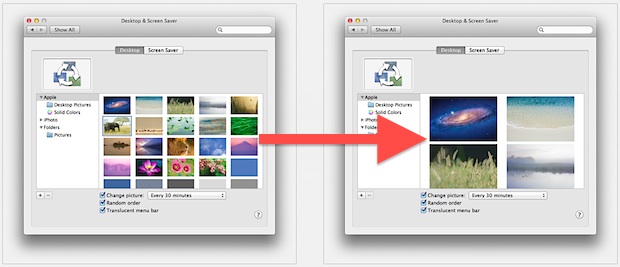
Using the familiar pinch and spread gesture in OS X Lion, you can adjust the thumbnail size of desktop wallpaper previews within System Preferences. A spread gesture will increase the thumbnail size, and a pinch gesture will shrink the wallpaper thumbnails. Try it yourself, just open System Preferences, and from the Desktop control panel use … Read More

More Evidence for Retina Display Macs Shows up in OS X 10.7.3 Beta

Dec 21, 2011 - 5 Comments
Open in HiDPI mode

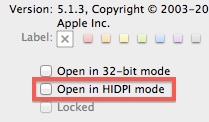
The developer betas of Mac OS X 10.7.3 show new evidence of retina display Macs, according to a recent find by MacRumors. The discovery points to some applications “Get Info” dialog box displaying an option to “Open in HIDPI mode”, although checking the box doesn’t appear to do anything yet, and the reference seems to … Read More

Open a New Terminal From the Current Finder Directory With Go2Shell

Dec 21, 2011 - Leave a Comment
Go2Shell

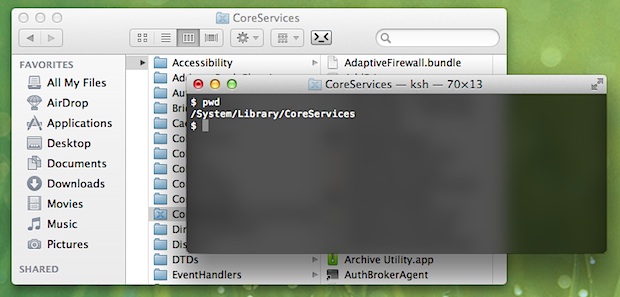
Go2Shell is a free Finder toolbar add-on that creates a new Terminal window from the current directory of any desktop folder in Mac OS X with a click of a button. This is similar to the services option that can be added to the right-click contextual menu, but Go2Shell is faster due to resting in … Read More

Mac OS X 10.7.3 Build 11D36 Released to Developers

Dec 20, 2011 - 3 Comments
Mac OS X Lion 10.7.3 11D36

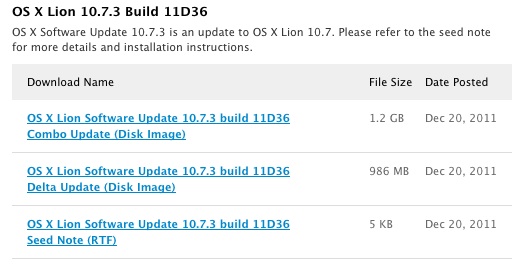
A new developer build of Mac OS X 10.7.3 has been released by Apple as build 11D36. This is the third developer version of OS X 10.7.3 and is available for registered Mac Developers to download through the dev center with no known issues. Listing no known issues could suggest public availability in the near … Read More

Batch Resize Pictures in Mac OS X Using Automator

Dec 20, 2011 - 32 Comments
Batch Resize Images in Mac OS X

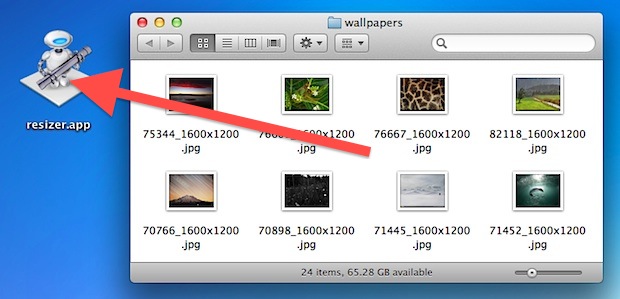
Need to resize a ton of pictures on a Mac? Instead of downloading a third party application or using Preview, you can use Automator to handle the entire operation, even renaming the images to indicate they have been resized to a new resolution. Automator is included in every Mac OS X installation’s /Applications/ folder and … Read More

Swipe Up to Zoom in on App Windows in Mission Control on Mac

Dec 20, 2011 - 6 Comments
Two finger upward swipe in Mission Control shows app windows

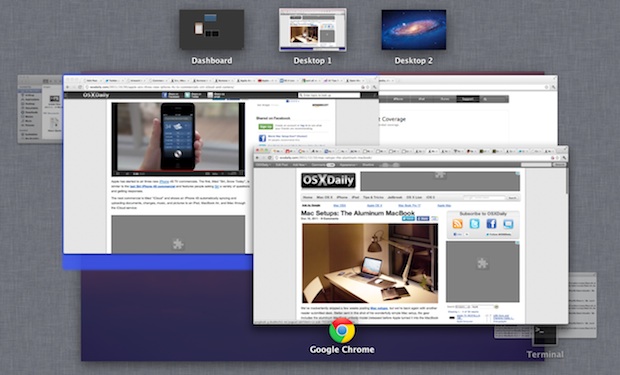
If you have a lot of app windows open in Mission Control, and you are grouping items in Mission Control by application, you can use a neat little trick to zoom into any Mission Control thumbnail on the Mac.

Firefox 9 Released: Adds Back & Forward Swipe Gestures for Mac OS X Lion

Dec 20, 2011 - 15 Comments
Firefox 9

Firefox 9 has just been released for Mac OS X, Windows, and Linux. The latest version brings some significant boosts to javascript performance, some theme fixes, and a variety of other under-the-hood enhancements. Probably the most noticeable addition will be for OS X Lion users though, with the addition of two-fingered swipe gesture navigation. Download … Read More

Growl Fork Brings Growl Notifications to Mac OS X Lion for Free

Dec 19, 2011 - 20 Comments
Growl Fork

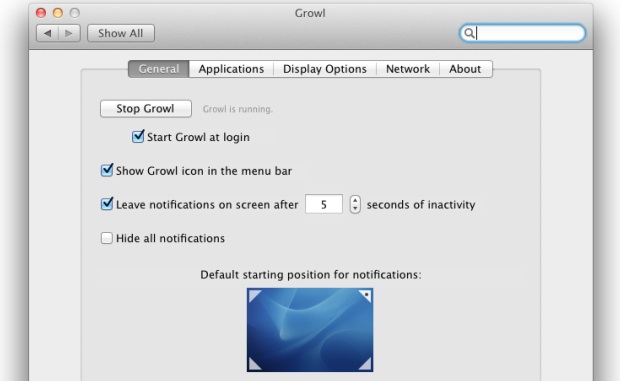
Growl is a popular notification system for Mac OS X that throws up those fading pop-up windows in the upper right corner of the screen. It’s a nice add on to OS X, and tons of other applications use Growl as their notification system. Then Mac OS X 10.7 came out, and Growl went from … Read More

Mount a DMG from the Command Line in Mac OS X

Dec 17, 2011 - 17 Comments
Mount a DMG from the Command Line in Mac OS X

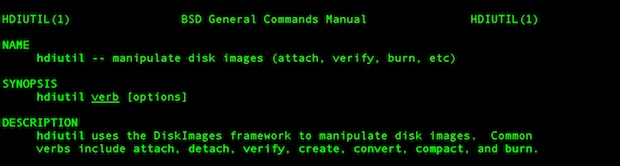
A helpful command line tool called hdiutil is included in Mac OS X that allows disk image files (.dmg extension) to be mounted directly from the Terminal, without the need of using the GUI. Using hdiutil for such a task is helpful for scripting or remote connections through SSH.

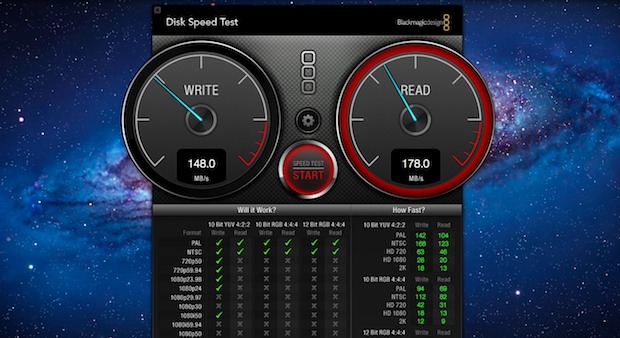
Benchmark SSD & Hard Drive Performance with Disk Speed Test for Mac OS X

Dec 16, 2011 - 49 Comments
Mac SSD and Hard Drive benchmark test tool

Want to compare hard disk performance or see just how big of a speed difference that SSD upgrade had? Grab the free Disk Speed Test tool from the Mac App Store, it’s a quick and simple way to measure drive performance. The app works by creating large blocks of temporary data that are written to … Read More

Add Spacers to the Right-Side of the Dock in Mac OS X

Dec 16, 2011 - 5 Comments
Spacers on the Right Side of the Dock in Mac OS X

Just like you can add spacers between app icons in the OS X Dock (the left side), we can also add these same spacers to the right-side of the Dock, where the Applications, Documents, Downloads, and Trash icons live.

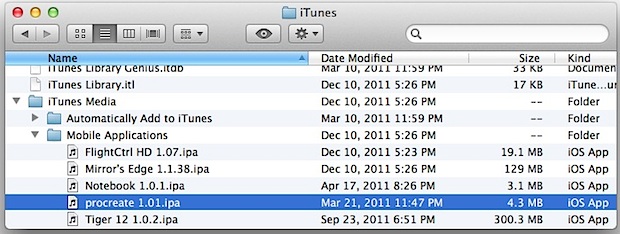
Where iOS Apps Are Stored Locally in Mac OS X and Windows

Dec 15, 2011 - 12 Comments
iOS Apps location

iOS apps are downloaded as bundles with a .ipa file extensions, but they are stored in different places than your default iOS backups location. If you want to access iPhone and iPad apps manually, here’s where to find them for both Mac OS X Lion, Snow Leopard, and Windows 7: The easiest way to access … Read More

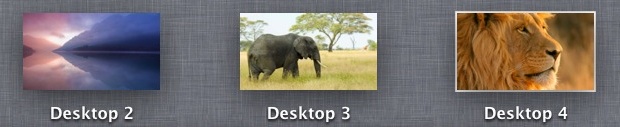
Jump to the Most Recently Used Desktop Space with a Hidden Gesture in OS X

Dec 15, 2011 - 8 Comments
Spaces in OS X Lion

If you use the multi-desktop Spaces feature of Mission Control often, you’ll probably like a hidden gesture in Mac OS X that lets you immediately jump back to the most recently used Space with just a four-fingered tap on the trackpad (or Magic Mouse). Here’s how to enable the gesture with a defaults write command.

Change the Desktop Wallpaper Automatically in Mac OS X

Dec 15, 2011 - 15 Comments
Change desktop picture wallpaper randomly in Mac OS X

Can’t decide which wallpaper to use as your desktop background? Me neither. Fortunately there’s a setting in Mac OS X that causes the desktop picture to change itself automatically at a user selected time interval, ranging from every 5 seconds to once a day or upon system wake. Essentially this means your wallpaper will change … Read More

Subscribe to OSXDaily

Subscribe to RSS Subscribe to Twitter Feed Follow on Facebook Subscribe to eMail Updates

Tips & Tricks

News

iPhone / iPad

Mac

Troubleshooting

Shop on Amazon to help support this site