tips

Search tips

Stop iPad Picture Frame from Zooming in on Faces

Apr 10, 2012 - Leave a Comment
Stop iPad from Zooming in on Faces in Picture Frame

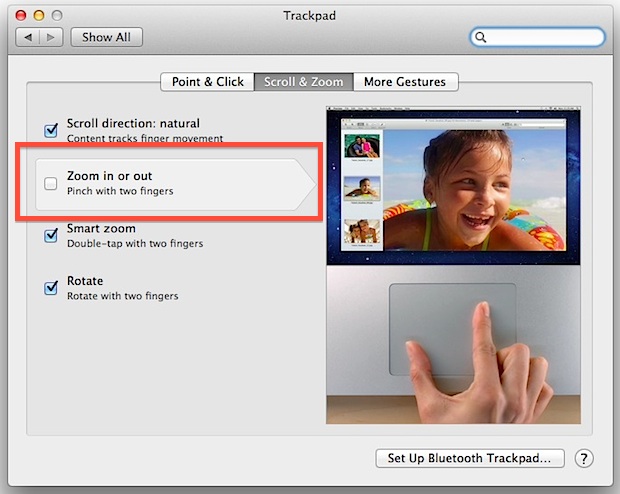
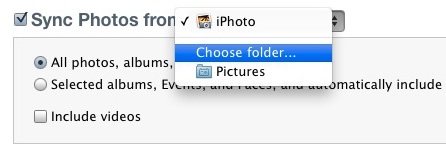
The iPad picture frame app is a nice way to put a stale iPad to use as it sits on a desk. That resulting live picture frame is made even better when a custom album is created for the purpose, but if you use photos of people you’ll find that Picture Frame automatically zooms in … Read More

Detect FlashBack Malware in Mac OS X the Easy Way

Apr 9, 2012 - 18 Comments
Easy Flashback virus malware detection

Update: Apple has released an official update that removes Flashback with a Software Update. Download the latest Java updates from the OS X Software Update panel to automatically remove Flashback trojan malware. A new application has been released which makes checking a Mac for the Flashback malware infection as simple as clicking a button. This … Read More

Enable Half-Star Ratings in iTunes

Apr 9, 2012 - 7 Comments
Half Star Ratings in iTunes

iTunes allows users to rate songs on a 1 star to 5 star basis, song rating data can then be used for a variety of purposes, either for your own reference or for creating custom play lists that only include songs rated over a certain star value. But what if a song is somewhere in … Read More

How to Unlock an iPhone with AT&T

Apr 9, 2012 - 380 Comments
Unlock iPhone with AT&T

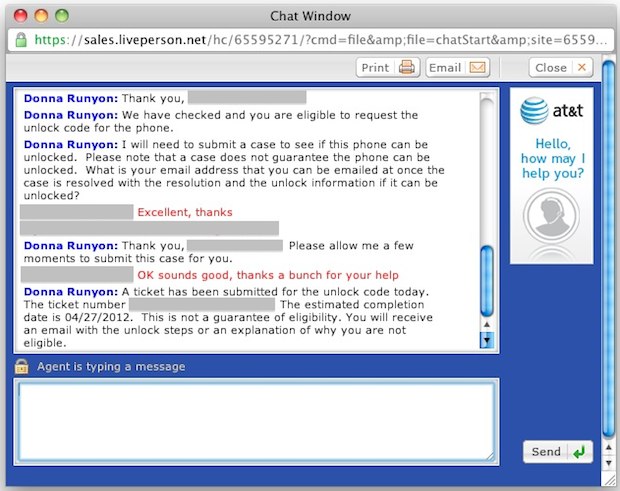
As expected, you can now unlock an iPhone that is out of contract with AT&T. The process is very straight forward and simple assuming you meet the basic requirements. Requirements: iPhone not in contract with AT&T, either having completed a contract or purchased without contract AT&T account in good standing iPhone IMEI number If you … Read More

8 Simple Tips to Secure a Mac from Malware, Viruses, & Trojans

Apr 7, 2012 - 80 Comments
Disable Java in Safari

The recent outbreak of the Flashback trojan (Apple released an update and fix, get it!) has brought a lot of attention to potential viruses and trojans hitting the Mac platform. Most of what you’ll read is overblown fear mongering hype, and practically all Mac malware has come through third party utilities and applications. What that … Read More

Stop iPhone Pop-Ups Asking to Join Wi-Fi Networks

Apr 7, 2012 - 21 Comments
Stop Wi-Fi Popup Alerts on iPhone

Annoyed by those persistent wi-fi network popups that show up on the iPhone or iPad screen every time a wireless network is in range? You can disable the wi-fi joining alerts completely by preventing the iPhone from searching for unknown networks. This works on the iPhone, iPad, and iPod touch the same way, and it … Read More

Disable Google Chrome Automatic Software Update on Mac

Apr 6, 2012 - 17 Comments
Google Chrome automatic update

Google Chrome automatically updates itself in the background when a new version is out, this takes responsibility out of user hands and makes it simple to keep up to date with the latest version of the Chrome app for Mac. Generally you should leave automatic update enabled for Chrome, if not for its ease than … Read More

3 Ways to Make Phone Calls from the iPad or iPod touch

Apr 6, 2012 - 25 Comments
iPad phone

Want to use the iPad or iPod touch as a phone? You can do that. With Skype or Google Voice you can turn your standard wi-fi iPad into a VOIP phone, and you’ll be able to make and receive phone calls and text messages directly from the iPad or iPod. These apps are free to … Read More

Drag & Drop from Spotlight in Mac OS X to Move & Open Files

Apr 6, 2012 - 7 Comments
Drag and drop from Spotlight

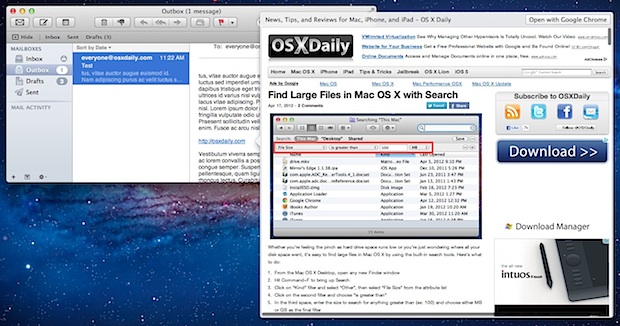
You can drag and drop files directly from Spotlight to elsewhere in the Mac OS X Finder. This allows Spotlight search to function as a sort of basic file manager, not quite like the Finder, but at least for quickly locating and moving a document of any type on the Mac to another location, or … Read More

How to Create a Tar GZip File from the Command Line

Apr 5, 2012 - 16 Comments
How to Create a Tar GZip Archive Bundle

You’re probably familiar with making your own zip files if you’ve ever needed to transfer a group of files or if you’re managing your own backups outside of Time Machine. Using the GUI zip tools are easy and user friendly, but if you want some more advanced options with better compression you can turn to … Read More

Set Archives to Automatically Delete After Expansion in Mac OS X

Apr 5, 2012 - 2 Comments
Delete Archive After Expanding

Archives can be deleted automatically after expansion with the help of a hidden preference panel in Mac OS X. This little known ability is an option in Archive Utility, which is the engine and settings controls to the Mac decompression agent that launches anytime you open a zip, sit, tgz, or other archive file formats … Read More

Deposit a Check Directly From an iPhone

Apr 4, 2012 - 12 Comments
Deposit a check from an iPhone

Skip the traffic filled bank trip across town, you can deposit checks directly from an iPhone. A variety of major US banks now offer the iPhone check depositing service, including Chase, Fidelity, US Bank, PayPal, and Charles Schwab, amongst others. I recently used the service through Chase Mobile, where it worked well enough to quickly … Read More

Mac App Store Not Working or Showing Updates? How to Refresh the App Stores on Mac

Apr 4, 2012 - 1 Comment
Refresh App Store

Need to refresh the App Store or iTunes Store from a computer? To quickly refresh the App Store on Mac OS X, just hit Command+R at any screen in the iTunes, iOS App Store, or Mac App Store, and the page will reload with whatever new data awaits, whether it’s a revised Top Charts listing … Read More

4 Free & Quick Do-It-Yourself iPad Stands

Apr 4, 2012 - 9 Comments
Use fruit as an instant iPad stand

I carry my iPad around naked, that means no cases, no covers, no stands, just the iPad. But what if you’re on the go and quickly need an iPad stand? I was recently in this situation and discovered several different methods to concoct quick and dirty iPad stands for free using common items. If you’re … Read More

Switch Sends All Tabs & Windows to a Different Web Browser in Mac OS X

Apr 3, 2012 - 5 Comments
Switch Tabs to a Different Web Browser

If you spend a lot of time switching between web browsers for development or for whatever other reason, you’ll find Switch useful. Switch is a handy free menu bar utility that transfers all browser tabs and windows between web browsers in Mac OS X. Whether you use Safari, Chrome, or Firefox, you can easily send … Read More

Attach a Photo to a Mail Message on iPhone, iPad, and iPod touch

Apr 3, 2012 - 40 Comments
Attach Photo to Mail on iPhone, iPad, or iPod touch

You’ve probably noticed there isn’t an attachment button floating around when composing a new email message in iOS Mail app, so how do you attach pictures to emails on an iPhone, iPad, or iPod touch? It’s easy, and there’s actually two simple ways to attach images to your emails though you may not find them … Read More

31 Useful Safari Keyboard Shortcuts for Mac

Apr 3, 2012 - 18 Comments
Safari icon

Safari is the fast and lean default web browser bundled with every Mac and Mac OS X. You probably already know a keyboard shortcut or two, but there are tons of shortcuts in Safari worth remembering that can really improve your experience browsing the web. We’ll cover 31 different keystrokes for Safari on Mac, they … Read More

Air Display Turns iPad Into a HIDPI Retina Display for Mac

Apr 2, 2012 - 13 Comments
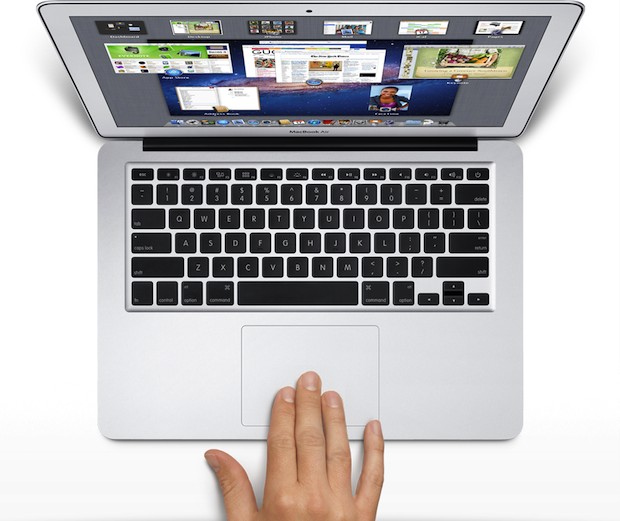
iPad as an External HIDPI Display with a MacBook Air

Your iPad 3 can now act as a stunningly high quality HIDPI display for a Mac or PC with the help of a great iOS app called Air Display. A completely wireless solution, Air Display takes advantage of OS X Lion and Mountain Lion HIDPI display mode to turn the new iPad’s 2048×1536 display into … Read More

Subscribe to OSXDaily

Subscribe to RSS Subscribe to Twitter Feed Follow on Facebook Subscribe to eMail Updates

Tips & Tricks

News

iPhone / iPad

Mac

Troubleshooting

Shop on Amazon to help support this site