12 Keyboard Shortcuts for Navigating & Selecting Text in Mac OS X
Feb 23, 2012 - 33 Comments
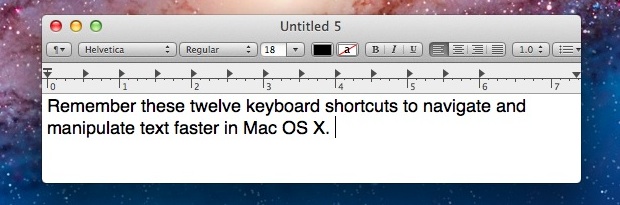
Work with text often? You can navigate, select, and manipulate text faster than ever before by remembering these twelve keyboard shortcuts.

Work with text often? You can navigate, select, and manipulate text faster than ever before by remembering these twelve keyboard shortcuts.
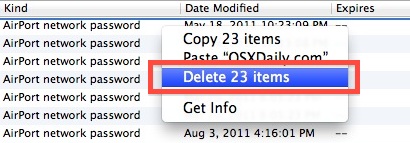
We recently covered how to resolve an issue when Mac OS X doesn’t remember a wireless network, password protected or not, and since then several readers have notified us of another separate issue: Mac OS X won’t remember a wireless network password. The networks are remembered, but each time the network is found the password … Read More

iOS has an optional system wide zoom ability accessible by a gesture, much like OS X’s zoom feature. This allows any iPhone, iPad, or iPod touch user to zoom into elements or text on screen, making them much larger and easier to read, interpret, or access. To use the extra zoom gestures on an iPad, … Read More
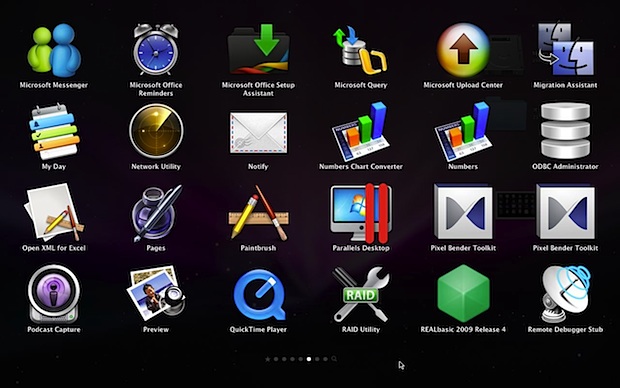
Mac OS X 10.6 Snow Leopard users can now add OS X Lion’s iOS-style Launchpad feature to their desktops with a free third party utility called MacLaunchPad. MacLaunchPad is pretty similar to the real thing, and some features are closer to the version of Launchpad that appears in OS X Mountain Lion, like the real-time … Read More
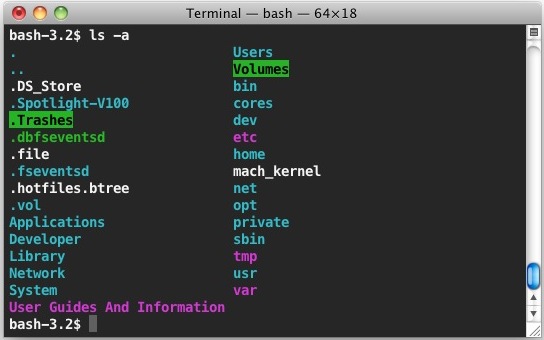
Adding colorized ls output to the Terminal in Mac OS X is a good way to make navigating around the command line a bit easier on the eyes. This makes different items show up in different colors, including directories, files, executables, and symbolic links.

Want to see more of an email than the default two lines of body text? Don’t want to see any preview of email contents, other than the subject of a message? If you’re not happy with the default setting, you can change the line count of mail previews within iOS easily: Tap on “Settings” Tap … Read More
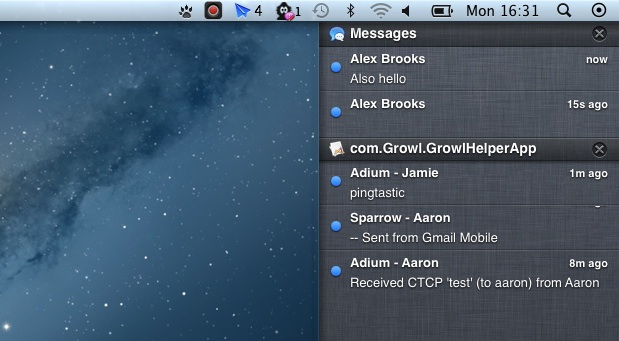
Make OS X 10.8 Mountain Lion‘s new Notification Center feature instantly more useful by grabbing Hiss, a free application that sends apps Growl notifications directly to Mountain Lion’s desktop notification panel. There’s not much more to the app than that, but nonetheless it’s a great utility and worth downloading for those who are using the … Read More
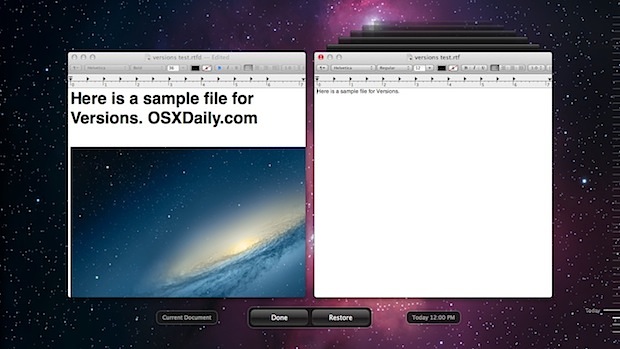
New versions of Mac OS X include the Versions feature and Auto-Save ability, this lets users restore back to previous editions of a file by creating a constant sequence of saved file states while they are being worked on. All around, Versions and auto-save are useful, but they can also leave traces of sensitive documents … Read More
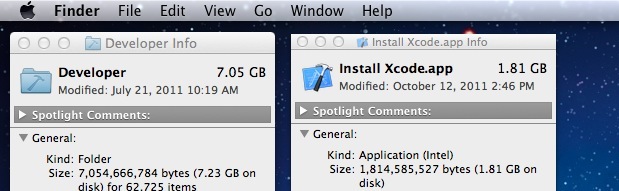
Included below are new simple instructions for uninstalling modern versions of Xcode. Deleting old versions of Xcode is covered as well, this is a thorough guide to uninstall Xcode from any Mac regardless of version and Mac OS X release. Xcode is Apple’s developer suite for iOS and Mac OS X, it’s necessary if you … Read More
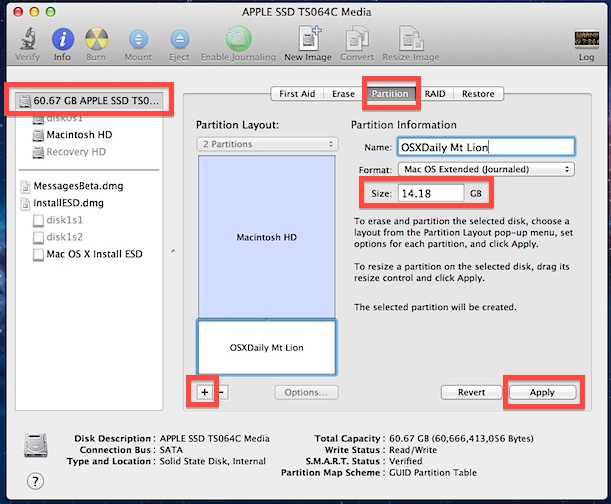
OS X Mountain Lion is Apple’s latest Mac operating system that is complete with a bunch of new features that iOS users will find familiar. It’s looking like a great addition to the Mac OS family, but for the time being it’s still in Developer Preview, has a fair amount of bugs, and isn’t quite … Read More

A little-known feature of iMessage lets any Mac send files to another iMessage user (or yourself) using an iOS device, and vice versa. Yes, this means iMessages can function as a full-fledged file transfer app for both Mac OS and iOS users, providing for simple transferring of files, pdf’s, text and rtf documents, movies, pictures, … Read More

If you want to delete all music from an iPhone, iPad, or iPod touch, you can handle the entire music removal process directly on the iOS device itself, you don’t need to sync to iTunes or do anything fancy. Do be warned however, this deletes every single song and album from the Music app and … Read More

OS X 10.8 Mountain Lion will be offered exclusively through the App Store, familiar territory for Apple since OS X Lion was provided the same way. Thankfully it’s still possible to create a bootable OS X 10.8 Mountain Lion installer from any USB drive, be it a flash key or external hard drive. By creating … Read More

Flickr has an endless supply of beautiful photos that make for fantastic automatically updating image screen savers in Mac OS X. All you need is a good Flickr stream and you can easily create a new screen saver from it for your Mac.

Apple TV owners have an extra incentive to upgrade their Macs to the latest versions of OS X; AirPlay Mirroring. With AirPlay Mirroring, you can stream the Mac desktop and whatever application is on screen to an HDTV wirelessly through the Apple TV, making it easier than ever to watch videos from a Mac or … Read More

Alright so you downloaded iMessages for Mac beta and decided it was a little too beta for every day use, and now you want to use iChat again right? As you probably noticed, when you install Messages it replaces iChat, but that doesn’t mean that iChat is gone for good, and uninstalling Messages Beta is … Read More
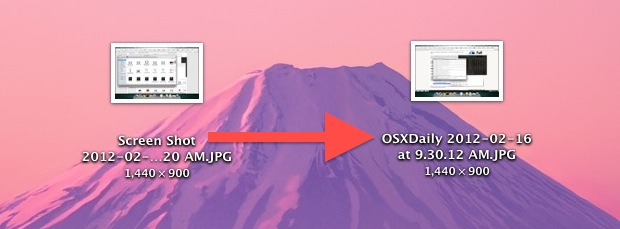
Screen shots taken in Mac OS X save to files prefixed with “Screen Shot” in the file name, but the names of screenshots can be changed to anything else. We’ll use a defaults write command to adjust the naming convention of screen shots taken on the Mac. This can be helpful for many purposes, and … Read More
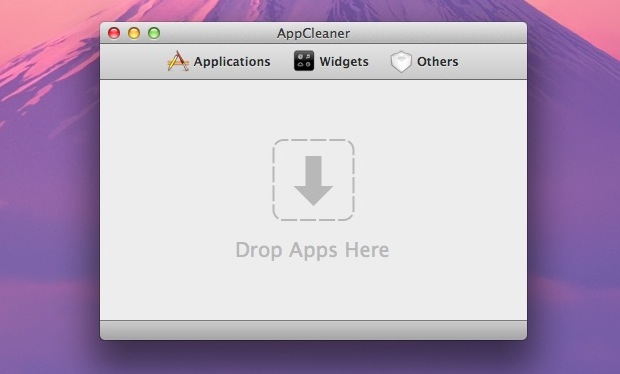
We have shown you how to uninstall Mac apps before, but some applications can leave residual elements around in the form of preferences, plist files, caches, logs, and even the origin DMG or PKG installer. If you want to thoroughly remove all traces of an application but don’t want to dig around in various directories … Read More




