
Magnify Dock Icons Instantly in Mac OS X
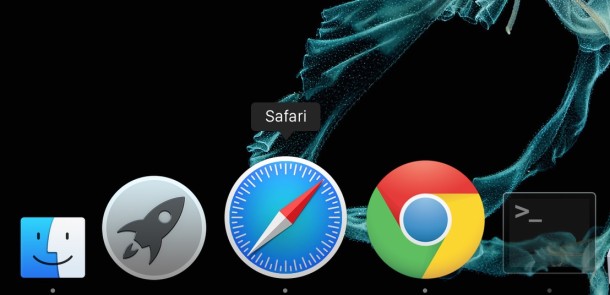
Even if you have the Mac Dock icon magnification turned off in your system preferences of Mac OS X, you can still force Dock icons to magnify on the fly by using a simple keystroke.
This can be a helpful trick if a Mac Dock is set to be small and you want a better look at something, or perhaps you just want a better view of an icon before you select it.
This trick is really simple, all you need to do is start holding down Shift-Control keys as you hover over cursor over Dock items like apps, folders, stacks, and other icons contained in the Dock on Mac OS X.
You will instantly see the Mac OS X Dock icons magnify on command as long as Control+Shift are held down together and the cursor moves over the icons. The gif animation below demonstrates this:
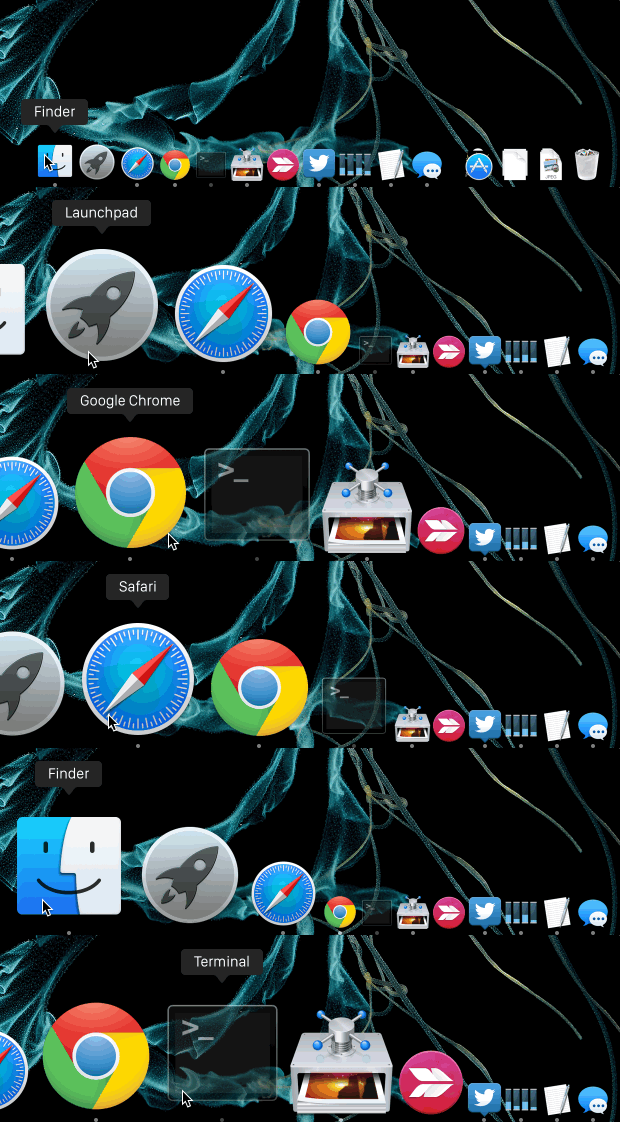
This is really easy to try out yourself by moving your cursor down into the Mac OS X Dock and moving the mouse around as normal.
By default, it will do nothing, since magnification is disabled typically, but with the Shift+Control key combo held down, the app icons will zoom as the mouse is hovered over the Dock icons.
This key combination essentially overrides whatever is set in the broader Dock preferences, and if you have magnification turned on, it will do the opposite instead by temporarily disabling the zoom effect.
This works in all versions of Mac OS and Mac OS X, from Catalina to Mojave Yosemite and Mavericks to even the ancient releases that are running on some dusty Macs out there.






Didn’t work when I tried it (not that I want it to!)
Magnify your dock, make it bigger. It’s the biggest dock you’ve ever seen, you won’t believe the size of his icons! That dock is just huge! Wow what a dock!
You, You tried it wrong, you’re trying it wrong. This works like a magic trick, zooming in on that dock of OS X like it was some kind of telescopic magnifier icon magic.
It works great in the Mac Dock but it doesn’t work in the toolbar or anywhere else I find it would be neat if the MAGNIFY worked EVERYWHERE!
and vice-versa. you can stop icon magnification by holding down Shift-Control
And if magnification is on, this turns it off.
Not bad. Thank you.