
Play Movie Files Directly in Their Icons Using Finder of Mac OS X
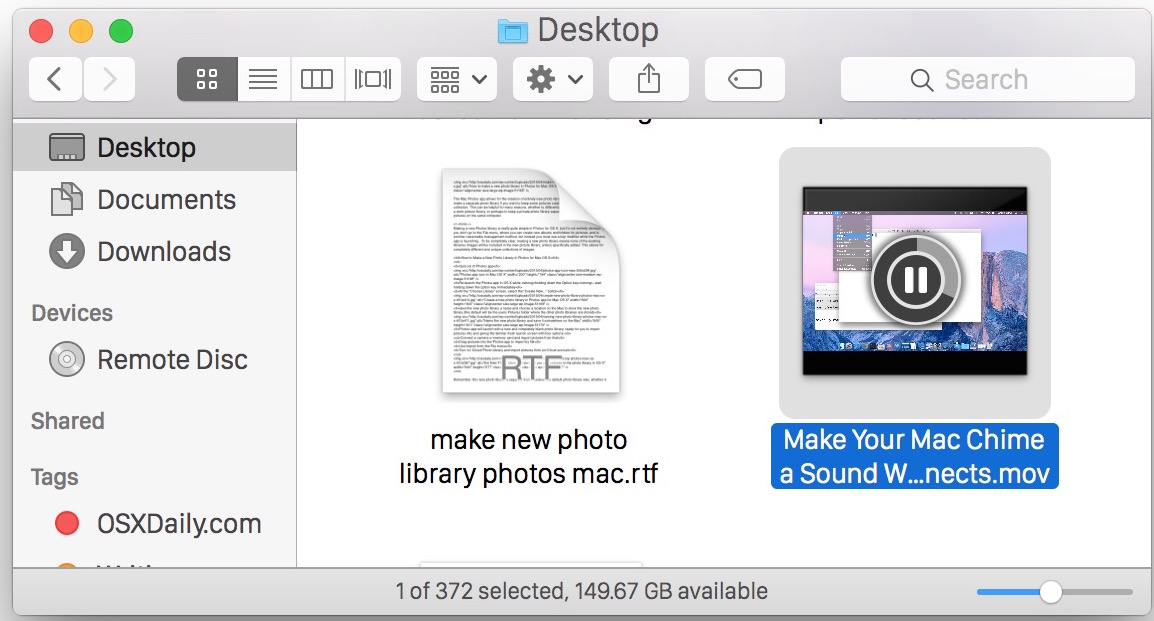
Do you have a large directory of movies? Not sure what each video file actually is? If you’re in thumbnail view at a large enough resolution (looks like 68×68 is the threshold for me) or you’re viewing the folder in Cover Flow view, you can play movie files directly within the Finder of Mac OS X! Actually, the video will play in the icon, making the icon itself a movie playback.
This is a really simple trick but it’s so useful. All you need to do is hover over the movie files icon to display a play button within a Finder window of OS X.
Then, simply click play and the video complete with sound will play seamlessly within the Mac OS X Finder window in Icon view as a tiny thumbnail.
Hover over the movie file icon again while it’s playing will reveal a pause button to stop the video playing too.
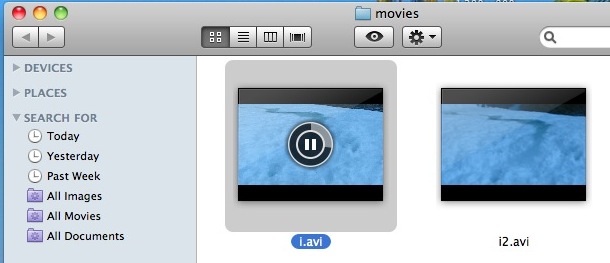
The playback feature also works in the larger panel window if the active folder is viewed open in Column view, or has the preview panel enabled separately.
This is a really neat feature that has been around for quite some time, and while it works great in new Macs, older Macs can stutter or struggle a bit depending on the hardware. Obviously for some of those machines, there are some potential performance downsides that you may encounter with this tip, particularly with directories that are full of many large video files.
If you experience any such performance issue, disabling the icon thumbnail generation will also remove this feature. Newer Macs should have no issue playing the video thumbnails though, so check this out, it’s pretty cool.






It stopped working in Mojave, it was previously working fine in High Sierra,
but after update i do not see play icon after hovering on music/video file.
Its just showing quicktime icon
Please help me.
Thanks
[…] browsing through folders on the Mac that icons are actually previews of images and even live playable videos? This sure makes the OS X Finder snazzy looking, but in some situations where tons of images and […]
[…] similar feature lets you play videos directly in a Finder window, that feature works in Mac OS X 10.6 and earlier as well. stLight.options({ […]
[…] a similar note, you can also play audio files and play movies directly in the Finder by hovering over them as […]
[…] file either. Interestingly enough, the mp3 file played fine with Quick Look and even was able to play within the Finder preview, but no matter what I did I could not add or import the mp3 file to my iTunes […]