
How to Take a Screenshot on iPad, iPad Air, iPad Mini
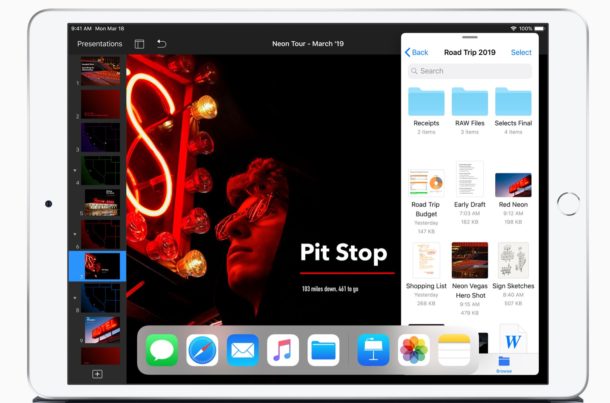
Need to take a screenshot on the iPad? If the iPad has a Home button, like the iPad, iPad Air, iPad mini, and the first generation iPad Pro models, then taking a screenshot is extremely simple with a simple button press combination.
Press Power Button and Home Button Concurrently to Take iPad Screenshot
To snap a screen shot of iPad just hold the Power button on the top corner and the Home button on the front bezel concurrently to take a screenshot of iPad.
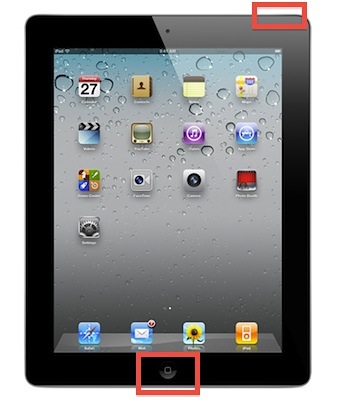
You’ll know the screenshot was taken because the screen flashes white briefly. This captures the entire screen of the iPad, whatever is on the display will be captured with this trick.
This is the same for taking screenshots on any iPad with a Home button, including iPad, iPad Air, iPad mini, and first gen iPad Pro models. Later iPad models that do not have Home buttons like iPad Pro use a different approach to taking screenshots.
After a screenshot is taken, all screenshots are stored in the Photos app in the image library, where you can find them in the Screenshots photo album, and if you have iCloud enabled they will also get sent to Photo Stream and synced with other Apple hardware using the same iCloud ID.
This button combination is the same on all versions of iOS, the only difference is in the hardware of certain iPad models and if they have a Home button or not. For any iPad with a Home button, the trick here works. If the iPad does not have a Home button, you use the Volume and Power button to take a screenshot instead like on iPad Pro new models.
It’s worth mentioning a nice little fact about this trick; the same procedure takes a screenshot on the iPhone as well as the iPod touch too, as long as they have Home buttons as well.
Snapped iPad screenshots will look like whatever is on the screen at the time of the screen shot. The Screenshot of iPad will also respect the orientation of the iPad, taking the screenshot either vertical or horizontal depending on how the iPad is orientated.
For a few examples of the output of screenshots from iPad, here are a few iPad screenshots of the home screen of iPads running various different iOS and iPadOS software releases:
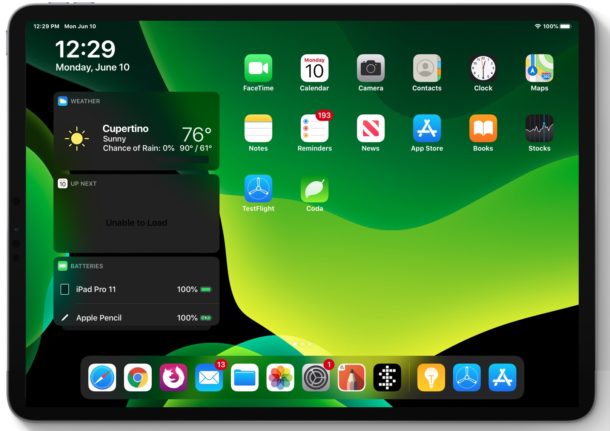
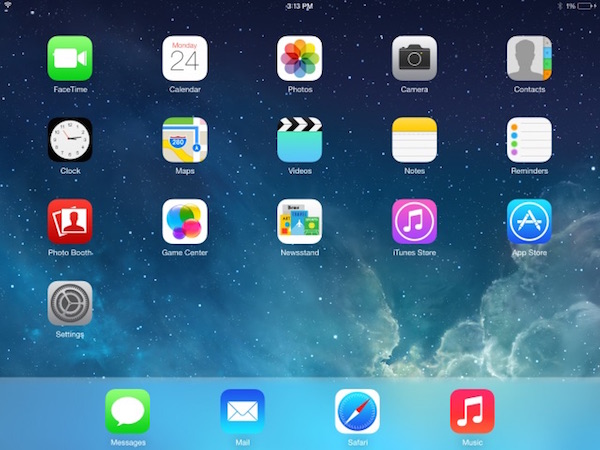
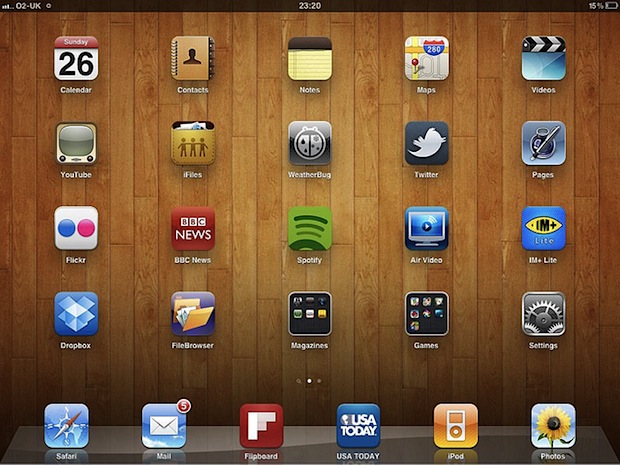
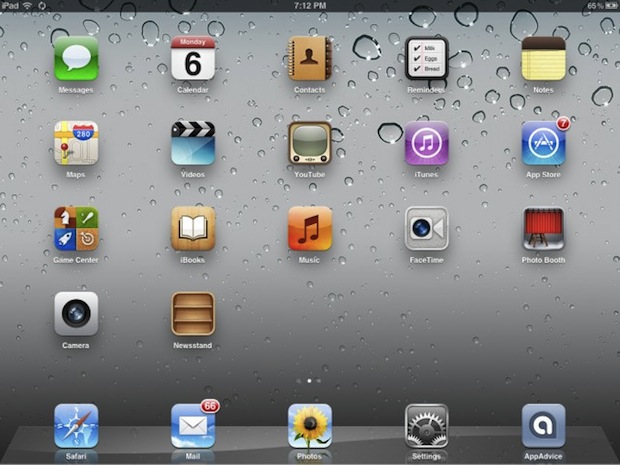
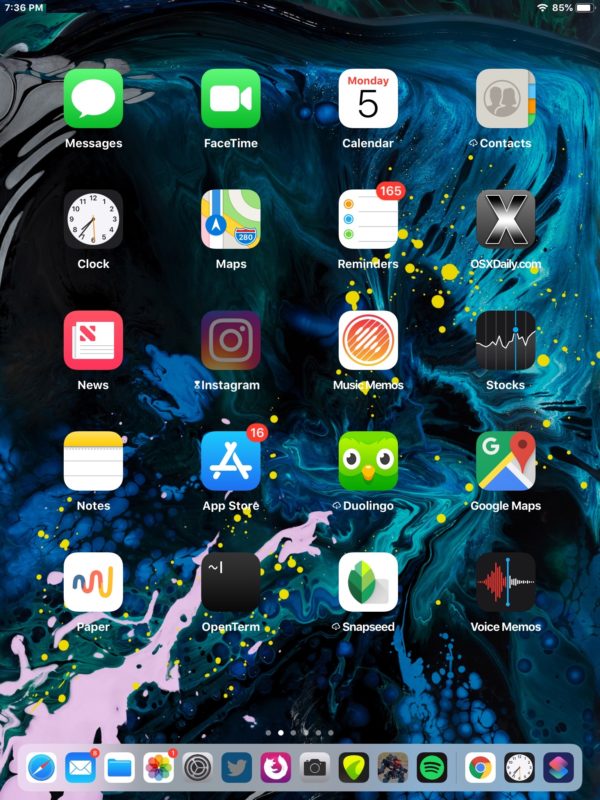
The screenshot appearance may look different depending on the iOS version, and of course what apps and other stuff is on the iPad.
While this is a newbie tip for anyone who has long used iOS, many new iPad owners often are unaware of this feature, thus it’s worth sharing. And if you aren’t familiar with this, it’s a simple gesture to learn for a handy trick, as the iPad screenshot is pretty much like the commonly used “Print Screen” on Windows.
Note that taking a screenshot on newer iPad Pro models without a Home button is different, as described here, requiring different buttons to be pressed to achieve the screen capture.






How can screenshots be taken on an iPad Mini, w/ out using the Home bezel? The Home button has sunk in a small fraction of an inch, & does not work. I’ve devised work-arounds for everything else.
Thank you.
[…] setting a screen shot of the home screen as the iOS wallpaper, and then moving the home screen to a mostly empty page, […]
Nothing wrong with knowing more
Ooops, I indeed didn’t know… thanks.