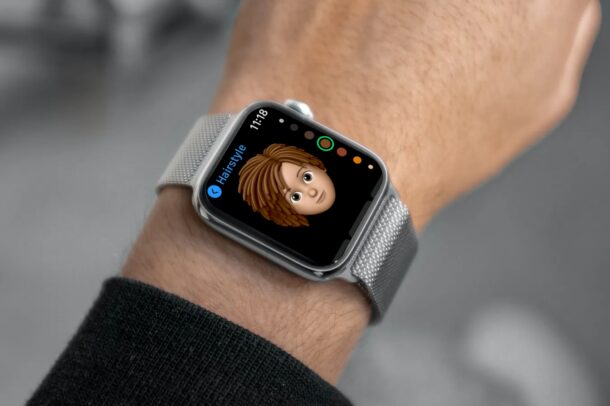
Did you know that you can now create Memojis right from your wrist with the help of your Apple Watch? Indeed, you can now create, edit, and delete Memojis without using your paired iPhone out of the pocket, you can do it all right from Apple Watch.
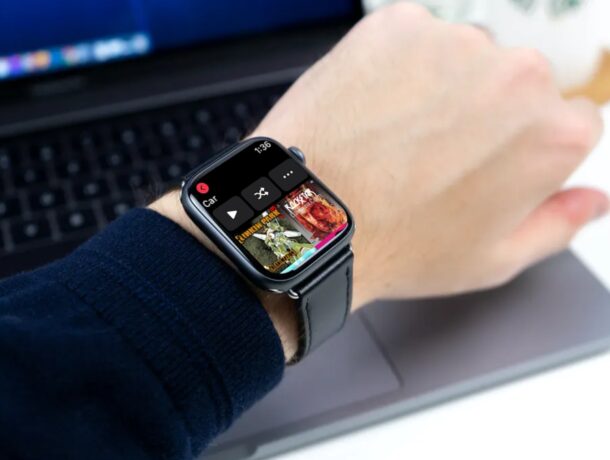
Did you know you can add music to your Apple Watch, storing the music locally for listening even if the Watch is not connected to your nearby iPhone? This is a useful feature if you often leave your phone sitting aside whether at home while doing chores, or perhaps when you’re out for a jog or walk, but still wear your Apple Watch.
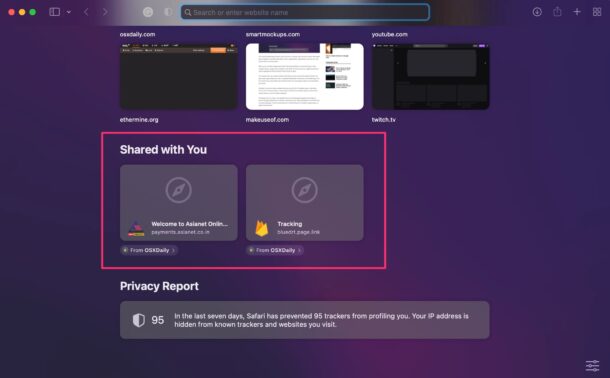
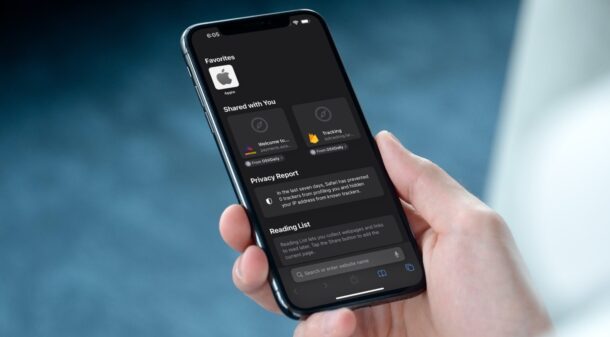
If you’ve ever wanted an easy way to browse through all of the links that are shared with you through Messages app, the new Shared With You feature in Safari is what you’re looking for. Shared With You gathers all of the links that have been sent your way from all iMessage conversations, and puts them in an easy to access Safari feature.
The Shared With You feature is available on Mac with any machine running MacOS Monterey or alter, and for iPhone and iPad running iOS 15 or later.
Let’s take a look at how this works with Safari on the Mac.
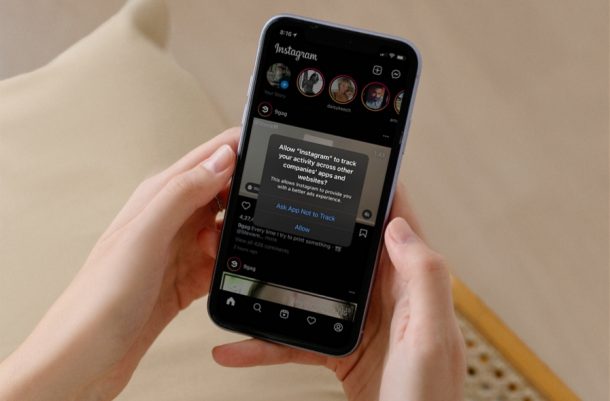
Are you getting unwanted pop-ups asking about tracking when you open apps after updating to modern iOS and iPadOS versions? While this is normal and intentional, it can also be kind fo annoying. The good news is that these tracking request pop-ups show up just once and you can block them permanently too, if desired.
Picture-in-Picture video mode on iPhone is one of the exciting newer features for iPhone. However, if you’ve already used this feature extensively after updating your device, you may have noticed that it can get quite annoying at times since it enters into picture in picture mode automatically. If you’re wondering how you can stop Picture-in-Picture mode activating automatically on iPhone, then read along. And no, this does not disable Picture-in-Picture mode capabilities, it simply prevent’s entering that mode by default.
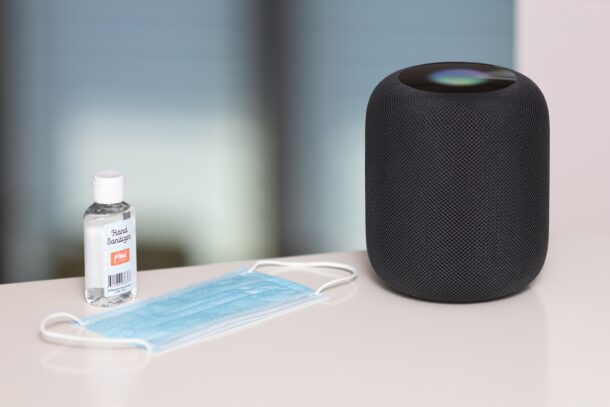
HomePod is capable of making phone calls, sending messages, creating reminders, and more when your iPhone is nearby. These are called personal requests and it’s a great feature to have. However, it does come at the cost of your privacy, and some people may want to turn off personal requests on their HomePod.
Have you ever wanted an easy way to view all the web links your contacts share with you on iMessage? In that case, you have every reason to be excited about the new Shared With You feature that iOS 15 and iPadOS 15 brings to the table.
Are you trying to add a public calendar to the Calendar app on your iPhone and iPad? Subscribing to public calendars is not as straightforward as you might expect, and you’ll have to fiddle around with the Calendar settings on your device to be able to do this. This article will review how this process works.
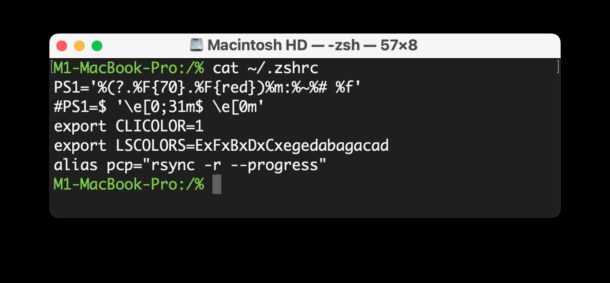
Wondering where the .zshrc file is located on a Mac? If you’re a Mac command line user who is interested in using and customizing the zsh shell, or using something like Oh My Zsh, you may be curious to know what and where the .zshrc file is located, and how to access it so that you can customize your shell.
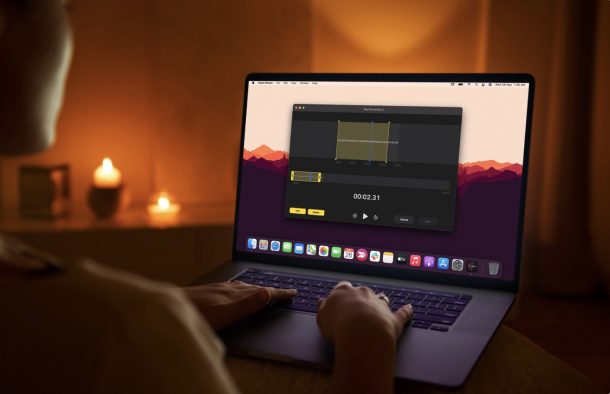
Do you use Voice Memos app on the Mac to record audio, a quick voice note, phone call, or some other content? Perhaps, you use it to create podcasts from your home, or record an interview or meeting? If you’re a Voice Memos for Mac user, you may also be interested in editing those voice memos and enhancing them.
Apple has released iOS 15.1.1 for all iPhone 12 and iPhone 13 models, including iPhone 13 Pro Max, iPhone 13 Pro, iPhone 13 mini, iPhone 13, iPhone 12 Pro, iPhone 12 Pro Max, iPhone 12, and iPhone 12 mini.
The iOS 15.1.1 update aims to “improve call drop performance” for the iPhone 12 and iPhone 13 models.
Did you know you can use an iPhone as a webcam for a Mac or Windows PC? If you don’t have a webcam to use for online meetings, classrooms, and gatherings, or find the quality is too low to be usable, that’s no big deal, you can use your iPhone (or iPad) for this purpose thanks to some third party apps. It’s pretty easy to set up and use too.
If you use the Messages app for many conversations from your Mac, you may have a few people you’d like to prioritize. By pinning a conversation in Messages for Mac, that person and message thread is always at the top of the Messages list, which is particularly helpful if you get tons of different texts from many different people, and some of your favorites are getting lost in that sea of messages.
Apple has released the third beta versions of macOS Monterey 12.1, iPadOS 15.2, and iOS 15.2 to users who are participating in the beta testing programs of Apple operating system software.
The latest betas arrive first to developers, and are typically followed by the same build for public beta testers.
If you use Zoom on an iPad, and you use a keyboard case or external keyboard with your iPad, then you might appreciate learning some useful keyboard shortcuts for Zoom on iPad.
With keyboard shortcuts, you’ll be able to mute and unmute your microphone, start and stop your video, hide and show the chat window and participants list, and more.
And as an added bonus, we’ll include a few gestures for Zoom on iPad too.
Did you know that Apple Watch can notify you if you’re having an abnormally high heart rate? This is a health feature that’s not enabled by default, but it’s pretty easy to set up and use.
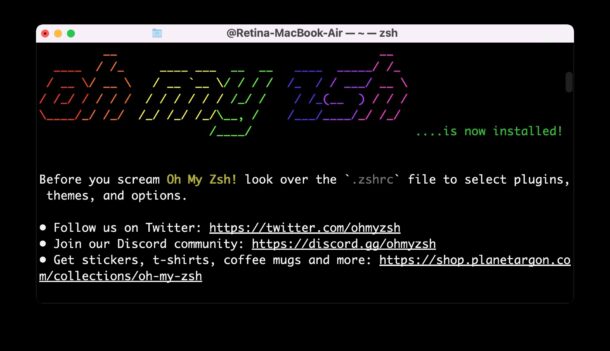
Want to try out Oh My Zsh in your Terminal? Oh My Zsh is a popular zsh configuration manager, offering tons of themes, functions, helpers, plugins, and other handy features for command line users. It’s used heavily by many who spend a lot of time in the command line, whether for development, administration, or just geeking around, so if you’re in those categories you may find it worth checking out.
While zsh is now the default shell in Terminal app for modern macOS releases, Oh My Zsh is separate, and therefore must be installed and configured separately.
If you have a new MacBook Pro 14″ or 16″ with a display notch, and find an apps menu bar items are hiding behind that display notch, which is a fairly common occurrence for many Mac apps, you can use a workaround to shrink the display so the entire screen scales down to fit below the notch and inward.
This basically mimics screen bezels through software, allowing the full menubar to show, hiding the notch, but at a cost of reducing screen real estate and display resolution.