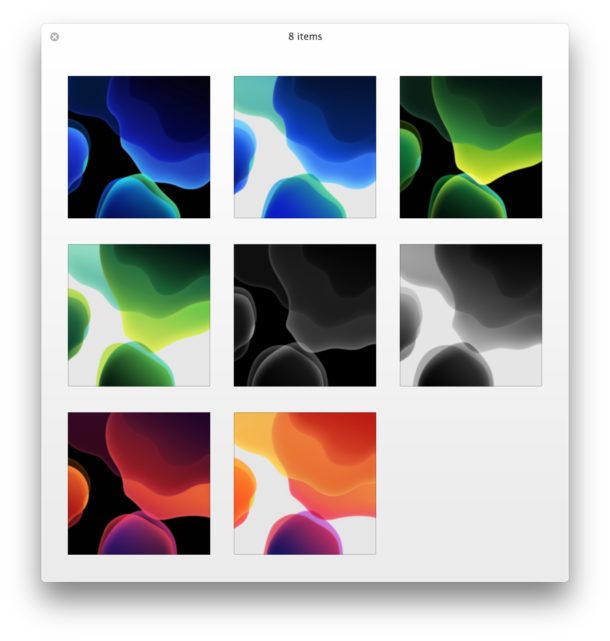
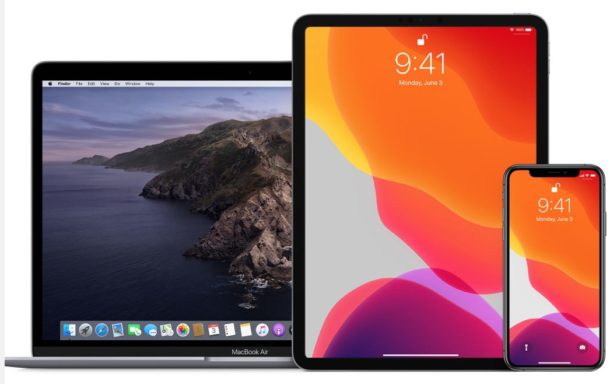
MacOS Catalina includes a gorgeous set of new wallpapers as the default desktop background, appropriately of Catalina Island in California.
But you don’t need to install macOS Catalina 10.15 beta or wait for the public release to enjoy the lovely wallpaper, you can grab the image right now for your desktop enjoyment.
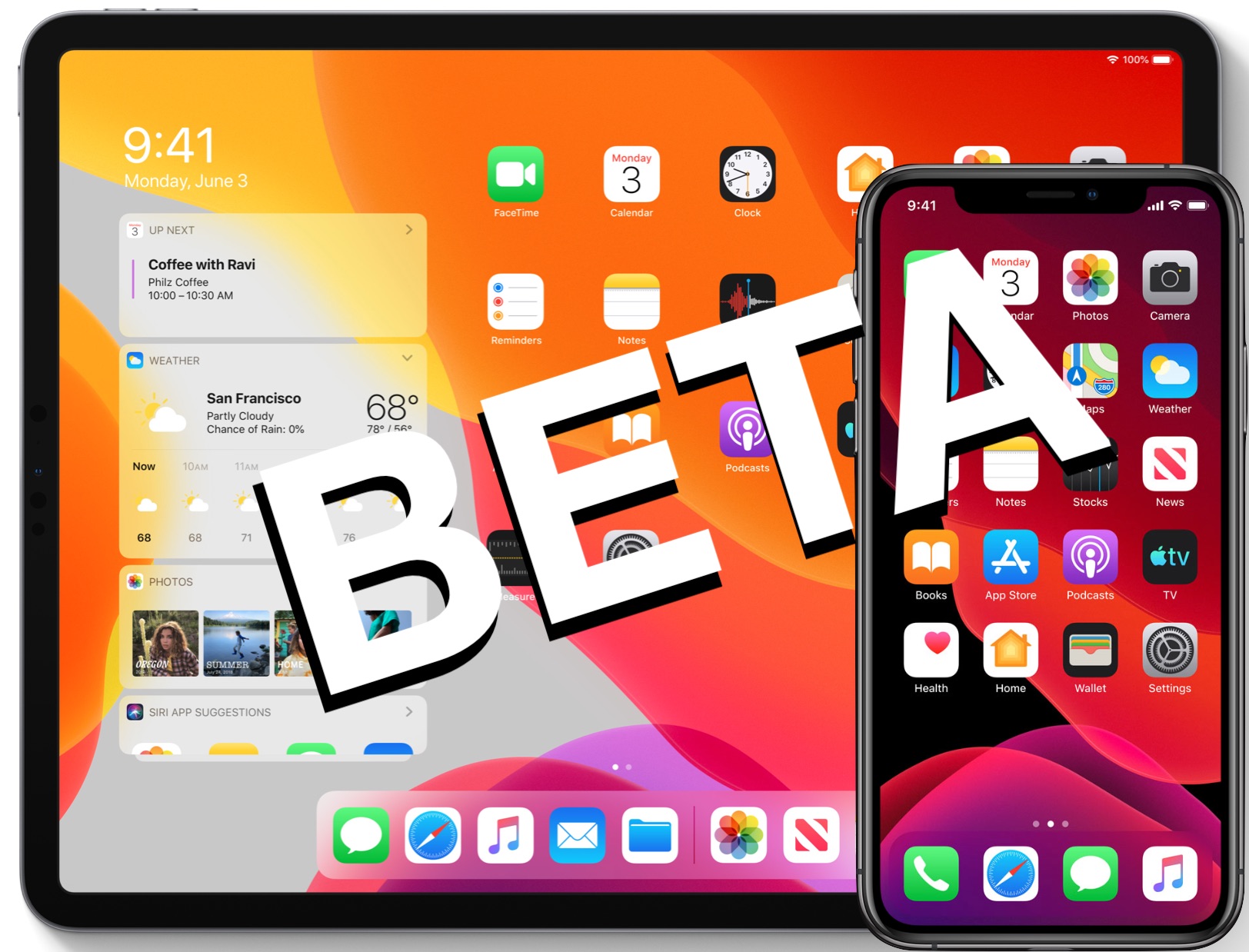
With every new iOS release, Apple includes a variety of new stock wallpapers to show off the latest operating system. iOS 13 beta is no different, and the new wallpapers bundled with iOS 13 and iPadOS are gorgeous as always.
But you don’t need to install iOS 13 or iPadOS or wait for iOS 13 public release to get these great default wallpapers, you can get your hands on them right now!
Now that iOS 13 beta 1 and iPadOS beta 1 are in the wild for developers to test, an increasing number of curious users are seeking out ways to download and install the latest beta system software onto their iPhones and iPads to try out all the fancy new features.
Apple has announced iOS 13 for iPhone and iPod touch, and iPadOS 13 for iPad. Like all system software releases, not all devices will be compatible with versions of iOS and iPadOS software however.
Listed below are all devices compatible with the new iOS 13 and iPadOS versions, including all iPhone models that will support iOS 13, and a list of all iPad models that will support iPadOS 13 (iPadOS is the iOS 13 equivalent for iPad). Additionally, there is only one iPod touch model that supports iOS 13.
Want to know if a particular Mac can run MacOS Catalina 10.15?
While many Macs will support MacOS Catalina, The next major feature rich Mac operating system which is due this fall, not every single computer out there will run the release.
Fortunately, the compatible Macs list for MacOS Catalina is pretty forgiving, as you’ll see in the full supported Macs list below.
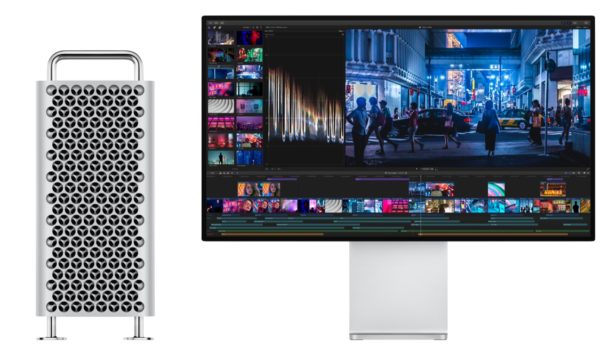
Apple has announced the all new redesigned Mac Pro, a beautiful piece of engineering that is the most powerful and most expandable Mac ever made, with prices starting at $5999.
Additionally, Apple announced the all new 32″ 6K Pro Display XDR, an impressive feature-packed display which starts at $4999. A separate Pro Stand for the Pro Display XDR is an additional $999.
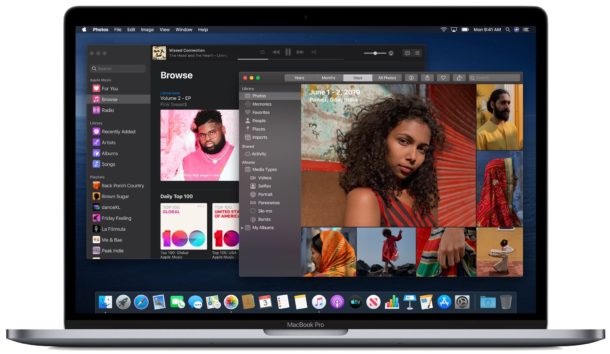
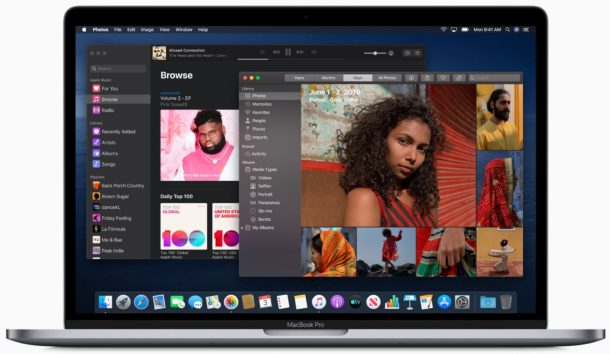
MacOS Catalina will be the next major version of the Mac operating system. Versioned as MacOS 10.15, Catalina includes a variety of new features, improvements to bundled apps like Safari, Photos, Reminders, and Notes, the splitting of iTunes into several new apps, and some intriguing new features and capabilities that bundle well with iOS 13 on iPad (now called iPadOS).
You can check out some of the features of MacOS Catalina along with screenshots below:
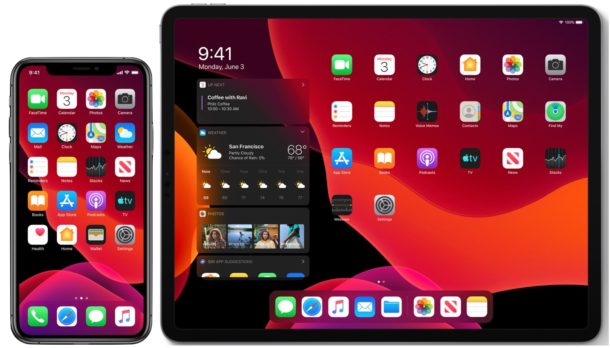
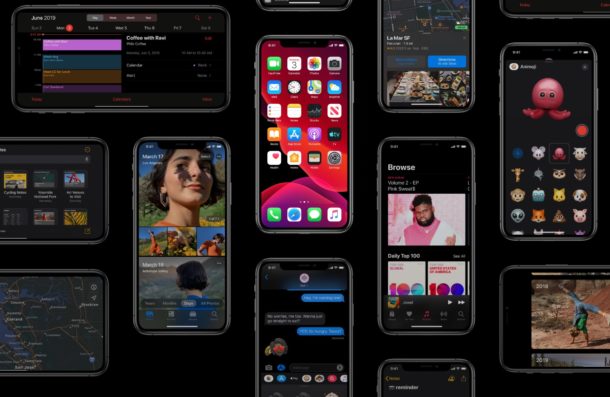
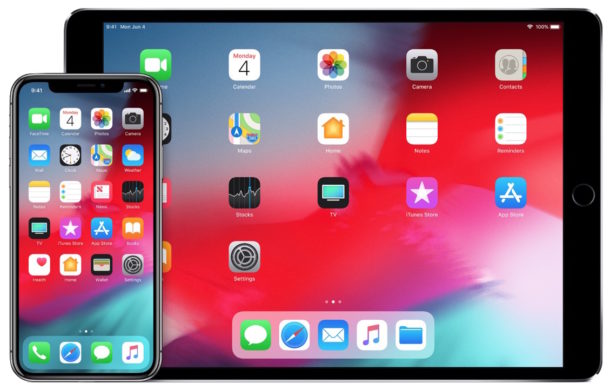
Apple has announced iOS 13 for iPhone and iPod touch, along with iPadOS 13 for iPad models. iOS 13 includes the snazzy new dark appearance options, performance improvements, and many new features and updates to the mobile operating system.
Some of the most noteworthy iOS 13 features and improvements include the following, complete with screenshots and images:
Users enrolled in the Apple Developer program can download the first beta version of iOS 13 for iPhone and iPod touch, and iPadOS 13 for iPad, iPad Mini, and iPad Pro, and macOS Catalina 10.15 for Mac.
Need to reset the Chrome browser to default settings? If Chrome is acting up and you want to troubleshoot the browser, or you just want to start fresh, you can easily reset Chrome settings to the original defaults. The process of resetting Chrome web browser is the same on Mac, Windows, and Linux.
Want to know how to mark an email as read or unread in Gmail? It’s very simple, but it’s also pretty easy to overlook how to mark messages as read or mark as unread too, so if you haven’t figured out how to do it yet don’t feel too bad.
It turns out that marking emails as read or unread in Gmail is actually the same in the webmail client as it is in the Gmail for iOS app for iPhone and iPad, and for other platforms too.
Read on to learn how to mark email messages as unread or read in Gmail.
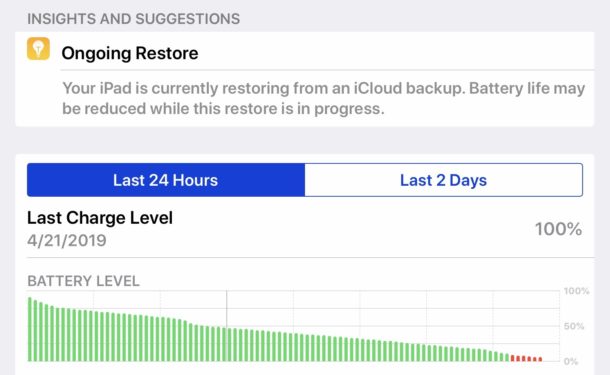
If you have recently setup a new iPad Pro, iPad mini, or iPad and discovered the battery is draining unusually fast leading to subpar battery life on the device, don’t fret, there’s probably a good reason for it.
In fact, if during your recent setup or restore of the iPad you decided to restore from an iCloud backup, that very well could be the reason the device battery is draining down so much faster than expected. We’ll show you how to check if this restore process is happening in the background, and what to do about it.
If you would like a Mac to automatically update apps from the Mac App Store, you can easily do so in MacOS Mojave 10.14 or newer. This can be a helpful setting to use if you like to keep your Mac apps up to date, but you regularly forget to update them manually, or if simply want the app update process to be automated.
This tutorial will show you how to enable automatic app updates in MacOS Mojave or later, and we’ll also show you how to disable the automatic updates feature for Mac App Store apps.
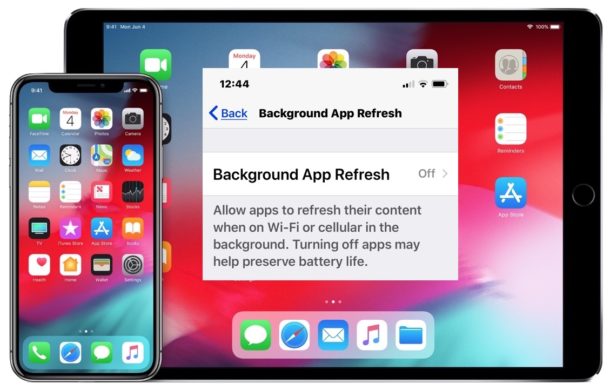
Don’t want iPhone or iPad apps to update or transmit data in the background when not in use? You can turn that feature off easily in iOS.
If you’re concerned about iPhone and iPad apps tracking you or transmitting data when they’re not in use, as discussed in a recently popularized Washington Post article, an easy way to prevent much of that type of activity is to disable a feature on iOS called Background App Refresh. With Background App Refresh turned off, iOS apps won’t update or run in the background, instead they’ll stay paused until they’re directly active again on screen. And as an added bonus of disabling the same feature, you might notice a bit longer of battery life too. Whatever your motivation, we’ll show you how to disable Background App Refresh on iPhone or iPad.
Apple has released the third beta version of iOS 12.4 to users enrolled in the iOS software beta testing program.
No major new features or changes are expected in iOS 12.4, suggesting the beta is likely focusing on bug fixes and minor enhancements to the iPhone and iPad operating system.
Advanced Mac users who are in a particularly strong adversarial threat environment may feel the need to enable full mitigation for the Intel MDS processor vulnerability on their Mac computers (and PCs for that matter). MDS stands for Microarchitectural Data Sampling (MDS), colloquially called “Zombieload”, and is basically a vulnerability on the actual Intel processor itself that could theoretically lead to an attacker accessing sensitive data on any impacted Intel computer, Mac or PC. (If you follow security news closely, the Zombieload vulnerability is sort of like the Spectre and Meltdown security flaws last year).
While Apple has applied security patches to macOS Mojave 10.14.5 and Security Update 2019-003 for High Sierra and Sierra that should help to prevent trouble for most Mac users, other Mac users operating within unusually heightened security risk environments may feel the need to go further and enable full mitigation against MDS / Zombieload.
Want a goofy game where you get to play around with virtual people in a virtual world? The Sims 4 is an interesting game where you create and control people in a virtual world. You can give your simulated people careers, relationships, control their houses and neighborhoods, and provide all sorts of other customizations to your virtual humans and their environment, which they will live in and interact with.
Sound fun? Great, because for a limited time (until May 28, 2019) it’s available as a free download for Mac and Windows PC!
Have you ever wanted to know if a particular iOS feature is supported in your country, or perhaps a country you are traveling to with an iPhone or iPad?
As you may know, some iPhone and iPad features are limited to specific countries. This can be for varying reasons, perhaps due to initial feature availability, regional restrictions or laws, or the availability of necessary resources for a particular feature to work. Additionally, often new iOS features roll out in a few select countries first, and then release into other countries as time goes on, as is the case with Apple Pay or Apple News or Siri.
If you’re wondering if a particular iOS feature is available in your country, you can find out rather easily by going to a little-known Apple website to confirm feature availability for iOS versions on iPhone and iPad.