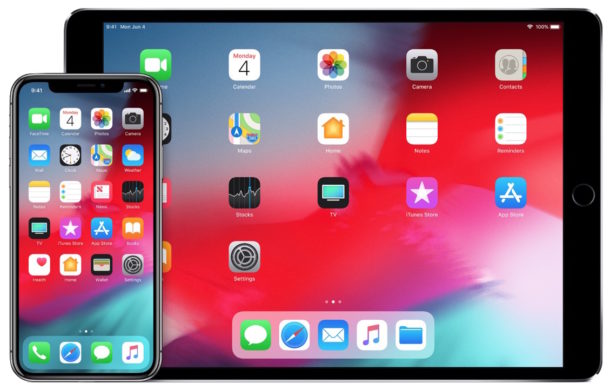
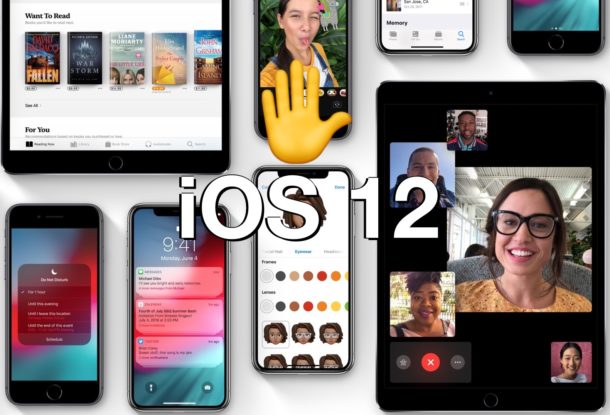
Apple has released iOS 12 beta 4 to iPhone and iPad users enrolled in the iOS developer beta testing program. Meanwhile, iOS 12 public beta 3 is also available to Public Beta testers.
The fourth beta of iOS 12 arrives along with macOS Mojave beta 4 (released the day prior), watchOS 5 beta 4, and tvOS 12 beta 4.
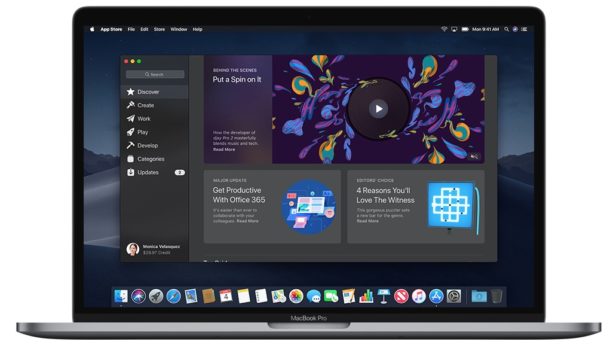
Apple has released the fourth beta version of macOS Mojave 10.14 to users engaged in the MacOS developer beta testing program.
The new macOS Mojave developer beta build is 18A336e and, as is usual, has arrived before the accompanying public beta release, which is typically a labeled version behind but otherwise the same software release.
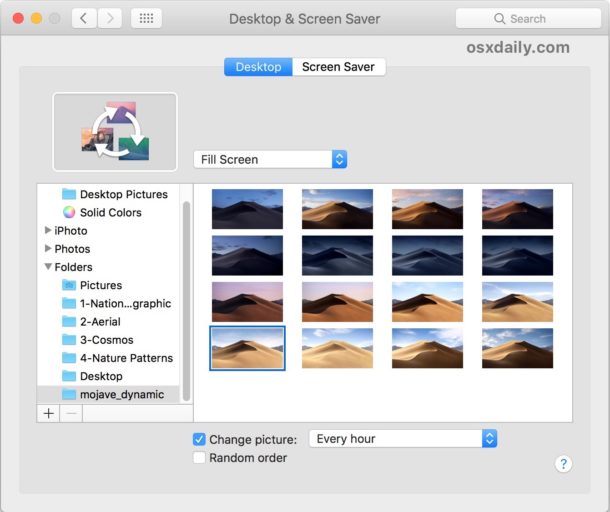
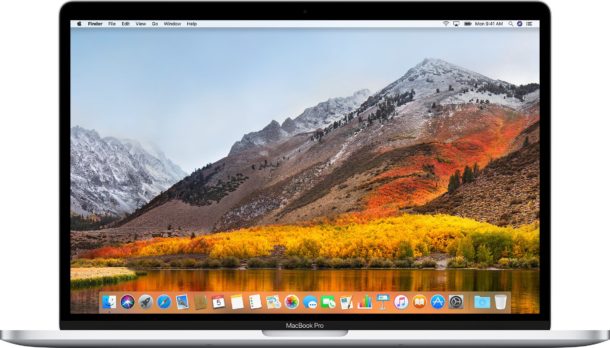
Dynamic Desktops are an interesting feature in MacOS Mojave that cause the desktop wallpaper to change throughout the day with the time, mimicking the changes in lighting that would occur in a scene as the day and night progresses. It’s a subtle but cool feature that brings some life to an otherwise static wallpaper.
But you actually don’t need macOS Mojave (whether in public beta or otherwise) to gain a Dynamic Desktop feature on the Mac, and you can accomplish a very similar effect by using existing features available to every version of Mac OS system software.
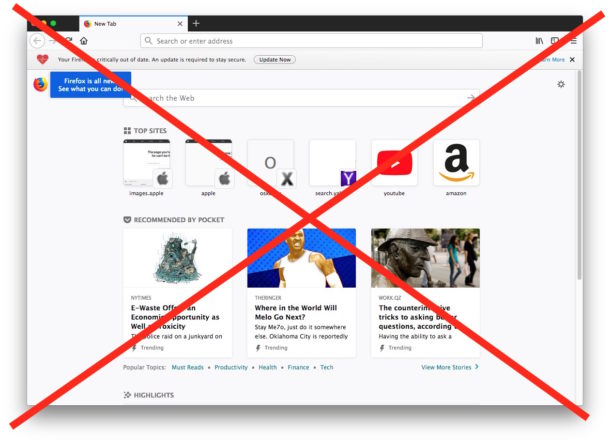
Firefox now defaults to showing the user a very busy launch page. Longtime Firefox users are likely already aware of this, but if you haven’t used the Firefox browser in a while, you may be surprised to launch Firefox to discover just how cluttered and busy the web browser has become at initial launch with a redundant search bar, a “Top Sites” section, a giant “Recommended by Pocket” splash screen suggesting various random, a “Highlights” section, “Snippets”, amongst whatever other busy components are visible by default. Some users may like the cluttered launch page, but others may be annoyed by these extraneous launch page elements that can be busy and distracting.
If you prefer a more minimalist web browser experience without tons of user interface clutter, you can change Firefox to turn off Top Sites, hide “Recommended by Pocket”, disable the extra Search bar, hide the “Highlights” section of Firefox, along with disabling the “Snippets” and meme section too. The end result will be a simple and plain interface upon launch of Firefox that isn’t crowded out by all the clutter.
Steam makes it easy to acquire and manage a great game library on a Mac, Windows PC, or Linux machine. But if you find that you’re not playing a particular game much anymore, or if you just need to free up some disk storage space to make room for something else, you might want to uninstall the game from the computer and remove it from Steam.
This tutorial will show you how to uninstall Steam games on Mac OS, and the process is also identical for deleting games from Steam on a Windows PC or Linux too.
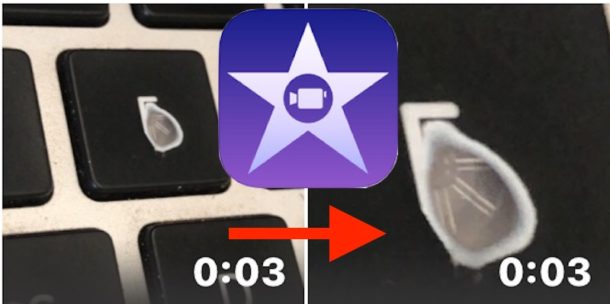
Want to crop a video or movie in iMovie on the iPhone or iPad? Cropping a video in iMovie allows you to essentially zoom in on a movie, either to crop out unnecessary elements, to reframe the video to put emphasis on something else, or to zoom into what you’d rather the video highlight. Cropping is different from trimming a video which is used to shorten the total length to cut out extraneous content.
This tutorial will show you how to crop a video on the iPhone or iPad using iMovie. If you happen to be interested, Mac users can perform a similar cropping video action in iMovie for Mac.
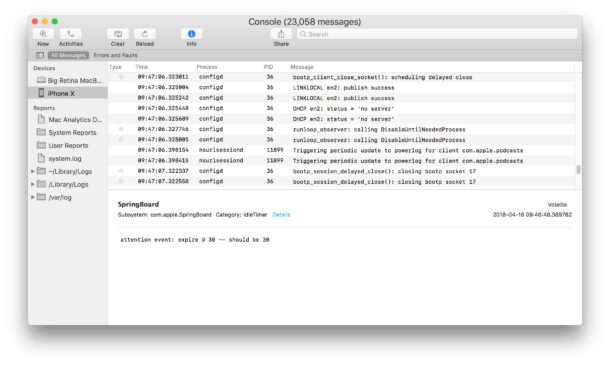
The iPhone and iPad generate logs of some system activity, including app crashes and other potentially interesting or helpful data. By connecting an iOS device to a Mac, you can review those logs.
Browsing through log data is generally only useful for developers and advanced users, either for troubleshooting or diagnostic purposes, but it may have broader applications for some other environments too. And it’s possible that even more casual yet curious tinkerer-types may find it interesting to browse through, even if the data is largely irrelevant to them and their device usage.
If you’re a Mac user that has a SuperDrive, DVD burner, or CD burner, you may be interested in knowing that modern versions of Mac OS continue to support a simple native ability to burn files directly to a DVD or CD disc.
Burning files and data to a disc allows for easy backups and file transfers, and remains common in many multimedia rich environments. Additionally, burning files or other data to a disc is particularly helpful for situations where you need to copy or share data with another computer which is not directly networked, nearby, or even a computer which is airgapped.
The iPhone and iPad has a little-known capability to convert looping or bouncing Live Photos to animated GIFs natively by sending them through selected sharing methods.
This approach to share a Live Photo as a GIF is great because it basically requires zero effort at all, and it’s certainly easier and faster than using an app to convert Live Photos to GIF.
Read on to learn how you can easily send and share any Live Photos as an animated gif.
Apple has released macOS High Sierra 10.13.6 to Mac users running the macOS High Sierra operating system. The software update is said to include various bug fixes and security enhancements.
Additionally, Mac users running Mac OS X El Capitan 10.11.6 or macOS Sierra 10.12.6 will find security updates available on those machines, along with a minor update to Safari.
Apple has released the final version of iOS 11.4.1 to all iPhone and iPad users. The release comes after a period of beta testing, and while a concurrent beta testing program continues for iOS 12.
iOS 11.4.1 is said to include bug fixes and security enhancements and is therefore recommended to install on compatible iPhone and iPad devices.
Do you miss the retro old days of an ultra-simple Finder experience on the Macintosh? You know, way back in System 6 and System 7, when there was no visual complexity to the user interface of Finder, no myriad of features, it was just a simple file system browser.
Yearn no more, because you can get that super simple Classic Macintosh Finder experience right now on MacOS and Mac OS X! Well, sort of anyway.
iOS users interested in jailbreaking their devices will likely appreciate knowing that a new jailbreak is available for iPhone, iPad, and iPod touch models that are running iOS 11.3.1, iOS 11.3, iOS 11.2, and iOS 11.2.x builds.
The new jailbreak, called “Electra”, has several requirements to be able to perform the successful modification of iOS system software. Read more »
Mac OS has long had a dark menu and dark Dock option, and macOS Mojave 10.14 has a true Dark Mode theme that shifts the entire visual appearance to a pleasing dark interface scheme. But if you’re running macOS High Sierra 10.13.x, you can use a defaults command entered into the terminal to enable a half-baked Dark Mode appearance that is system-wide, though it’s very incomplete and thus not appropriate for casual usage.
Have you ever wondered where Homebrew puts the binaries from brew packages that are installed on a Mac? If you’re a Homebrew user, you may be interested in knowing where Homebrew puts everything and where to find the installed brew packages in Mac OS.
We’ll show you the directory path where Homebrew keeps packages, and also share a few other ways to see what and where Homebrew has installed anything onto a Mac.
Action shots can be some of the more difficult to capture moments for photographers, but the Live Photos feature on iPhone and iPad makes the job easier. Plus with the help of the new Live Photos Effects capabilities, you can add a looping or bouncing effect to the images, which makes the task of capturing some memorable action imagery simpler than ever.
Apple has released macOS Mojave 10.14 beta 3 to users participating in the Mac OS system software beta testing program.
Typically the developer beta update arrives before the public beta update, which follows soon after. Often the public beta version is labeled as a version behind the developer beta, even if the release build number is close or the same, thus the equivalent build is macOS Mojave public beta 2.
Apple has released iOS 12 beta 3 for users participating in the iOS beta testing program.
The initial iOS 12 beta 3 release is available for any iPhone or iPad enrolled in the developer beta testing program. The public beta release followed soon after, versioned as public beta 2.