How to Reduce “System” Storage Size on iPhone or iPad
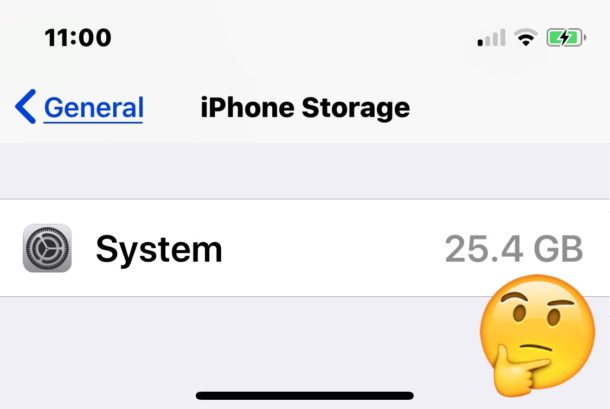
If you have ever visited the iOS Storage section of Settings app on an iPhone or iPad, you may have noticed that the “System” storage section is occasionally quite large and can take up a significant amount of storage capacity. For extra large storage capacity devices this may not be a big deal, but if you have “System” taking up 16GB of storage on a 32GB device then that is obviously a storage burden that is impinging on total device capacity, potentially preventing other uses of the device due to being unable to download apps, games, media, or other stuff to the device. Therefore, reducing a large “System” storage section of iOS devices could be desirable.
This tip will cover a somewhat quirky way to reduce the total size of “System” storage as found on the Storage settings of an iPad or iPhone.