How to Get Access to Photos Master Image Files in Mac OS Quickly with an Alias
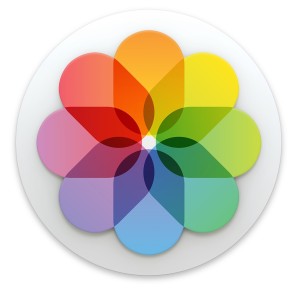 Photos app for the Mac imports images and manages pictures by automatically moving the files into organized folders within the apps dedicated package file. While this file container is not intended to be user facing, many advanced Mac OS users like to have access to the original master files rather than solely relying on the Photos app for image management.
One easy method to access those files is by using the Show Original File trick to jump to the Finder location of the master file of a particular image, but if you find yourself using that often, or frequently needing access to the master image files from Photos app in Mac OS, we’ll show a quick and easy way to instantly access those master images from anywhere in the file system in Mac OS.
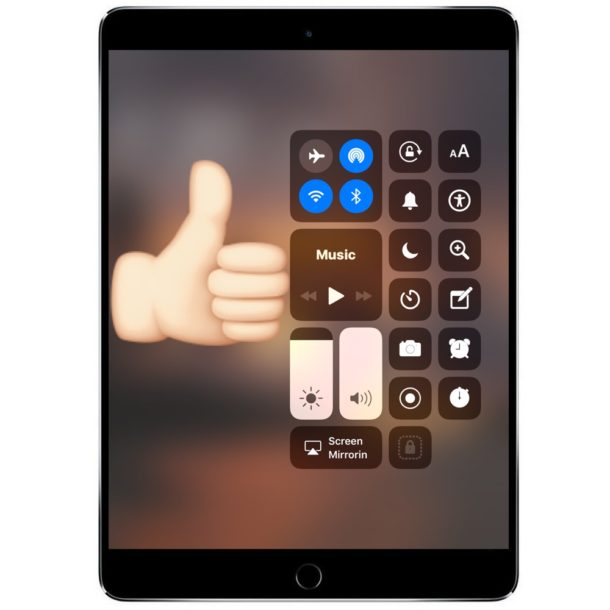





 If you’re traveling through areas of weak cellular signals and generally poor reception, you can save a significant amount of iPhone battery life simply by toggling the AirPlane Mode feature on. That may sound weird, but it really works, with the idea being that when an iPhone has an intermittent cell signal, the cellular modem continuously searches for another available cell tower, which happens to use a lot of battery power. Thus, the solution is to simply stop the iPhone from looking for a cell signal if you’re not going to have one anyway.