How to Disable Screen Time on iPhone or iPad
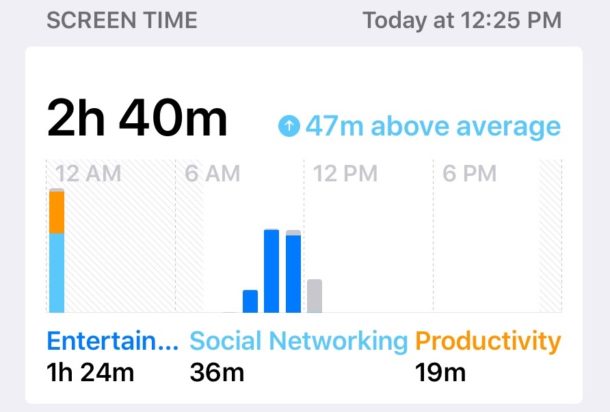
Screen Time is one of the best features in new iOS versions, allowing you to keep track of how often an iPhone or iPad gets used, what apps are being used, and perhaps best of all, Screen Time gives you the ability to easily set time limits for apps and categories of apps, and even set restrictions on content and privacy. While many iPhone and iPad owners will appreciate Screen Time, whether for better understanding their own device usage or for managing a childs device or someone else’s, some iOS users may also decide they do not want the Screen Time feature enabled and reporting usage data points or limiting app use at all.
If you want to turn off Screen Time completely in iOS 12, iOS 13, and later for iPhone or iPad, this tutorial will show you how to do so.