How to Sort Files on iPad and iPhone
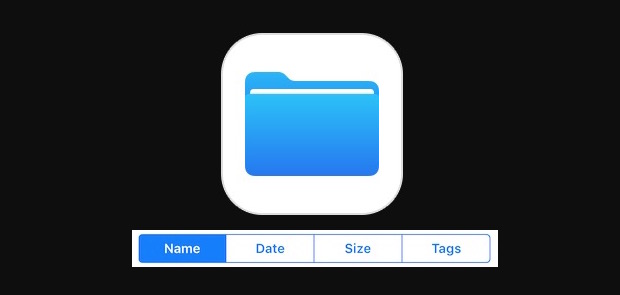
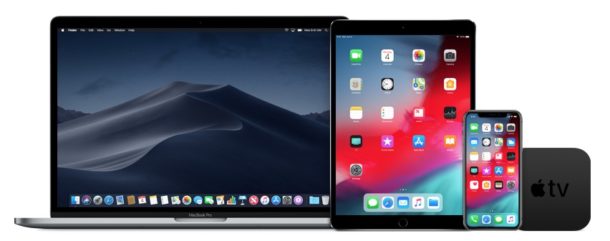
The Files app on iPhone and iPad serves as a file system of sorts to the iOS world, complete with many commonly used file system functions. One of the more frequently used features in file systems is the ability to change how you sort files or folders, and the iOS Files app also allows for sorting of files and folders using a variety of methods, including sorting files by name, sorting files by date, sorting files by size, and sorting by tags.
The ability to sort files in the Files app on iPhone and iPad is a little hidden however, and if you open the app initially you won’t see any sorting capabilities immediately available. Instead, the iOS Files sorting functionality is hidden from initial user view, but it’s quite simple to reveal and use once you learn how.