How to Stop Autoplay Video in Safari for Mac
Jul 12, 2017 - 23 Comments
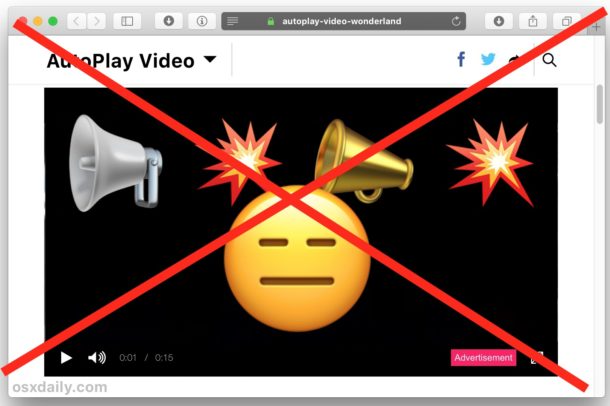
Auto-play video is encountered frequently when browsing the web, and many websites will start blasting you with video and sound as soon you load a webpage. This can be nice for some websites and videos, but it can also be frustrating or unwanted. A hidden setting in Safari makes disabling autoplay video to be pretty simple on the Mac, so if you would like to stop the autoplaying videos there is an option to do just that.
By Paul Horowitz - Mac OS, Tips & Tricks - 23 Comments