How to Find What System Software Version is in a MacOS Installer
Jul 26, 2017 - 6 Comments
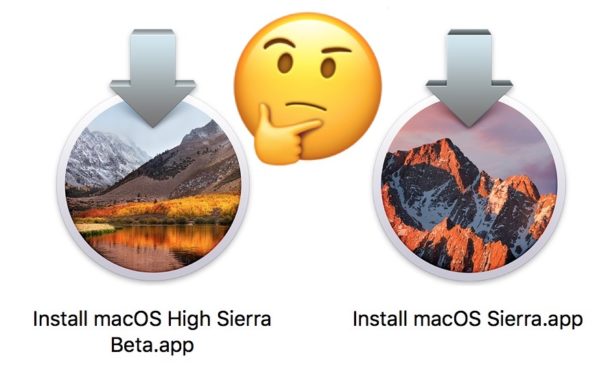
If you have ever downloaded an installer for Mac OS from the Mac App Store, you may have wondered which exact system software version of Mac OS the installer corresponds to. While the installers file name will reveal the major system software release (for example, “Install macOS High Sierra” or “Install OS X El Capitan”) it will not tell you the precise version number that will be installed (for example, 10.13.1 or 10.12.6).
Fortunately there is a pretty easy way to determine exactly which system version number of Mac OS will be installed by a particular macOS installer application, and you can access the data from the command line or via the Finder with Quick Look.
By Paul Horowitz - Mac OS, Tips & Tricks - 6 Comments