How to Trigger an Alert Dialog Pop-Up from Command Line in Mac OS
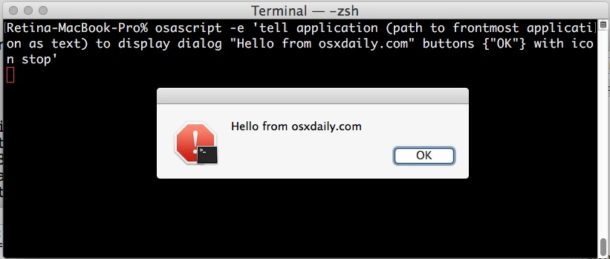
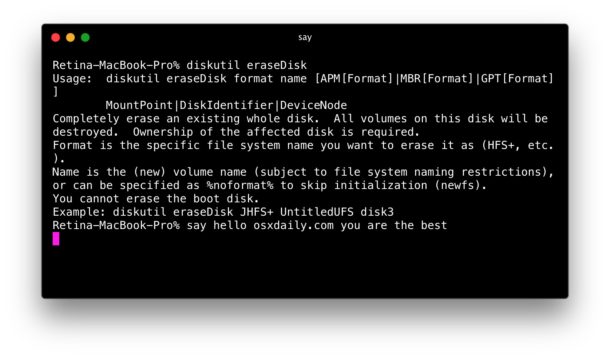
Ever wished you could make a dialog alert pop-up on the Mac by way of the Terminal? Well it turns out that you can with the always useful osascript command, which allows execution of AppleScript from the Terminal. For those who spend a lot of time at the command line of MacOS, this can be a great little trick to notify you of when a specific task has completed, or even to be included as part of a script. This is sort of a visual approach to one of my favorite simple Terminal tricks which is to verbally announce when a command line task has completed.
Let’s review how advanced Mac users can trigger alert dialog boxes in the MacOS GUI from the command line. You can choose to specify a specification application to trigger the pop-up alert to appear within, or, perhaps better yet, trigger a alert dialog in whatever the foremost application in Mac OS X is.