How to Change the Default System Font in OS X El Capitan to Lucida Grande
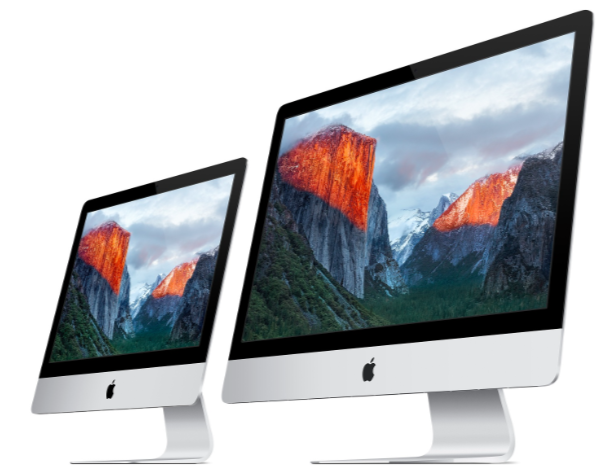
The Lucida Grande font is known for its crisp and obvious readability which makes it a great user interface font, and it rightfully served as the Mac OS X default system font for many years. Then along came Yosemite, where the Mac system font was changed to the generally unpopular Helvetica Neue. Apple has since improved font readability considerably by changing the default system font yet again in OS X El Capitan, this time to a new font called San Francisco. While the San Francisco font is considerably better as a display font than Helvetica Neue, it’s still not quite as readable for some Mac users and on some non-retina displays as Lucida Grande. Fortunately, with a little effort you can change the default system font on a Mac with OS X El Capitan to Lucida Grande again, and return to the classic user interface font.
This app changes the system font, used in menu bars, menus, the Finder, Dock, window title bars, and elsewhere. If you like the system font the way it is now, or don’t even care, you likely won’t benefit from this application.