What happens in the Mac OS X boot process?

Ever wondered what happens during the Mac OS X boot and startup process? With Mac OS X it’s a bit more complicated than things once were, and long gone are the days of Classic Mac OS (System 9, 8, 7, 6), where watching our Macs boot up with a series of extensions and control panels that we could always identify by their icon alone, and then go dig around in the Extensions folder to easily adjust what is loading and occurring on Mac boot. Today with the Unix underpinnings of Mac OS X, many users are entirely unaware of what is going on behind the scenes.
So what exactly happens during the Mac OS X boot process? You can always get a better look by booting a Mac in Verbose Mode, but that doesn’t necessarily explain all of what you see. Fortunately an excellent explanation is available via segment at KernelThread, which carefully lists the sequence of Mac OS X boot events, from start to finish. It is fairly thorough and worth a read, repeated below for the inquisitive Mac users out there.
 We are all excited for this springs release of Mac OS X Leopard 10.5, and each new developer release can give us hints of what is in the pipeline. The Mac speculation site MacRumors says that the latest seed of Leopard includes a few new features that have been suggested, including tabbed window support in Terminal. Also, it looks like Terminal has the ability to run across various workspaces. It doesn’t look like anything too ground breaking has appeared yet (such as the rumored new interface), but little feature improvements here and there.
  Hidden from the casual Mac user is a spiffy command line utility that allows you to view, configure, and troubleshoot your Mac’s wireless connection, entirely from the Terminal of MacOS and Mac OS X. This command has a help file but is otherwise but not much documentation, and judging by the obscure location of the command, Apple probably didn’t think it would be too useful for the average Mac user. But the hidden command line airport tool is very useful indeed, particularly for more advanced Mac users who want to have full control over their wi-fi hardware directly from the command line in Mac OS X.
  Safari is my browser of choice in Mac OS X, I like Chrome and FireFox a lot but it doesn’t have the same Apple polish to it, and page rendering seems speedier in Safari (my opinion, no intention on sparking a browser war here).
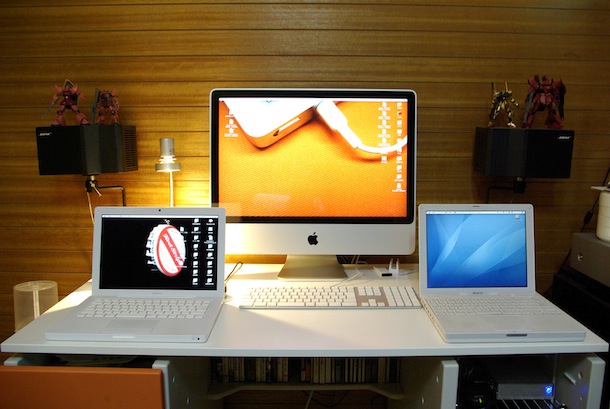 A variety of keyboard shortcuts and commands can be used during a Mac system startup to access various features, systems administration utilities, and troubleshooting tricks. Some of these startup keys may be slightly different on PPC and

 Christmas is here, and what better way to get in the spirit than to make you and your loved ones into Santa! SantaSnaps is a lot like Photo Booth except instead of distortions and color changes, you get elf hats, beards, ears, reindeer horns, glasses, and a few other holiday accessories. There’s also a strange looking nutcracker if you feel the need to transform into one. Certainly not groundbreaking software but it is fun and appropriate for the time of year. Enjoy the holidays and Merry Christmas!

 The
The