Mac OS X

Search Mac OS X

How to Convert Currency in Mac OS X with Calculator App

Jun 26, 2012 - 9 Comments
Calculator app converts currency

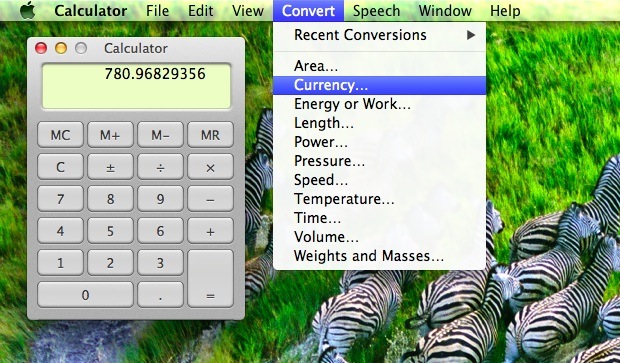
Need to quickly convert a value in one currency to another? You don’t need to hit the web to learn the latest exchange rates, instead you can turn to the trusty old Calculator app. The OS X Calculator is bundled with a variety of built-in conversion tools, currency included. Using it is simple: Launch Calculator … Read More

OS X Mountain Lion Developer Preview 4 Update 2 Released

Jun 26, 2012 - 2 Comments
OS X Mountain Lion DP4 Update 2

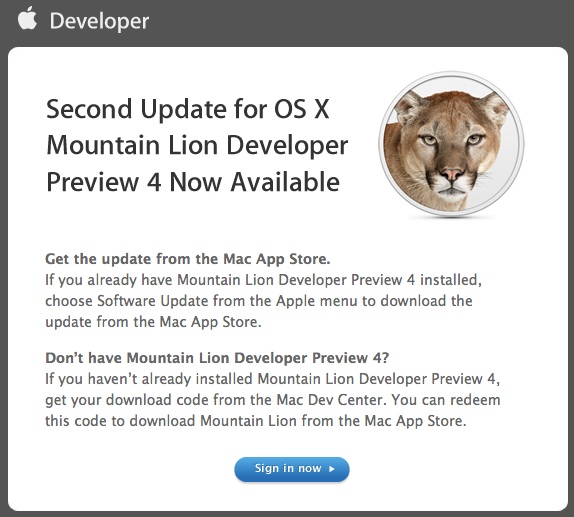
Pushing towards next months public release, Apple has released a second developer update to OS X Mountain Lion Developer Preview 4. The new build is 12A256 and the update appears to focus primarily on security features and updates, and 9to5mac points out the latest build will check daily for security updates. Developers running OS X … Read More

Remove Rounded Corners from QuickTime Player Video Windows

Jun 25, 2012 - 6 Comments
Remove rounded corners from QuickTime video windows

QuickTime Player automatically rounds the corners of any video window, a nice touch that fits in line with the rest of the OS X desktop and window experience. If you don’t like the rounded movie window appearance though, you can easily disable them: Quick QuickTime Launch Terminal and enter the following command: defaults write com.apple.QuickTimePlayerX … Read More

Remove the Alias Arrow Badge From Icons in Mac OS X

Jun 23, 2012 - 22 Comments
Remove the alias arrow badge from icons in Mac OS X

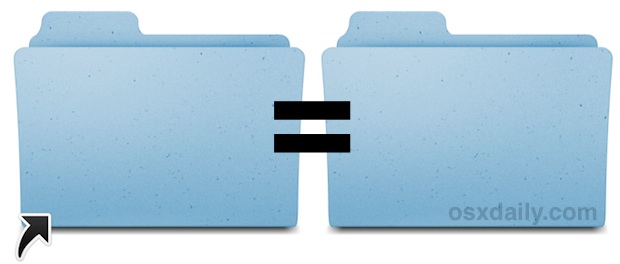
Anytime you create an alias in Mac OS X the resulting alias of a file, app, or folder, will include the arrow icon in the corner. This makes it easy to identify any item as an alias, but you can hide the alias arrow badge from icons if you don’t want to see them. Here … Read More

How to Remove Chrome “Most Visited” Web Thumbnails

Jun 22, 2012 - 10 Comments
Remove Chrome Most Visited thumbnails

Chrome’s “Most Visited” thumbnails capture snapshots of the websites you most frequently access. These thumbnails can very convenient but they can also be embarrassing, thankfully they are fairly easy to clear out: How to Remove Thumbnails from Chrome Most Visited List on Mac Quit Chrome From the Mac Finder, hit Command+Shift+G and enter the following … Read More

Swap the Last Two Characters Typed on Mac with a Keyboard Shortcut

Jun 22, 2012 - 11 Comments

How many times have you typed something to discover the last two characters are in the wrong order? You know, when “the” turns into “teh” and “something into “somethign”, a fairly common general mistype. Well the Mac has a solution to this, with a great little keystroke that swaps the last two characters.

9 Tips to Get the Most Out of Mission Control in Mac OS X

Jun 21, 2012 - 21 Comments
Mission Control tips

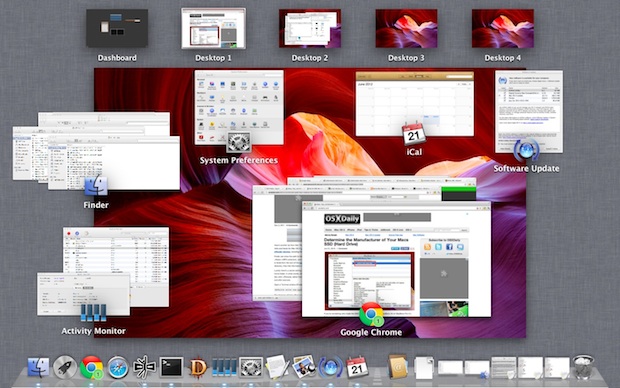
Mission Control is a powerful window and app manager built directly into Mac OS X, it combines elements of Virtual Desktops (Spaces), an application switcher, and a window manager, into one easy to use centralized location. If you aren’t using this excellent Mac feature on a regular basis then you should reconsider, learn a few … Read More

Determine the Manufacturer of Your Macs SSD (Hard Drive)

Jun 21, 2012 - 6 Comments
Check the Manufacturer of an SSD Drive in Mac OS X

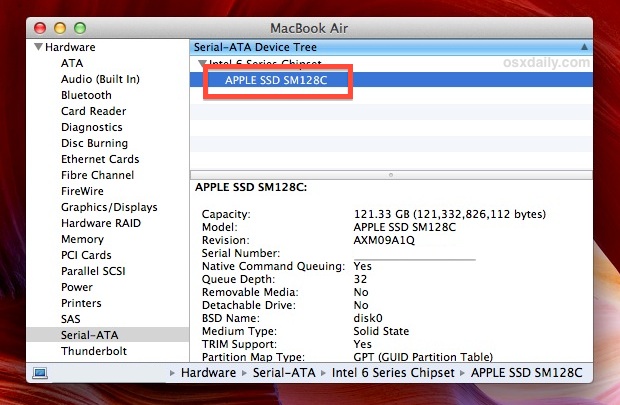
If you’re wondering who made the SSD (flash storage) drive on a MacBook Air or MacBook Pro it’s fairly easy to determine: Pull down the  Apple menu and choose “About This Mac”, then click on “More Info” Click “System Report” Look under “Hardware” for the “Serial-ATA” entry and select it Expand the chipset and … Read More

How to Show the Path Bar in Mac OS X to Work Better in the Finder File System

Jun 20, 2012 - 13 Comments
Show the Path Bar in Mac OS X

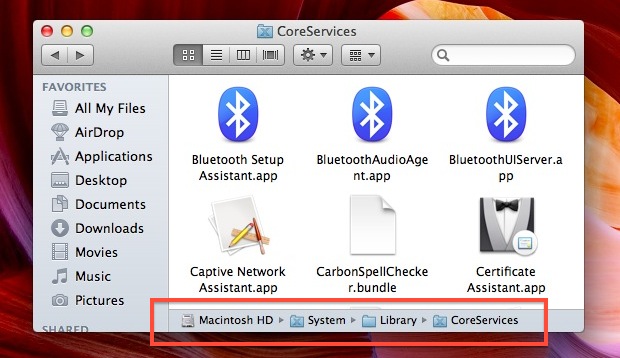
The optional Path bar shows the complete filesystem path to the current working directory in any Finder window of Mac OS X. This optional window-dressing item has more use beyond that though, because not only does it show you the present directory, it’s also interactive. In short, that means you can double-click the individual folders … Read More

Automatically Change Desktop Wallpaper to Satellite Images of Your Current Location

Jun 20, 2012 - 11 Comments
Satellite Image wallpaper

Satellite Eyes is a neat free app that automatically adjusts your desktops background wallpaper to satellite images of your current location. Commute to work and you’ll see a new background than what you do at home, fly across the country or world and it’ll change with you. For a simple app there are a fair … Read More

Backing Up iPhone Contacts Without iTunes

Jun 19, 2012 - 20 Comments
Backup iPhone Contacts without iTunes

Anytime you use iCloud or iTunes to back up an iPhone or iOS device, the Contacts will be backed up automatically assuming the default settings are preserved. If you want to store an additional backup outside of iTunes and iCloud however, by far the easiest way to do that is with Address Book. This will … Read More

Update to OS X Mountain Lion Developer Preview 4 Released to Devs

Jun 18, 2012 - 4 Comments
OS X Mountain Lion Developer Preview 4 update

An update to OS X Mountain Lion Developer Preview 4 has been released to developers, barely a week after the last version was released at WWDC. The update comes as build 12A248 and is recommended for all devs running DP4 and can be downloaded through the Mac App Store. The largely unspecified release presumably includes … Read More

Access Terminal from Anywhere in Mac OS X via Keyboard Shortcut with TotalTerminal

Jun 18, 2012 - 3 Comments
Total Terminal brings Terminal access to anywhere via Hot Key in Mac OS X

TotalTerminal is an excellent tweak for those of us who frequently use the command line, it provides instant access to the Terminal from anywhere in Mac OS X with just a keyboard shortcut. Modeled after the classic Quake console, an official Terminal.app prompt drops down from the top of the screen where you can quickly … Read More

4 Ways to Run a Retina MacBook Pro at 2880×1800 Native Resolution

Jun 18, 2012 - 31 Comments
Retina MacBook Pro at 2880x1800 resolution

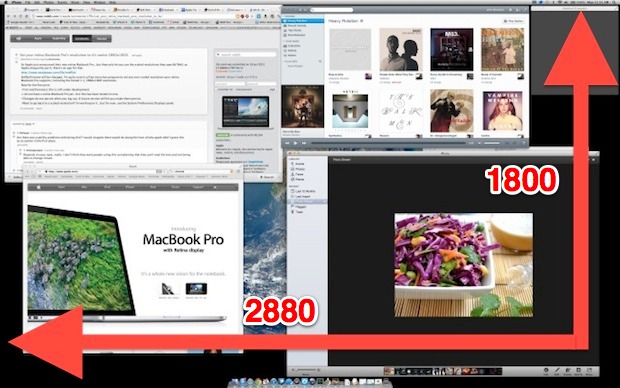
The Retina MacBook Pro 15″ screen resolution is 2880×1800, but because of how a retina display works the effective resolution is 1440×900 and the onscreen elements are just running in HIDPI mode. Apple provides an option to run at 1920×1200 through System Preferences, but as of now there is no built-in approach to running the … Read More

Change Regional Settings, Measurement Units, Date Formats, & Currency in Mac OS X

Jun 16, 2012 - 3 Comments
Change Regional Settings in Mac OS X

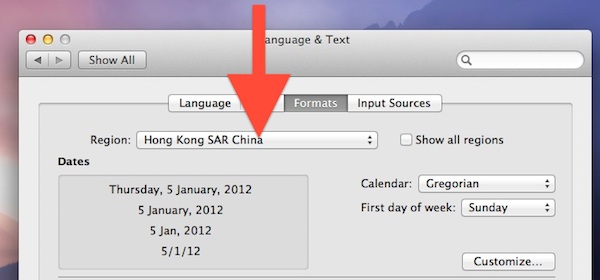
If you travel internationally with a Mac or you split life between different parts of the world you can make your computing life easier by adjusting regional settings based on your current location. Mac OS X makes this very easy to do and you can switch from US to metric, change currency, and set the … Read More

Download Instagram Photos to Your Computer Easily

Jun 15, 2012 - 12 Comments
Download Instagram pictures to your computer with Instabackup

If you use Instagram and you’ve ever wanted to download all the pictures you’ve taken you’ve probably noticed there is no built-in option to do so. Thankfully there are several free options that let you back up all photos from Instagram and export them all directly to your computer. We’ve narrowed it down to the … Read More

Yet Another Way to Turn Off Internal LCD Display of MacBook Pro With Lid Open

Jun 15, 2012 - 43 Comments
Sleep the internal display while keeping a MacBook lid open

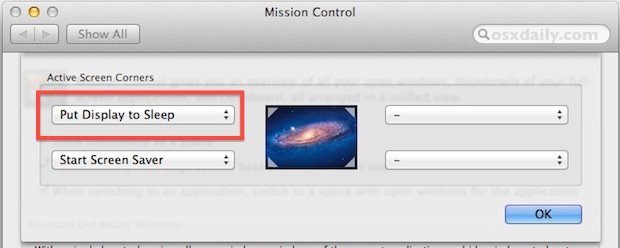
We have covered a handful of different ways to disable the internal screen on a MacBook Pro/Air while keeping the laptops lid open and the computer turned on, ranging from a command line approach, dimming brightness or using sleep, and even a silly magnet trick, but for whatever reason there have always been a few … Read More

Re-Run the Last Command While Replacing Syntax or Typos

Jun 13, 2012 - 6 Comments

If you’ve ever entered a lengthy command into the terminal and upon execution discovered a syntax error, a “no such file or directory”, or “command not found” message because you made a typo, you’ll love this quick tip that lets you rerun the last executed command while replacing the erroneous syntax. You’ll need to be … Read More

Subscribe to OSXDaily

Subscribe to RSS Subscribe to Twitter Feed Follow on Facebook Subscribe to eMail Updates

Tips & Tricks

News

iPhone / iPad

Mac

Troubleshooting

Shop on Amazon to help support this site