Mac OS X

Search Mac OS X

Watch the OS X Mountain Lion New Features Video from Apple

Jun 13, 2012 - 6 Comments

OS X Mountain Lion new features video

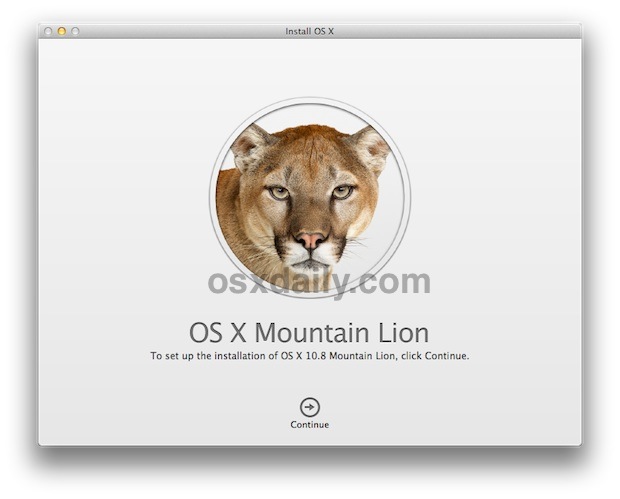
Apple has posted an excellent walkthrough video showing off the some of the bigger new features of OS X Mountain Lion. The 5:30 video is embedded below, and although it doesn’t cover every one of the 200+ new features in Mac OS X 10.8, it shows off the highlights and is well worth watching if … Read More

Fix for Kernel Panics and Crashing After Thunderbolt Software Update 1.2

Jun 12, 2012 - 26 Comments
Thunderbolt update kernel panic

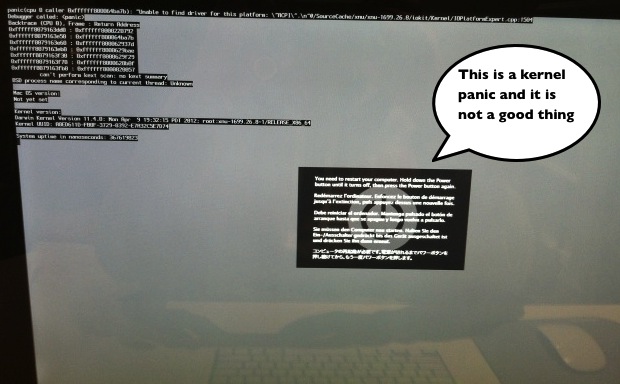
Some of you may have experienced the unfortunate kernel panic on boot problem that is occurring on certain Macs after they’ve installed recent software updates. If you haven’t installed the “Thunderbolt Software Update 1.2” yet it’s best to avoid it completely until a fix comes from Apple. If it’s too late and you’re experiencing crashes … Read More

WWDC 2012 Roundup: Retina MacBook Pro, New Macs, OS X Mountain Lion, iOS 6, etc

Jun 11, 2012 - 11 Comments
WWDC 2012

If you don’t have time to watch the WWDC 2012 keynote video, here’s a quick summary of everything major that was announced at WWDC and also a few things that were quietly updated behind the scenes. New Macs, new operating systems, new apps, it was a big day for Apple. Macs & OS X Mountain … Read More

OS X Mountain Lion Developer Preview 4 Released for Developers to Download

Jun 11, 2012 - 9 Comments
New Mountain Lion Dock look

OS X Mountain Lion Developer Preview 4 was released for developers today as build 12A239. To access DP4, registered developers will need to log into the developer center and retrieve a download code which can be used within the Mac App Store. Apple hinted at WWDC2012 that Developer Preview 4 was close to the release … Read More

OS X Mountain Lion Available in July, Priced at $19.99

Jun 11, 2012 - 24 Comments
OS X Mountain Lion release date set for July

No more guesses or vague release schedules, Apple has announced that OS X Mountain Lion will be released in July at a price of $19.99. The download will be available exclusively through the Mac App Store and following along with Apple’s generous purchase policy, a single purchase of Mountain Lion will install on all personally … Read More

Make a Quick Backup of a File from the Command Line

Jun 11, 2012 - 3 Comments
Quickly make a file backup from the command line

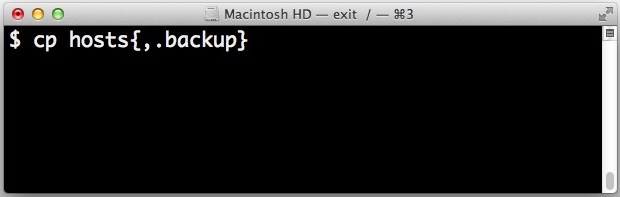
It’s always a good idea to backup a file if you’re going to be making some changes to it and you’re uncertain of the outcome. In the Finder this is as simple as just selecting the file and hitting Command+D to create a duplicate of the file in question, but in the command line you … Read More

Make Incremental Brightness & Volume Adjustments in Mac OS and OS X

Jun 9, 2012 - 36 Comments
Incremental volume and brightness adjustments in Mac OS X

Do you remember how you could make small and precise 1/4 incremental changes to brightness and audio volume in Mac OS X Snow Leopard by holding down the Option key? Many thought this feature disappeared with OS X Lion, but it turns out you can still make those incremental adjustments in both OS X Lion, … Read More

Mac Screen Looking Blurry? Optimize & Troubleshoot Font Smoothing in Mac OS X

Jun 9, 2012 - 6 Comments
Incorrect screen resolution looks fuzzy

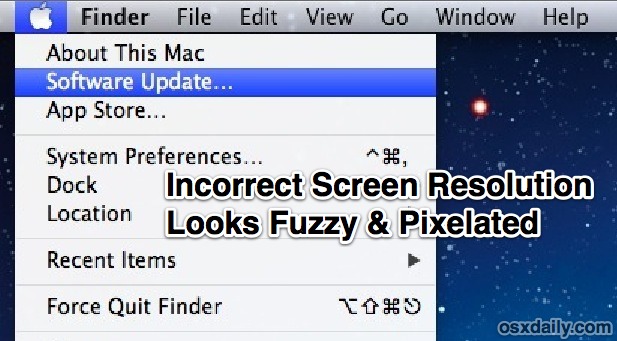
If you think a Mac display looks fuzzy or blurry there are a few common solutions to check into before assuming the screen itself has a problem. Likewise, if your screen text just doesn’t look right it may be due to a few settings within Mac OS X. With that in mind here are a … Read More

14 Must-Know Tips & Tricks for Mac OS X

Jun 8, 2012 - 32 Comments
Show hidden files in open and save dialog windows

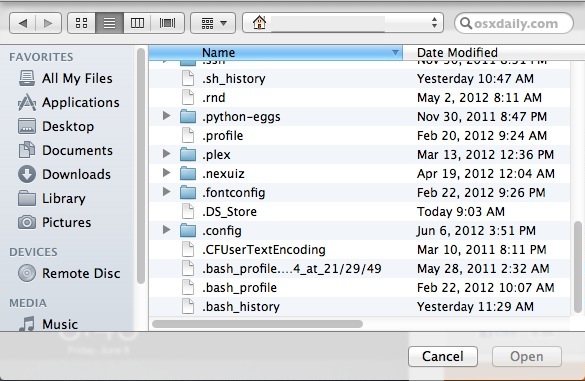
We often get asked what the single most useful Mac tip is, or what a handful of the best tricks are. It’s impossible to answer such a question given the diversity of use cases of OS X, but here’s a collection of what are surely some of the absolute best tips for Mac OS X … Read More

Quickly Enter Clamshell Mode with an External Display in Mac OS X

Jun 8, 2012 - 15 Comments
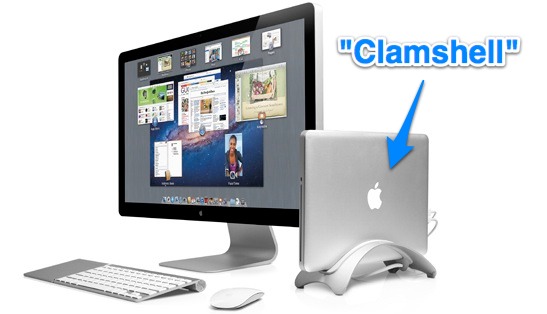
Clamshell MacBook in a Book Arc

Keeping a portable Mac turned on while the lid remains closed is commonly referred to as clamshell mode. Clamshell mode basically docks the MacBook Air / Pro / etc and allows the GPU to power an external display only, which can help performance of some games and graphics intensive tasks. Additionally, some MacBook users just … Read More

6 Totally Rad Retro Apple Wallpapers

Jun 8, 2012 - 8 Comments
Think Different, retro rainbow Apple wallpaper

Want some retro Apple wallpapers featuring the classic rainbow  logo? Of course you do, so get ready to feel like you’re somewhere back in the 80’s and early 90’s again with this collection of six old school wallpapers.

Fish Shell for Mac OS X Makes the Command Line Smarter & Friendlier

Jun 7, 2012 - 6 Comments
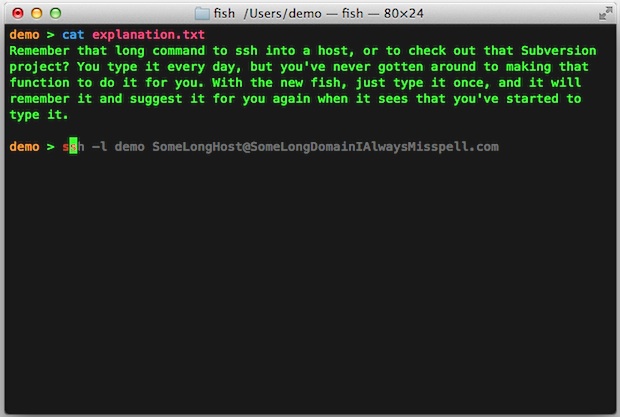
Fish Shell for Mac OS X showing autosuggestions

Are you looking for a way to make the command line a bit more user friendly? If so, you may find Fish to be a pretty nice alternative shell whether you are completely new to the OS X Terminal or you just want some general assistance when at the command line.

Enable Closed Captioning on iPhone, iPad, and in iTunes

Jun 6, 2012 - 4 Comments
Enable Closed Captioning of videos in iOS

Closed Captioning places written text at the bottom of video content, allowing for anyone to read along with the video rather than listen to the audio. This is an essential feature for certain accessibility purposes and for individuals who are hard of hearing, but it’s also just a useful feature to enable if you want … Read More

Get 11 Great Mac Apps for $49.99 with the MacUpdate June 2012 Bundle

Jun 6, 2012 - 6 Comments
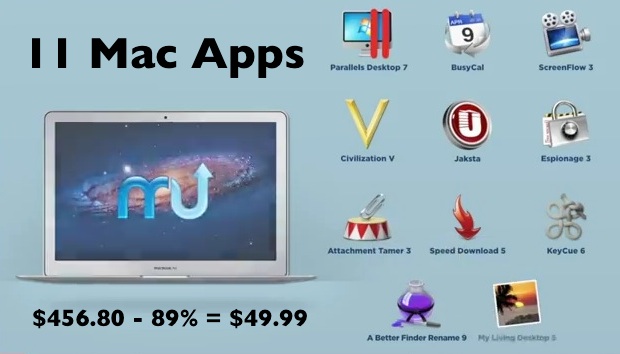
MacUpdate June 2012 Bundle for Mac Apps

The MacUpdate June 2012 Bundle is an absolute whopper of a deal with 11 killer Mac apps that would otherwise retail for $457 for just $49.99. Some particular highlights in the bundle are Parallels 7, ScreenFlow 3, Civilization 5, Jaksta, and My Living Desktop, but you’ll find every app in the bundle to be quite … Read More

How to Check SHA1 Hash of a String

Jun 6, 2012 - 3 Comments
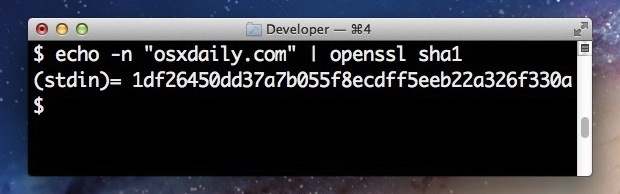
Check SHA1 Hash of a String

Do you need to check the sha1 hash of a string? You can easily find the sha1 hash of any string from the command line, and this trick works to check sha1 hash from Mac OS or Linux. We’ll use the openssl command to

Create a Sorted Applications Launcher & App Menu for the Mac OS X Dock

Jun 5, 2012 - 11 Comments
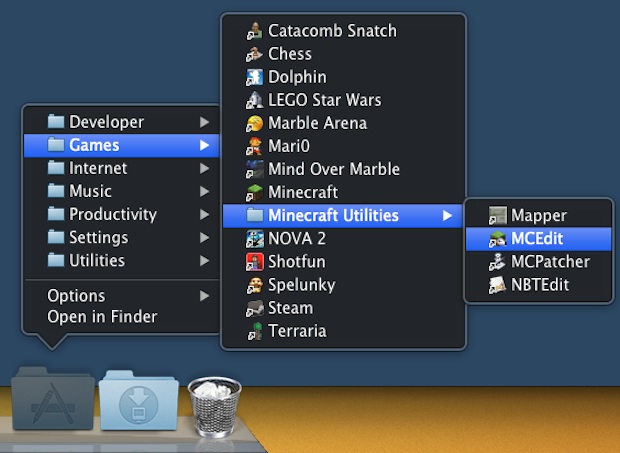
Group Applications by Category and use a sorted app launcher in the Mac OS X Dock

If you keep the Applications folder in the OS X Dock for quick app launching you’ve probably noticed it’s just a giant list of all the apps installed. Sure you can change the display to use a grid, list, or fan, but if you have a lot of apps you’ll still end up with a … Read More

Transfer Music from iPhone, iPod, or iPad to a Computer

Jun 4, 2012 - 78 Comments
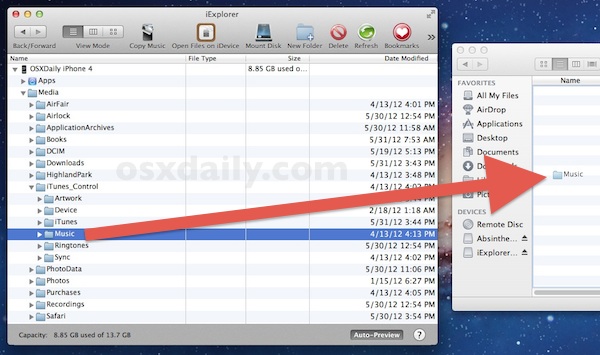
Move Music from iPod or iPhone to computer

Everyone knows how easy it is to get music onto an iPod, iPhone, or iPad with the help of iTunes, but have you ever tried to get music off an iPod or iPhone and onto a new computer? As it turns out, transferring music from an iOS device and to a new or different computer … Read More

Add the Voice of Siri to Mac OS X

Jun 4, 2012 - 7 Comments
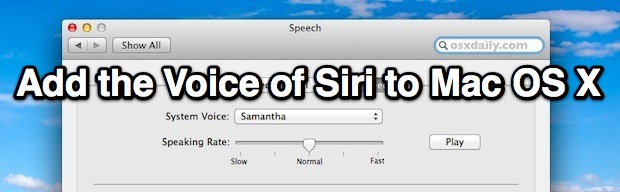
Add the voice of Siri to Mac OS X with Samantha

If you bought a new Mac with OS X Lion (or later) pre-installed you probably already have the voice of Siri enabled by default. Siri is actually called “Samantha”, but if you upgraded to OS X Lion manually from Snow Leopard you may have missed the addition of Siri’s voice completely, so here’s how to … Read More

Subscribe to OSXDaily

Subscribe to RSS Subscribe to Twitter Feed Follow on Facebook Subscribe to eMail Updates

Tips & Tricks

News

iPhone / iPad

Mac

Troubleshooting

Shop on Amazon to help support this site