Mac OS X

Search Mac OS X

13 Must-Know Spotlight Keyboard Shortcuts for Mac

Mar 9, 2012 - 18 Comments

Spotlight icon

Spotlight is the powerful built-in search engine on Mac. Not only will it find just about any file or folder buried on your file system or attached drives, but it also doubles as a fantastically quick application launcher, dictionary lookup tool, and so much more. If you aren’t using Spotlight on a regular basis yet … Read More
Convert Bit Rate of Songs on iOS Devices with iTunes

Mar 9, 2012 - 5 Comments
Convert Bit Rate of Songs in iTunes

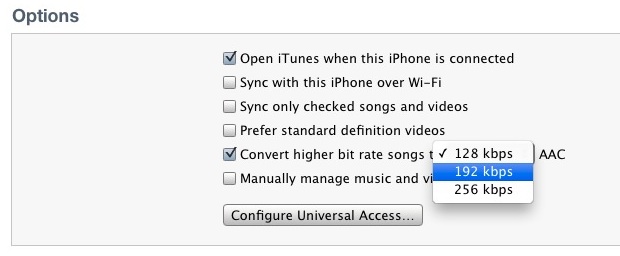
iTunes now allows you to convert higher bit rate songs to three options: 128 kbps, 192 kbps, and 256 kbps. Enabling this option lets you save storage space on an iPhone, iPod touch, or iPad by compressing the music stored on the device. While intense audiofiles and those who want the absolute highest audio quality … Read More

Quickly Email Current URL from Mac OS X

Mar 7, 2012 - 3 Comments
Quickly Share Current URL

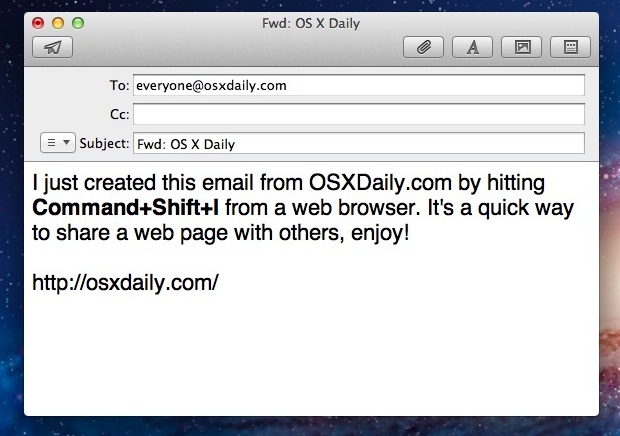
The next time you’re reading a web page that you want to share with someone else through email, just hit Command+Shift+I while viewing that website. A new email draft will open in the default email application, with the web pages title as the message subject, and the URL contained within the message body. The keyboard … Read More

Portal + Super Mario Bros = Mari0

Mar 6, 2012 - 5 Comments
Mari0

What happens when you merge classic Super Mario Bros with the modern classic Portal? It’s hectic, it’s a ton of fun, it’s Mari0. Basically you get old school Mario re-imagined with a portal gun and a variety of Portal puzzles and mechanics. There’s also an insane four player co-op mode, level editor, and downloadable third … Read More

Add Artwork to an Album or Group of Songs in iTunes

Mar 6, 2012 - 9 Comments
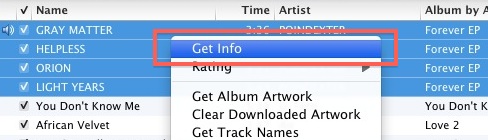
Get Info in iTunes

You probably know by now that you can get album art from iTunes via the Advanced menu. That will fill in most missing album covers, but bands that don’t sell their music through iTunes or music downloaded from Soundcloud and blogs often don’t have any artwork attached. In this case you can manually add artwork … Read More

How to Resolve a “Partition Failed” Error in Mac OS X

Mar 5, 2012 - 107 Comments
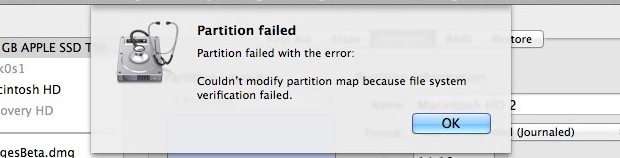
Partition Failed error

If you have attempted to partition a drive from Mac OS X and received a “Partition failed” message with the error “Couldn’t modify partition map because file system verification failed.” you can fix the problem with the file system check command line utility. To issue the file system check and repair function properly, you’ll need … Read More

Clear iMessage Chat History in Mac OS X

Mar 5, 2012 - 40 Comments
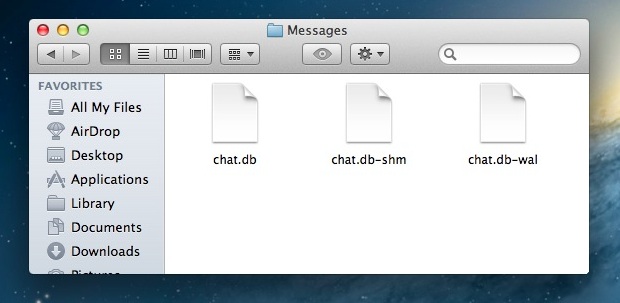
Clear iMessage Chat History

The Messages app for Mac keeps track of all chat history through iMessage and SMS, providing you with a lengthy record of conversations in an easily reviewable and scrollable chat log. Unlike iOS, there isn’t an in-app method to delete the chat history in Mac OS X, and though you can close a window it … Read More

4 Simple Mac Maintenance Tips

Mar 4, 2012 - 45 Comments
Clean Off the Mac Desktop

Macs are notoriously trouble-free and easy to maintain, but that doesn’t mean you should ignore system maintenance entirely. Here are four simple Mac maintenance tips that will help you keep your Mac in tip-top shape, running at its best.

Try Windows 8 Consumer Preview on a Mac with VirtualBox

Mar 3, 2012 - 35 Comments
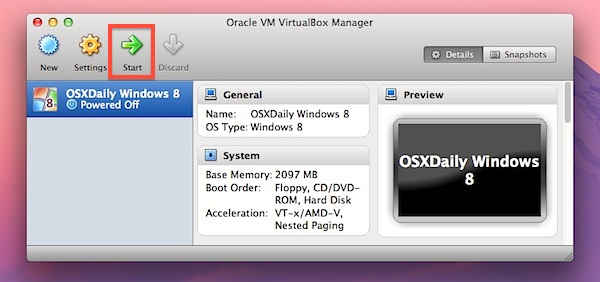
Start the VirtualBox VM with Windows 8

You probably know by now that Windows 8 Consumer Preview was released recently. This is what Microsoft is betting their future on, combining their traditional desktop experience with the all new tiled Metro interface, aimed at tablets and portable computers. Thanks to virtualization, anyone can try Windows 8 easily right on top of their current … Read More

10 Ways to Get OS X Mountain Lion Features on your Mac Right Now

Mar 2, 2012 - 10 Comments
Growl Notifications

Can’t wait for OS X Mountain Lion to be released this summer? You can get many of the features of the next generation Mac OS X version right now. Whether you are running OS X Lion or to an extent, OS X Snow Leopard, read on to find out how to get everything from notifications, … Read More

7 Ways to Force Quit Mac Applications

Mar 2, 2012 - 32 Comments
How to force quit apps in Mac OS X

Do you need to force quit an unresponsive Mac app? Is your Mac seeing the infamously dreaded spinning beachball of death? Is an app failing to respond to any input? Maybe you have an errant process or two? When any of the above happens, you’ll probably want to forcibly quit the application in question, and … Read More

Change (Spoof) a MAC Address in OS X Mountain Lion & Mavericks

Mar 1, 2012 - 50 Comments
Change a MAC Address in Mac OS X

A MAC address is a unique identification number assigned to network interfaces, these can be attached to physical hardware like NIC and Wi-Fi cards or assigned to virtual machines. On some occasions, you’ll need to change a MAC address to another ID. We’ve received a few questions about this recently because the process of changing … Read More

Mirror an iPhone or iPad Screen to a Mac through AirPlay with Reflection

Mar 1, 2012 - 13 Comments
Reflection app mirrors iOS devices to Mac

Reflection is a great new app for OS X that mirrors an iPhone or iPad display directly to a Mac by way of AirPlay.

How to Sync an iPhone to a New Computer Without Losing Data

Feb 29, 2012 - 83 Comments
Sync iPhone to a new Mac

By far the easiest way to sync an iPhone to a new Mac or Windows PC is to transfer all iPhone files and backups from the old computer to the new one. The necessary data is stored in several different locations, and we’ll cover what files and where they go for both Mac OS X … Read More

Enable (or Disable) Read Receipts in iMessage for Mac

Feb 29, 2012 - 5 Comments
Read Receipts in iMessage for Mac

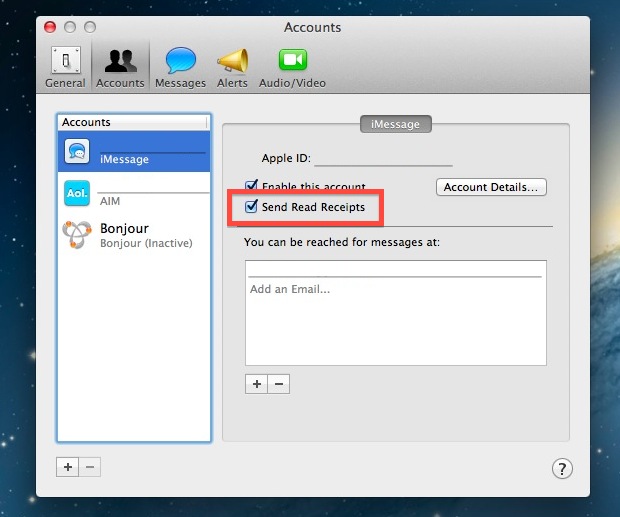
Read Receipts show the sender of a message that a message has been delivered these are enabled by default in iMessages for iOS, but they are disabled by default in Message for Mac. If you’re interested in having the read receipts sent along with each message received on your Mac, you can toggle a setting … Read More

Find & Scan Wireless Networks from the Command Line in Mac OS X

Feb 28, 2012 - 12 Comments
Terminal in macOS

A long hidden airport command line utility buried deep in Mac OS X can be used to scan for and find available wireless networks. This powerful tool is very helpful for network admins and systems administrators, but it’s handy for the average user to help discover nearby wi-fi routers as well.

Find a MAC Address in Mac OS X

Feb 28, 2012 - 8 Comments
Find MAC address Mac OS X

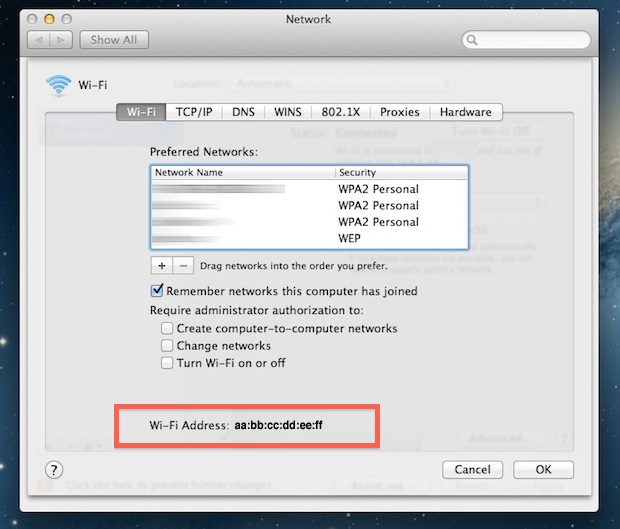
A MAC address is a unique identifier that is assigned to each physical network interface on a computer. Different than a computers IP address, MAC addresses are frequently used for network access control and to monitor network connectivity, and they can be spoofed for virtualization needs or to circumvent some network limitations. If you need … Read More

10 Keyboard Shortcuts for Text Navigation & Manipulation in the Command Line

Feb 27, 2012 - 4 Comments
Navigate text in the command line

We recently covered 12 keyboard shortcuts to help navigate around and manipulate text in Mac OS X, and now we’ll show you a handful of similar tricks for use at the command line. These shortcuts can be used just about anywhere in the Terminal, including the bash prompt.

Subscribe to OSXDaily

Subscribe to RSS Subscribe to Twitter Feed Follow on Facebook Subscribe to eMail Updates

Tips & Tricks

News

iPhone / iPad

Mac

Troubleshooting

Shop on Amazon to help support this site