Mac OS X

Search Mac OS X

How to Uninstall Messages and Restore iChat to Mac OS X

Feb 17, 2012 - 18 Comments

iChat

Alright so you downloaded iMessages for Mac beta and decided it was a little too beta for every day use, and now you want to use iChat again right? As you probably noticed, when you install Messages it replaces iChat, but that doesn’t mean that iChat is gone for good, and uninstalling Messages Beta is … Read More
Mac OS X 10.8 Mountain Lion Video Previews

Feb 16, 2012 - 5 Comments
OS X Mountain Lion

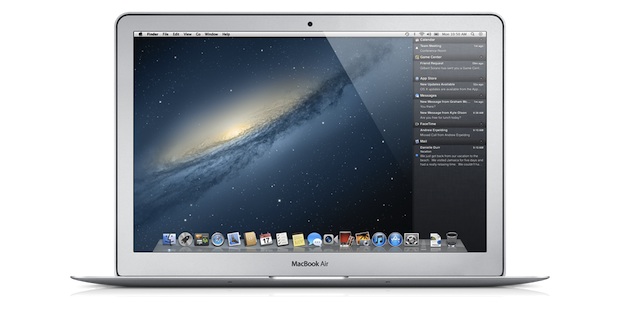
Want to see OS X 10.8 Mountain Lion in action? Here are a few video previews to show off some of the new features and changes. The first is Apple’s official preview, unofficially rehosted on YouTube and embedded below although it’s best watched on Apple’s website in HD:

OS X 10.8 Mountain Lion System Requirements

Feb 16, 2012 - 96 Comments
OS X Mountain Lion System Requirements

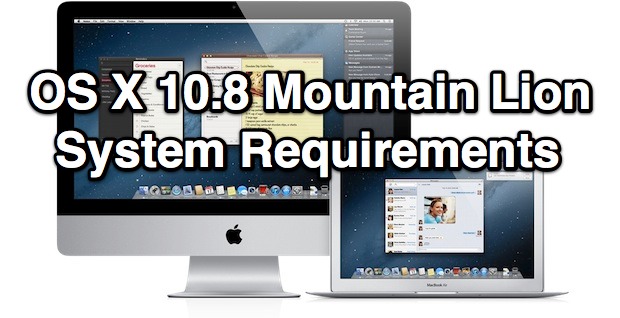
With every new version of Mac OS X comes new system requirements, and as expected a few machines are getting cut from the list of compatible Macs. The newer the Mac the better, but here is what we know so far about system requirements for OS X 10.8: Basic System Requirements for OS X Mountain … Read More

OS X Mountain Lion Galaxy Wallpaper

Feb 16, 2012 - 12 Comments
OS X Mountain Lion Galaxy Wallpaper

Apple has a knack for picking gorgeous desktop wallpapers, and the all new OS X Mountain Lion is no exception. As you’ve undoubtedly seen in the developer preview information and screen shots, the new default wallpaper is another beautiful space themed image of a swirling blue galaxy (maybe a white dwarf, actually), a bit more … Read More

Download iMessages for Mac Beta Right Now

Feb 16, 2012 - 21 Comments
Messages for Mac

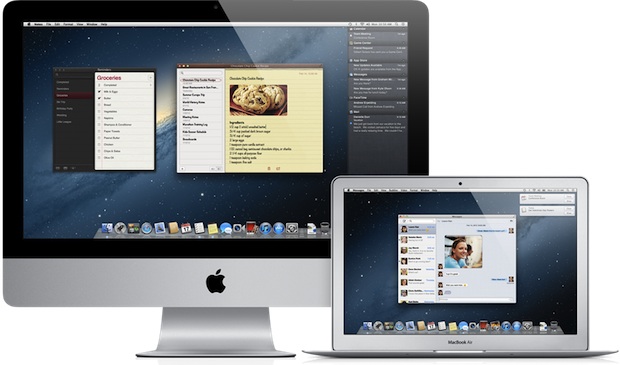
Messages is the all new iChat replacement coming to Mac OS X 10.8 Mountain Lion, it provides for the same unlimited messaging features that iPhone, iPod touch, and iPad users have right now, but brings this right to the Mac desktop. With Messages, you can send photos, videos, attachments, contacts, locations, and more, without any … Read More

OS X 10.8 Mountain Lion Release Date: Summer 2012

Feb 16, 2012 - 60 Comments
Mac OS X 10.8 Release Date

Update 6/11/2012: OS X Mountain Lion will be available in July for $19.99! OS X 10.8 Mountain Lion is currently available as a Developer Preview, meaning registered Mac Developers can access and download the next Mac OS right now. But what about the rest of us? When can we expect to have OS X Mountain … Read More

Mac OS X 10.8 Mountain Lion Developer Preview Released as Dev Download

Feb 16, 2012 - 24 Comments
Mac OS X 10.8 Mountain Lion

Apple has released the first developer preview of Mac OS X 10.8 Mountain Lion today, the next major release of the Mac operating system. Mac OS X Mountain Lion looks has even stronger iOS influence than OS X Lion and brings many iOS features to the Mac platform. Some of the rumored features like iMessage … Read More

Change the Default Screen Shot File Name in Mac OS X

Feb 16, 2012 - 18 Comments
Change Screen Shot File Name in Mac OS X

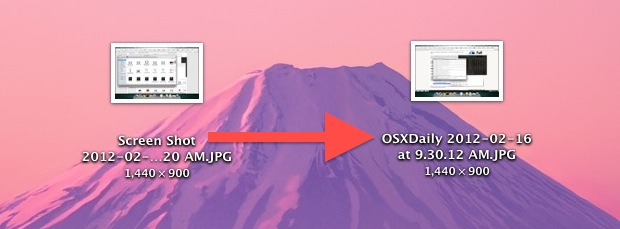
Screen shots taken in Mac OS X save to files prefixed with “Screen Shot” in the file name, but the names of screenshots can be changed to anything else. We’ll use a defaults write command to adjust the naming convention of screen shots taken on the Mac. This can be helpful for many purposes, and … Read More

How to Completely Delete Applications from Mac OS X with AppCleaner

Feb 15, 2012 - 17 Comments
AppCleaner

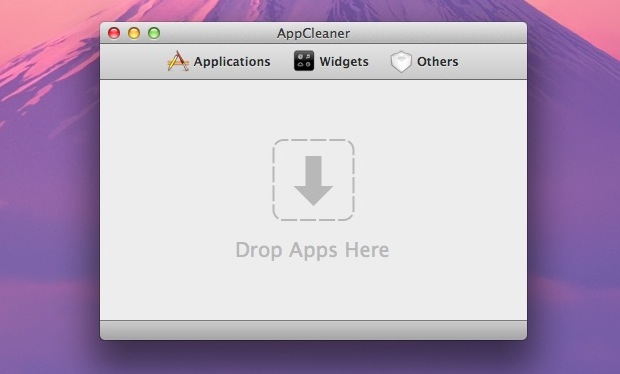
We have shown you how to uninstall Mac apps before, but some applications can leave residual elements around in the form of preferences, plist files, caches, logs, and even the origin DMG or PKG installer. If you want to thoroughly remove all traces of an application but don’t want to dig around in various directories … Read More

Fix for Mac OS X Not Remembering Wireless Networks

Feb 15, 2012 - 18 Comments
Mac OS X Forgets Wireless Network

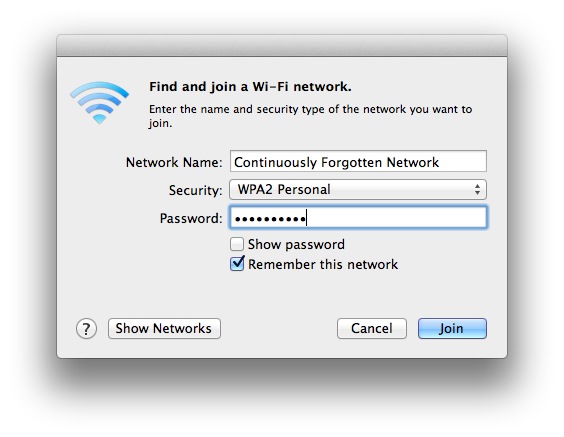
Sometimes, Mac OS may not remember wireless networks that have been joined or connected to before. This may be due to an error, or it may be because of a settings option. In this article we’ll discuss what to do if you find that a Mac is not remembering wi-fi networks as expected, including the … Read More

Set the Volume Level to a Hidden Ultra Low Setting in Mac OS X

Feb 15, 2012 - 10 Comments
Mac audio

Mac OS X has a hidden super quiet volume setting that is somewhere between completely muted and the lowest volume level, here’s how to access it: Use the Volume Decrease key (F10 or F11) until the volume is muted, signified by the volume graphic with a slash through it Now press the Mute key (F9 … Read More

Speed Up Mission Control Animations in Mac OS X

Feb 14, 2012 - 27 Comments
Speed Up Mission Control Animations

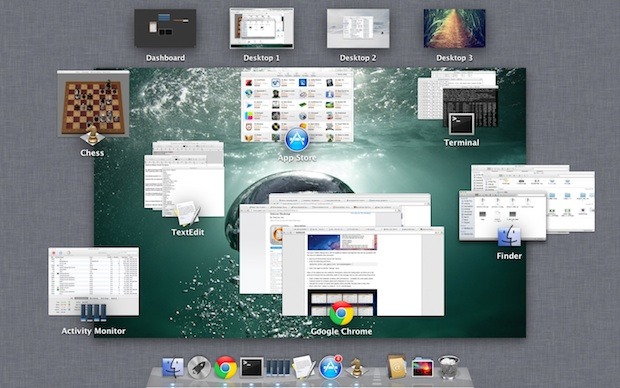
Boosting the speed of Mission Control animations can make Mac OS X feel a bit faster when switching between windows, spaces, and apps within the feature. It’s easy to do and reversible if you decide you don’t like it, launch the Terminal to get started. These defaults commands work in Lion, Mountain Lion, and beyond. … Read More

Use a MacBook Air/Pro in Clamshell Mode with Mac OS X Lion

Feb 13, 2012 - 12 Comments
Bluetooth wake from sleep option

Using a portable Mac with the lid closed is frequently called clamshell mode, and using clamshell has been made easier than ever since the introduction of Mac OS X Lion. There are actually two different methods, the first is for using a MacBook closed lid with or without external input devices attached, and the second … Read More

Enable iCal Debug Menu to Access 24 Additional Options & Tweaks

Feb 13, 2012 - 8 Comments
iCal Debug Menu

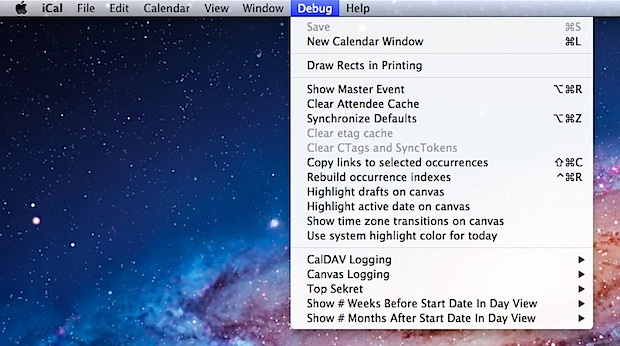
iCal has a hidden debug menu with 24 additional options and features that can be accessed with the help of a defaults write command. Quit out of iCal and then launch the Terminal Enter the following command: defaults write com.apple.iCal IncludeDebugMenu 1 Open iCal again to find the “Debug” menu Many of the options are … Read More

Remove Finder from the Command+Tab Application Switcher in Mac OS X

Feb 13, 2012 - 14 Comments
Remove the Finder from Mac OS X App Switcher

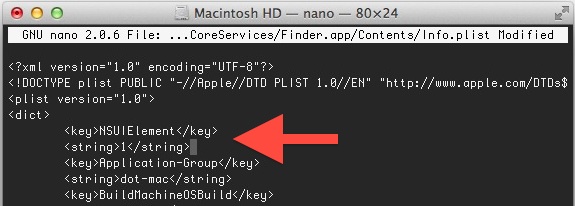
The Command+Tab application switcher gets a lot use by many Mac OS X power users, and by default it will include the Finder in the apps to be able to switch to and from. If you’d rather limit the App Switcher to only swap between open applications and not include the Finder though, you’ll have … Read More

Show the Mouse Pointer in Screen Shots on Mac

Feb 12, 2012 - 10 Comments
Mouse Pointer visible in a screen shot

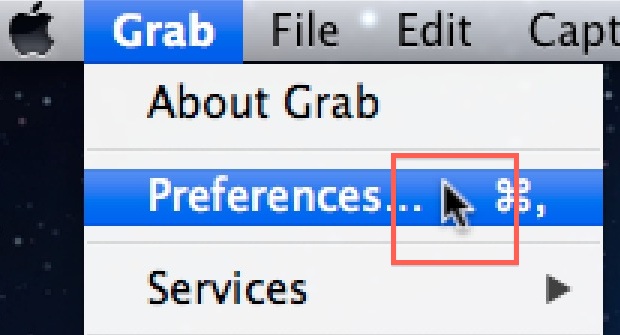
If you’ve ever taken a screen shot in Mac OS X you’ll notice the cursor is nowhere to be found, even if you’re taking a screenshot of something like a menu in use. Instead, if you want to snap the mouse cursor or pointer as well in the screen shot, you’ll use a slightly different … Read More

Download Photo Stream Photos to a Folder in Mac OS X

Feb 11, 2012 - 13 Comments
Download Photo Stream Images to a Folder in Mac OS X

Photo Stream is a nice feature of iCloud that pushes all of your pictures automatically to your other iOS devices and your Mac with iPhoto or Aperture. If you haven’t used it before, this means if you take a picture on your iPhone, it will automatically show up in the Photo Stream on your iPad, … Read More

Disable Launchpad Fade Transition Effect in Mac OS X Lion

Feb 10, 2012 - 9 Comments
Remove Launchpad Fade Effect

Launchpad shows a fading transition anytime it is opened or closed, making for a nice effect over whatever is in the background. It’s pleasant looking, but if you don’t like it you can disable the fading with a few defaults write commands. You can also choose to disable only half of the transition, either for … Read More

Subscribe to OSXDaily

Subscribe to RSS Subscribe to Twitter Feed Follow on Facebook Subscribe to eMail Updates

Tips & Tricks

News

iPhone / iPad

Mac

Troubleshooting

Shop on Amazon to help support this site