
Drag or Paste Link in Safari Downloads Window to Download on Mac Immediately

Did you know you can download a file instead of opening it in Safari on the Mac, simply by dragging a link to the Downloads window of Safari? And did you know you can also start a download in Safari on Mac by pasting a copied download URL into the Safari downloads window?
This combo of download tips are little known tricks, but they’re quite useful, particularly if you have a direct download link stored in your clipboard, or a URL elsewhere, or maybe a link saved as a bookmark or even as a link from another webpage.
How to Start a Safari Download with URL Paste or Drag in Mac OS
Here’s how this great trick works, one variation uses simple drag and drop, the other uses simple copy and paste commands:
- Have a file download link either copied to your Mac clipboard, or a download link that you can drag (from another webpage or elsewhere)
- Open the Safari “Downloads” window from the ‘Window’ drop down menu, or by hitting Command + Option +L
- Now drag and drop that download link into the Mac Safari Downloads window, or make the Safari Downloads Window the most forefront window and then use the Paste command, either will start the download right away
That’s right, you can just drag or paste a copied link into the Safari Downloads window and you’ll instantly download whatever the linked or dragged URL is, rather than launching it into a new page.
Remember, you can access the Downloads window from the Window menu, or by hitting Option+Command+L within the Safari app
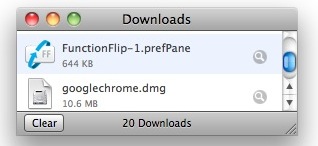
And a bonus tip for quick Safari downloads! You can also start the download of a file by holding down the Option key when clicking a URL in Safari, that will force the targeted link or file to download as well.
Try it out yourself, you can download any file this way; you can drag links, images, mp3 files, .zip files, movies, and just about anything else from the web into the Downloads window and it’ll immediately download to the Mac.
So if you didn’t know that you can start a download by just dragging and dropping in Safari, or by pasting a copied link, then now you know!
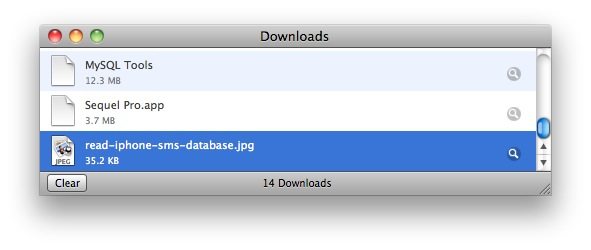






You can also paste in a list of URLs to download all of them.
This is very helpful if you want to download a .swf, since normally a browser will just open it in the window.