
Zoom Into Images from Quick Look Preview Windows of Mac OS X
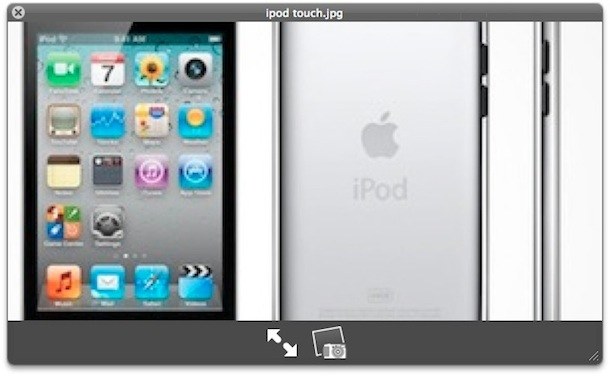
You can zoom in and out into any image within Quick Look, the instant image viewer built into the OS X Finder, simply by holding down the “Option” key and then using either a scroll wheel on a mouse, or a two finger up or down swipe gesture on a multi-touch track pad. Scrolling up (or swiping up) while holding the Option key will zoom in to the picture, while scrolling down or swiping down while holding Option will zoom back out of the picture.
Note that modern Macs with multi-touch trackpads and the Magic Mouse can use pinch and spread gestures to zoom into and out of images from Quick Look window panels as well.
This is a nice feature if you want to quickly check the detail on an image that’s laying around in the Mac OS X Finder, on the desktop, or from any open and save dialog box window, since Quick Look previews can be accessed from there as well.
Thanks to Pollock for pointing this out in the comments of a similar tip, which shows you how to zoom into Finder previews in column view. This should work in just about every version of Mac OS X with the support for ql preview tool, but it has been changed a bit in the most recent versions.






Sorry for the mistype. It should say:
“The Option key does not do anything on my system when using Quicklook.
On my MacBook Aluminum UniBody running 10.9 I hold down the Control key to zoom after using Quicklook to make it work, not the Option key. The Potion key does not do anything for on my system when using Quicklook.
I’m under Lion and it simply doesn’t work.
and use option shift to zoom out