
Quickly Email Current URL from Mac OS X
Mar 7, 2012 - 3 Comments
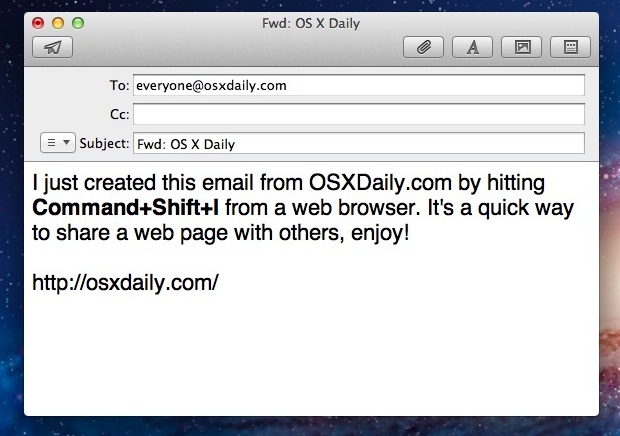
The next time you’re reading a web page that you want to share with someone else through email, just hit Command+Shift+I while viewing that website. A new email draft will open in the default email application, with the web pages title as the message subject, and the URL contained within the message body.
The keyboard shortcut works in Safari and Chrome only, and will open the new email draft in Mail by default. If you have Gmail set as your default email client that will open in a new window instead.






[…] Via | OSXDaily […]
Firefox has a similar feature but it’s in the menu…
File> Send Link…
There is also a button for that in the ToolBar in Safari (an envelope )