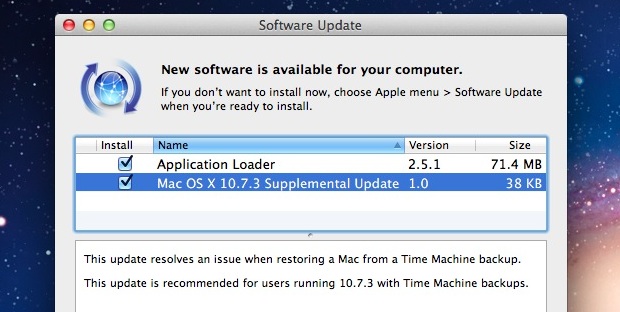
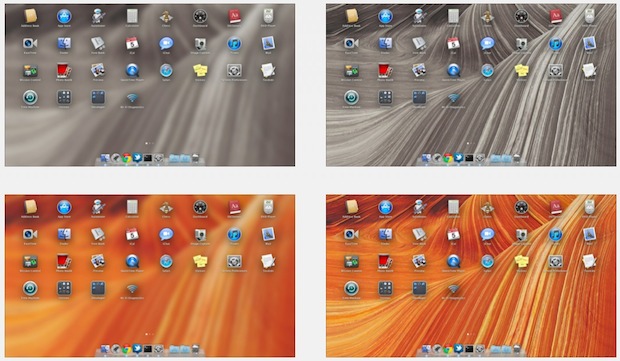
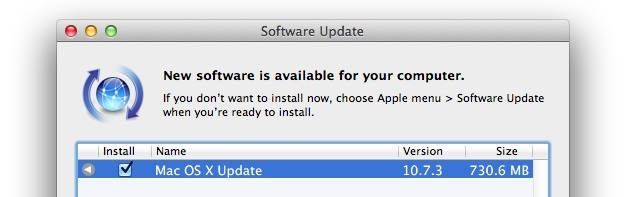
Mac OS X 10.7.3 update was just released, and for the vast majority of users the update installed trouble free. But not everyone was so lucky, and a series of problems have cropped up for some users, ranging from being stuck on an endless spinning loop progress indicator, to apps crashing nonstop, to a very bizarre “CUI CUI CUI” error screen filled with question marks (seen below), to other strange behavior.

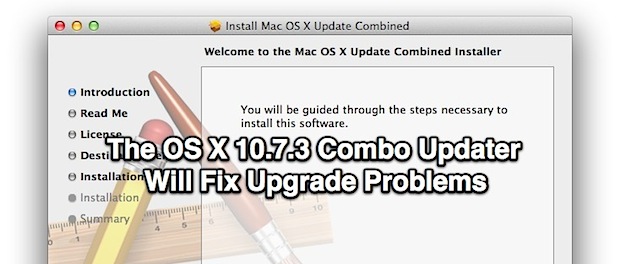
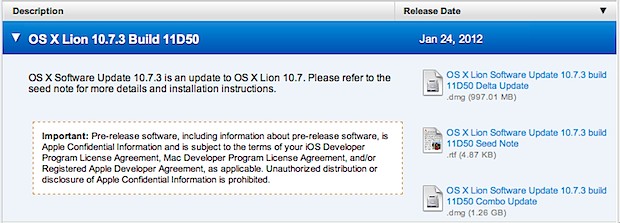
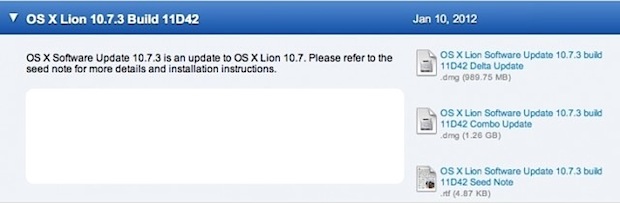
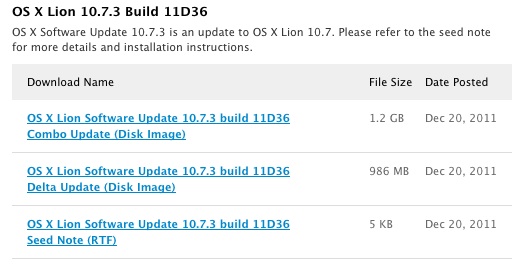
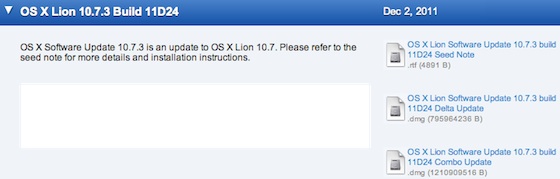
The good news is these problems are relatively easy to fix. Basically all you need to do is install the OS X 10.7.3 Combo Updater over the existing messed up installation of 10.7.3.
The bad news is that if you already updated to Mac OS X 10.7.3 and you’re having problems, you’re going to have to find a way to use the Combo Updater over the troubled installation. If you’re just encountering the CUI errors, this is relatively simple, but if you’re stuck on a boot loop you need to get a bit more creative.
Fixing the OS X 10.7.3 Installation Problems
The simple formula is this:
If you can’t get to the desktop of the Mac in question, you can boot it with Target Disk Mode (Firewire or Thunderbolt required), and then point the 10.7.3 Combo Update at the troubled Mac and install it that way. If your OS X installation is totally screwed up and you can’t use target disk mode, you have a few choices:
- Restore from a recent pre-10.7.3 Time Machine backup, then install the Combo Updater
- Boot from Recovery HD, a Recovery Drive, or Lion USB drive, and reinstall everything
Not the best situation, but hopefully you have recent Time Machine backups.
Finally, if you’re reading this and haven’t had any problems but you’re now paranoid about the OS X 10.7.3 update, here’s all you need to do to be safe: Backup your Mac with Time Machine, download the Combo Updater and install the update manually. You’ll almost certainly be fine.
Thanks to Erik, Martin, and Apple Discussion Boards for the tips. Chime in if you have any additional info.