
How to Remove App from Siri Suggestions on iPhone & iPad
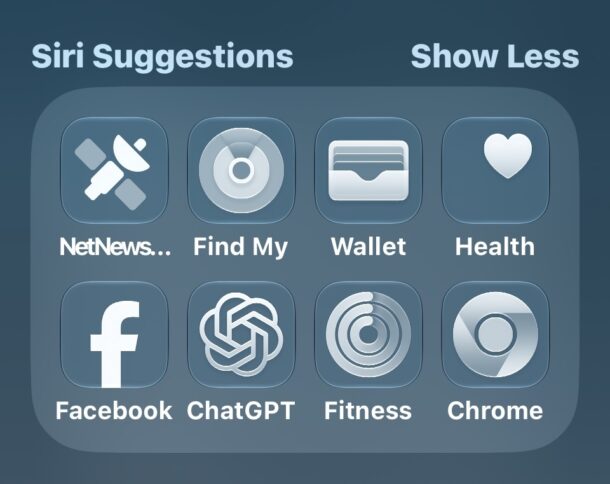
Siri Suggestions is a feature in Spotlight search for iPhone and iPad that suggests apps to open. The apps shown in this list are based on a few factors, including frequency of use, time of use, recency of use, and other algorithmic factors, but there are times the apps shown are not helpful, not in line with apps you’d be using, or that you simply don’t want those apps shown as suggested in Siri Suggestions.
Fortunately, with minimal effort you can remove an app from the Siri Suggestions of Spotlight on iPhone or iPad.
How to Remove an App from Siri Suggestions in Spotlight on iPhone & iPad
- Pull down to open Spotlight as usual, and to Siri Suggestions
- When you see an app you do not want to show in Siri Suggestions, tap and hold on that app and then choose “Don’t Suggest AppName”
- Repeat with other apps if desired
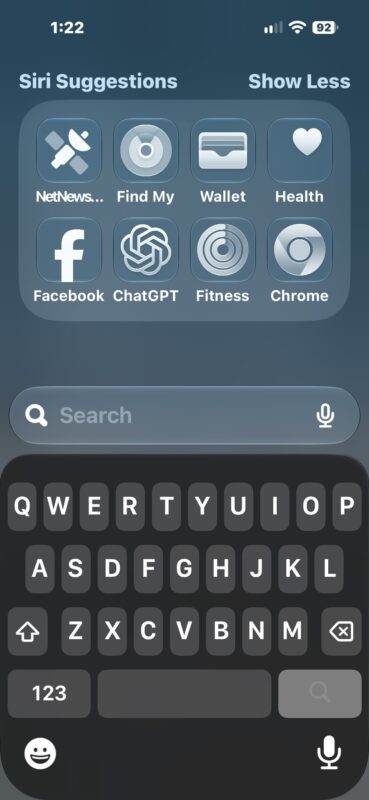
Screenshot
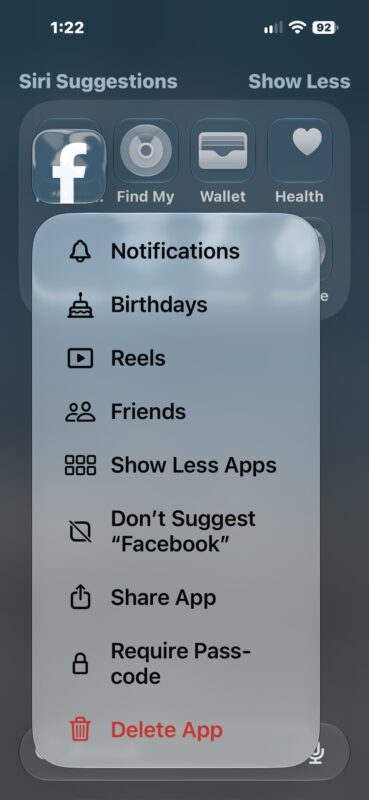
Now the app will not appear in Siri Suggestions within Spotlight Search.
Some people like this feature a lot, particularly those who use Spotlight as an app launcher, but others may not find it useful, or all the apps particularly useful. This is a good solution to that. But, if you really don’t like the feature at all, you can also just completely disable it in Settings > Siri on your iPhone or iPad.





