Access Debug Options in Desktop System Preferences of Mac OS X
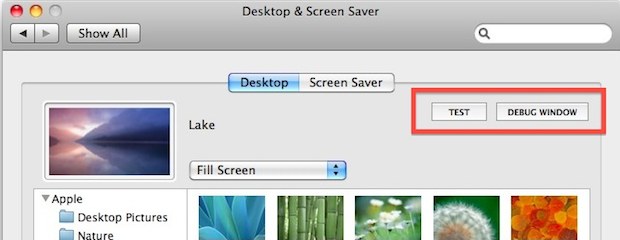
You can access two unusual debugging options in the Mac OS X System Preferences for Desktops and Screen Savers panel by using a keystroke while accessing the panel.

Mac OS, Mac OS X, or macOS, is the operating system that resides on Apple’s desktop and portable computer lineup. Built upon a Unix core, it is easy to use yet highly advanced, extremely stable, and an excellent OS for productivity and creation. Browse through our articles or use the search feature to look for something specific that is pertinent to the Mac operating system.
You can access two unusual debugging options in the Mac OS X System Preferences for Desktops and Screen Savers panel by using a keystroke while accessing the panel.
After posting the Lion wallpaper pack we got several requests for the two pictuers missing from that wallpaper pack; the pink lotus flower you see above and that was also the wallpaper in the first public demonstration of Lion, and the blue sky moon wallpaper which is below. Both of these are from Mac OS … Read More
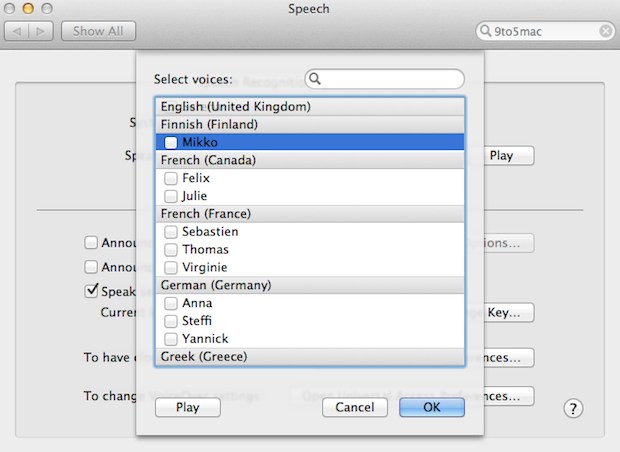
Mac OS X Lion is set to include a wide variety of new high quality text-to-speech voices in a multitude of languages, thanks to a long suspected partnership between Apple and Nuance, a speech technology company. The new voices are of surprisingly good quality and speak in major world languages including English, Mandarin, German, Japanese, … Read More
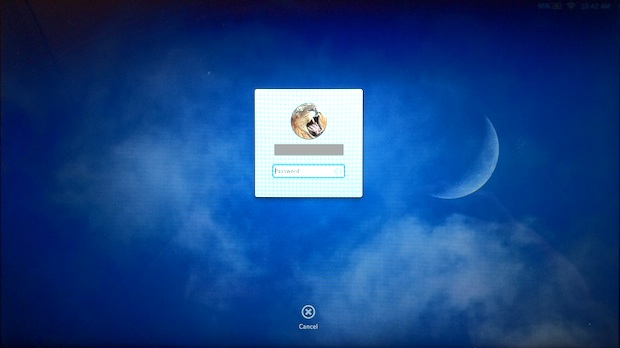
Lion Developer Preview 3 brings some nice new UI changes to the lock and login screens. Now when you lock your Mac screen in Lion with Control+Shift+Eject, you’ll see a small login window over the current background wallpaper like the screenshot up top. What you can’t make out in the screenshot is a small HUD … Read More
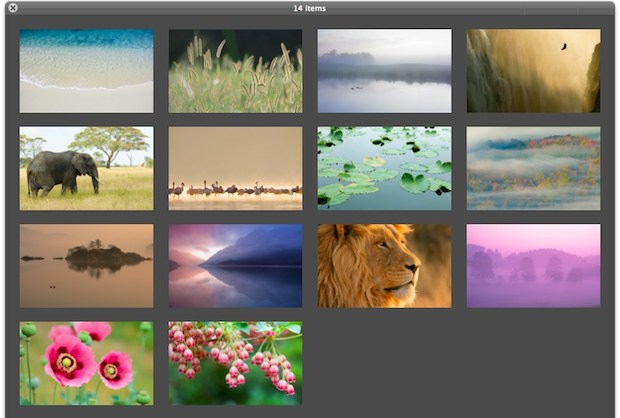
Mac OS X Lion Dev Preview 3 was just released to developers and along with it came a new bunch of beautiful high-res wallpapers at 3200×2000 resolution. You can download all 14 wallpapers in a zip bundle from Mediafire Here’s a few to see, but you’ll need to use the above download link to get … Read More
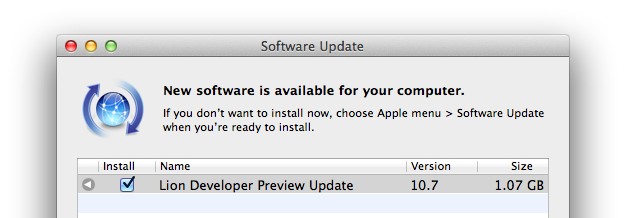
Mac OS X Lion Developer Preview 3 is now available for developers to download. The release is labeled as another update to Developer Preview 2, but MacStories notes that Apple’s Mac Developer Center indicates the release is in fact Lion Developer Preview 3. The update is available through Software Update and weighs in between 1GB … Read More
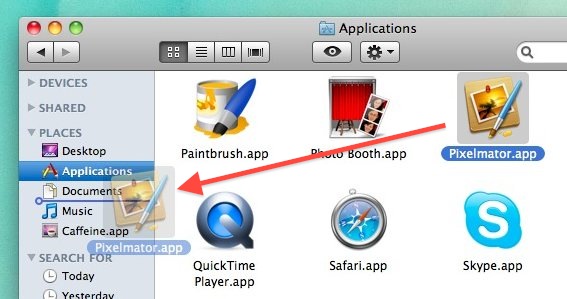
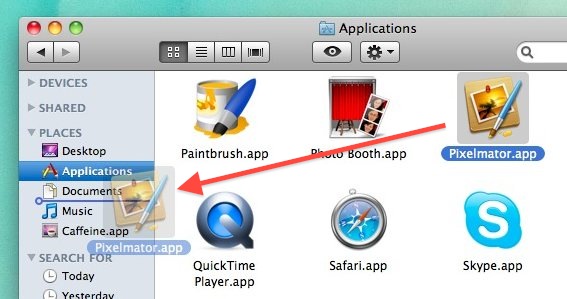
Just like you can drag your own folders into the sidebar, you can also drags apps into Finder window sidebars for quick access. Once apps are in the sidebar, if you click on them they will launch, which makes desktop windows serve a dual purpose as both file manager and a quick application launcher.
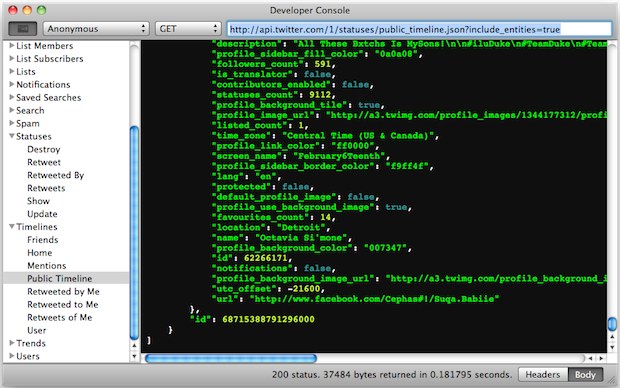
Twitter developers have a compelling new reason to update to Twitter 2.1 for Mac: the developer console! You can enable the developer features through Preferences > Developer tab > “Show Developer Menu”. Unfortunately for tinkerers and those just looking to casually poke around, you’ll need Twitter apps API keys to actually use and access the … Read More
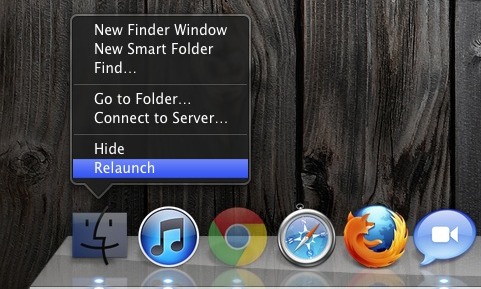
Don’t want to dig out the Terminal or Activity Monitor to relaunch the Finder? No sweat. Hold down Option and then right-click on the Finder icon in the Dock. You’ll now see an otherwise hidden “Relaunch” option, select it and Finder will quit and relaunch. It only takes a few seconds to reload. Relaunching the … Read More
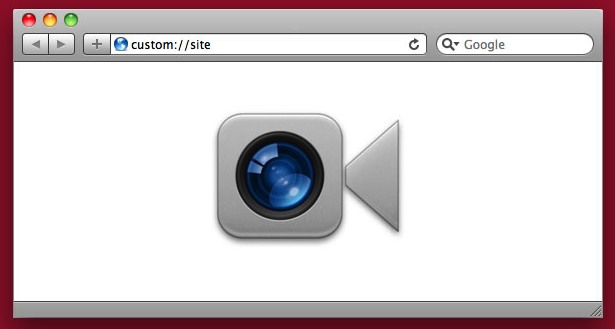
If you’re video chatting at night or in an area with limited lighting, you can brighten your face by opening up a blank white web browser window. This is obviously a really simple tip, but it’s kind of fun to see how surprisingly useful blank browser windows can be (like speeding up Safari on the … Read More
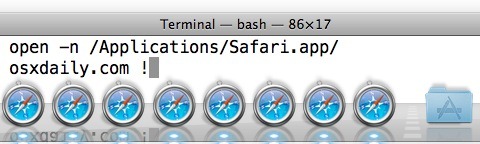
You can run multiple instances of any application in Mac OS X with a little command line magic. Using the ‘open’ command to launch GUI apps from the Terminal, we can run a new instance of any app, even if it is already running.
TenFourFox is an essential web browser for any Mac OS X user that is still using a PowerPC machine. It’s a fork of Mozilla that is practically identical to Firefox 4, the only difference is that it includes support for PowerPC chips, meaning you’ll get all the CSS3 and HTML5 support that Firefox 4 comes … Read More
For those using larger displays you may wish the Mac OS X Dock icon magnification was greater on the Mac, but it turns out this can be achieved easily with a defaults write command. With a little effort, you can super magnify the size of Dock icons on Mac.
Want to always show line numbers in TextWrangler documents on Mac OS X? Of course you do! This is a great feature and it’s super easy to enable displaying of line numbers in TextWrangler for Mac:
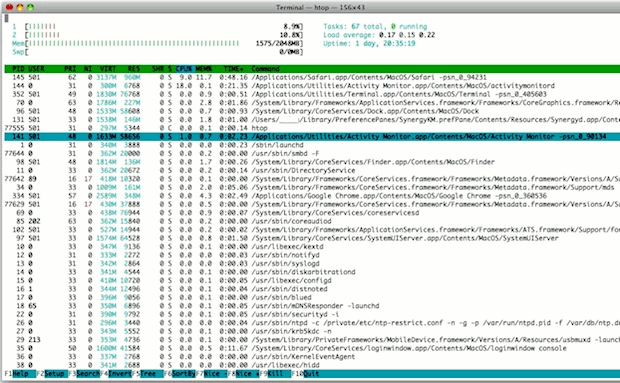
If you like to keep an eye on system resources and you want to branch out from the GUI Activity Monitor, check out htop for Mac. htop is basically a significantly improved version of top, which lets you monitor system resources, CPU core load, memory use, load averages, and view and manage individual running processes. … Read More
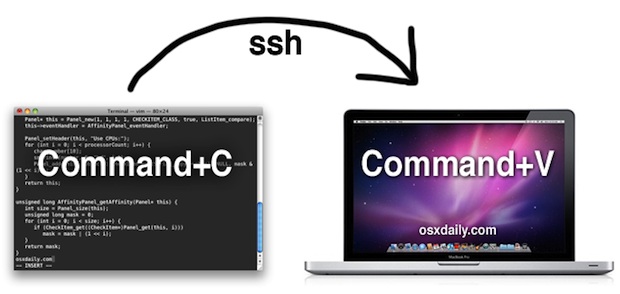
Do you have some source code, text, or a command string that you want to securely transfer from one Mac to another? Combining the command line clipboard tools pbcopy and pbpaste with SSH we can do exactly that, and it doesn’t matter where the other Mac is located: be it LAN, WAN, or anywhere. Here … Read More
Want to add your own folders or items the Mac OS X sidebar to customize it a bit more, perhaps by adding shortcuts to your most recent work, or a regularly used folder, directory, or drive? A great way to do this is by adding your own specific folders to the Finder sidebars. There are … Read More
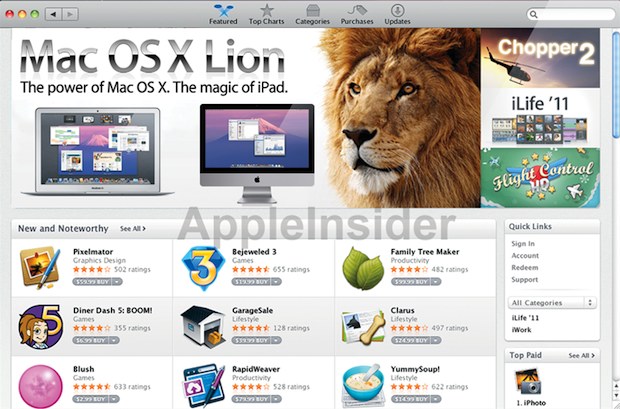
The upcoming release of Mac OS X 10.7 Lion will be distributed primarily as a download through the Mac App Store. This information comes from AppleInsider, who says the following: The Mac App Store… will become the de facto method for obtaining the Lion upgrade, people familiar with the matter have revealed. Users will be … Read More