Tips & Tricks

Tips and tricks for all things Apple! Whether you want to learn tips for a Mac, iPhone, iPad, Apple Watch, or much more, you will find many tricks, tips, tutorials, and excellent walkthroughs for Apple devices and software here.

Search Tips & Tricks

Show an iOS App in the Mac OS X Finder

Dec 28, 2011 - 1 Comment
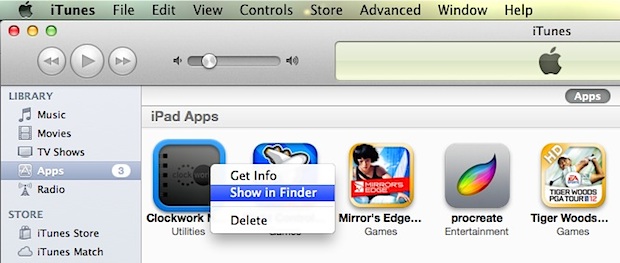
Show an iOS app in the Finder

We recently showed you where iOS apps are stored locally on the computer, but if you just want to quickly access that folder or get to a single app in the Mac OS X Finder, you can do so with a right-click within iTunes: Open iTunes and click on “Apps” under the library listing Right-click … Read More
Remove Shadows from Mac OS X with ShadowKiller

Dec 27, 2011 - 16 Comments
Remove Shadows from Windows in Mac OS X

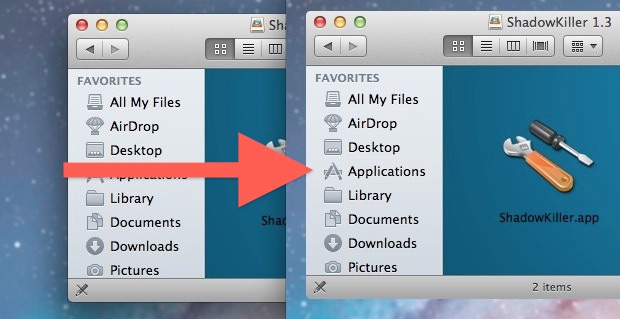
Ever wanted to remove shadows from windows, menus, and box items in Mac OS X? You can with a free tool called ShadowKiller, and it works in newish versions of OS X too. All you need to do is launch the app, the screen will flicker briefly, and all on screen windows will appear shadowless. … Read More

Show Folder History in Mac OS X with Back & Forward Buttons in Finder

Dec 27, 2011 - Leave a Comment
Use Finder's back buttons as history browser

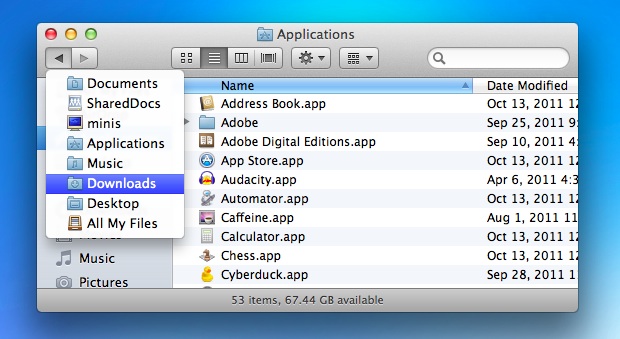
The Back and Forward buttons in Mac OS X Finder work much like their respective buttons in Safari or another browser, meaning not only do they go page or forward within the file system, but now Finder windows also track folder browsing history. After you’ve visited several folders, click and hold on the Back button … Read More

Expand or Shrink All Details in Get Info Windows on Mac with an Option Click

Dec 26, 2011 - 5 Comments
Get Info

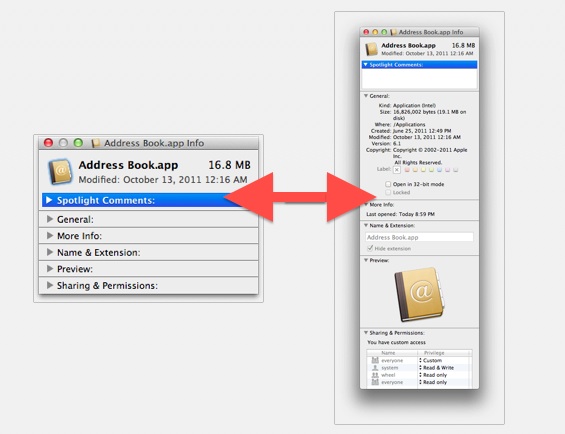
If you want quickly expand (or minimize) all of the detail sections within a Get Info window on a Mac, you can do so with a super simple keyboard shortcut. To get started, you’ll need to be in a Get Info panel. Just select a file and access Get Info by hitting Command+i to see … Read More

Create a Keyboard Shortcut to Go to User Library Folder in Mac OS X

Dec 23, 2011 - 7 Comments
Create a Keyboard Shortcut for Library Access in OS X Lion

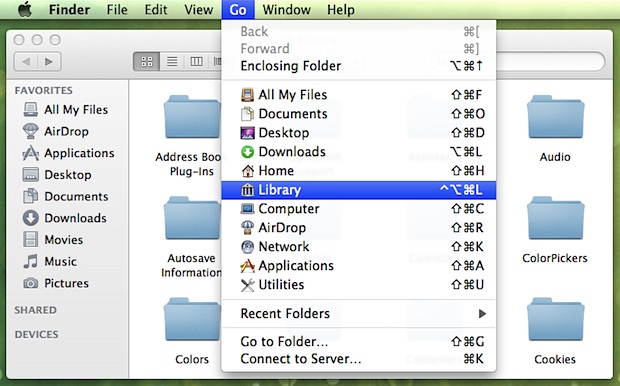
Want to quickly get to the User Library folder on Mac? A keyboard shortcut is one of the best ways to do that, particularly if you find yourself frequently accessing that folder. Using keyboard shortcuts are often the fastest way to navigate around the filesystem in Mac OS X, but new versions of MacOS and … Read More

iChat Matte Mod for OS X Lion Removes Glossy Bubble Text Blocks from iChat

Dec 23, 2011 - 7 Comments
iChat

iChat Matte is a popular mod for iChat that removes the bubble aqua style text blocks and changes them to a flatter matte. The tweak works by replacing a few image files, but the official version hasn’t been updated for OS X Lion and an unofficial version floating around has the chat bubbles facing the … Read More

iPhone Home Button Not Working or Unresponsive? Try This Fix

Dec 22, 2011 - 285 Comments
iPhone Home Button

From time to time, the iPhone Home button can become less responsive to clicks, and pressing the button will either result in a delay, lag, or sometimes complete unresponsiveness requiring multiple clicks. While this could be symptomatic of a hardware issue caused by moisture damage or dropping the phone, sometimes you can fix the response … Read More

Increase the Size of Desktop Wallpaper Thumbnails in System Preferences

Dec 22, 2011 - 6 Comments
Increase the size of desktop wallpaper thumbnails in Mac OS X Lion

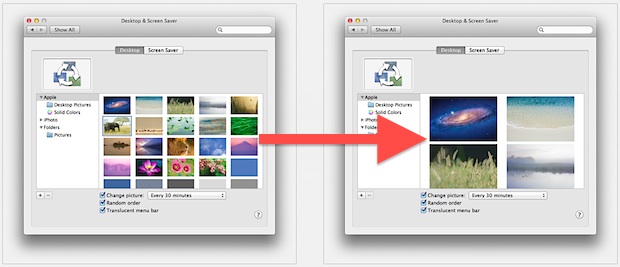
Using the familiar pinch and spread gesture in OS X Lion, you can adjust the thumbnail size of desktop wallpaper previews within System Preferences. A spread gesture will increase the thumbnail size, and a pinch gesture will shrink the wallpaper thumbnails. Try it yourself, just open System Preferences, and from the Desktop control panel use … Read More

How to Gift an App from iPhone, iPod touch, or iPad

Dec 21, 2011 - 20 Comments
Gift iOS App from iPhone

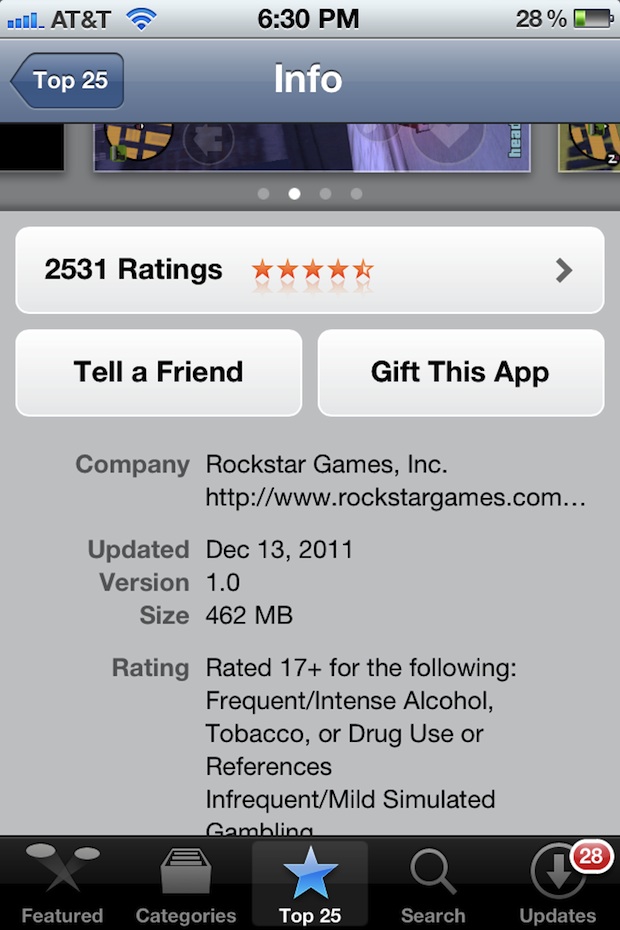
Want to give someone an iOS app as a gift this holiday season? You can gift apps directly from the iPhone, iPod touch, or iPad, without ever touching a computer and without the need for purchasing an iTunes gift card. This makes for a perfect last minute Christmas shopping or birthday present, since you can … Read More

Open a New Terminal From the Current Finder Directory With Go2Shell

Dec 21, 2011 - Leave a Comment
Go2Shell

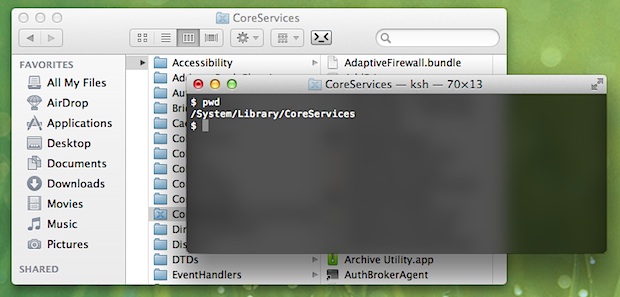
Go2Shell is a free Finder toolbar add-on that creates a new Terminal window from the current directory of any desktop folder in Mac OS X with a click of a button. This is similar to the services option that can be added to the right-click contextual menu, but Go2Shell is faster due to resting in … Read More

Batch Resize Pictures in Mac OS X Using Automator

Dec 20, 2011 - 32 Comments
Batch Resize Images in Mac OS X

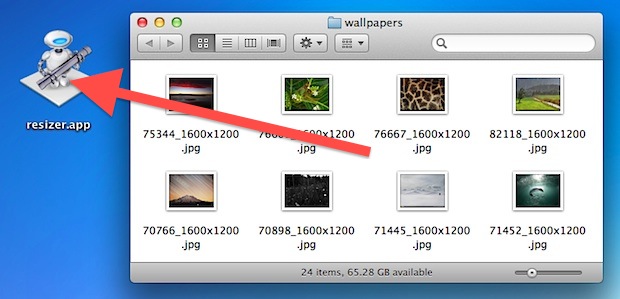
Need to resize a ton of pictures on a Mac? Instead of downloading a third party application or using Preview, you can use Automator to handle the entire operation, even renaming the images to indicate they have been resized to a new resolution. Automator is included in every Mac OS X installation’s /Applications/ folder and … Read More

Swipe Up to Zoom in on App Windows in Mission Control on Mac

Dec 20, 2011 - 6 Comments
Two finger upward swipe in Mission Control shows app windows

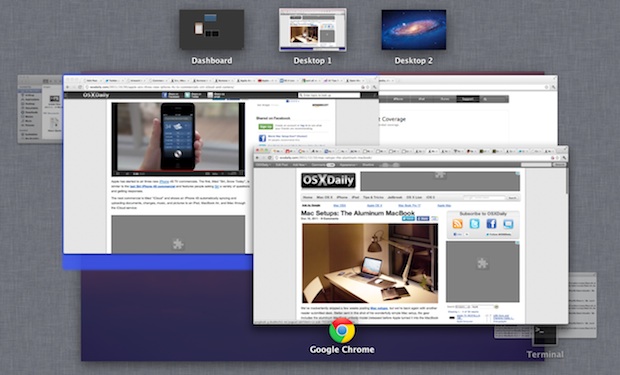
If you have a lot of app windows open in Mission Control, and you are grouping items in Mission Control by application, you can use a neat little trick to zoom into any Mission Control thumbnail on the Mac.

Growl Fork Brings Growl Notifications to Mac OS X Lion for Free

Dec 19, 2011 - 20 Comments
Growl Fork

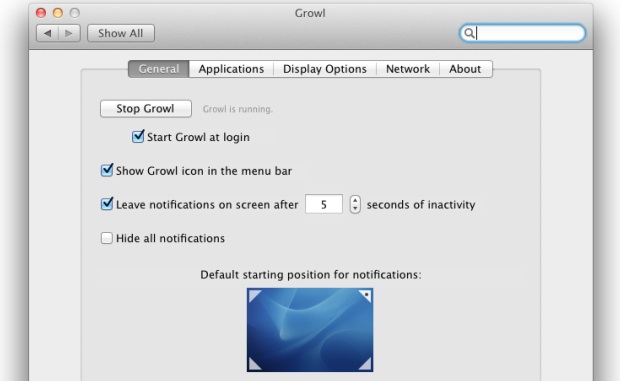
Growl is a popular notification system for Mac OS X that throws up those fading pop-up windows in the upper right corner of the screen. It’s a nice add on to OS X, and tons of other applications use Growl as their notification system. Then Mac OS X 10.7 came out, and Growl went from … Read More

How to Print Screen in Boot Camp

Dec 19, 2011 - 9 Comments
Mac Keyboard

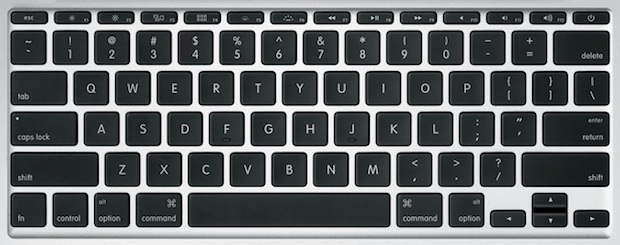
Macs don’t have a “Print Screen” button like their Windows PC keyboard counterparts, but taking screenshots from a Mac that is booted into Windows by way of Boot Camp is easy with a few keyboard shortcuts. The secret is remembering which keys to press, and beyond that the process of printing screen captures in Boot … Read More

Enable the Emoji Keyboard on an iPhone

Dec 19, 2011 - 25 Comments
Emoji on iPhone

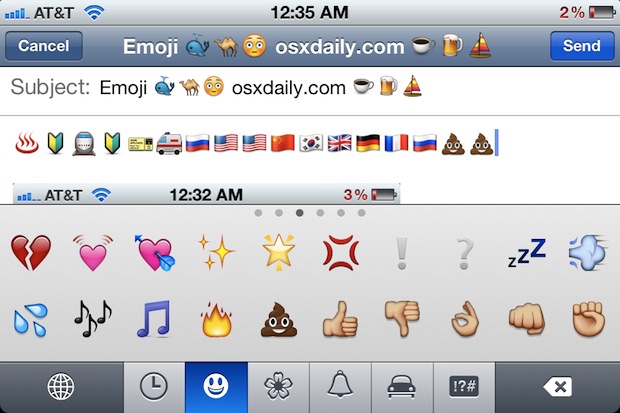
The Emoji keyboard and all emoji characters are now included directly in iOS for all iPhone (and iPad / iPod touch) users to access, it just needs to be enabled first. Adding the Emoji symbols to your keyboard is simple and only takes a moment, and because virtually every Apple device supports the icon graphics … Read More

Mount a DMG from the Command Line in Mac OS X

Dec 17, 2011 - 17 Comments
Mount a DMG from the Command Line in Mac OS X

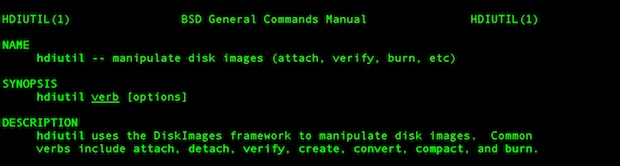
A helpful command line tool called hdiutil is included in Mac OS X that allows disk image files (.dmg extension) to be mounted directly from the Terminal, without the need of using the GUI. Using hdiutil for such a task is helpful for scripting or remote connections through SSH.

Benchmark SSD & Hard Drive Performance with Disk Speed Test for Mac OS X

Dec 16, 2011 - 49 Comments
Mac SSD and Hard Drive benchmark test tool

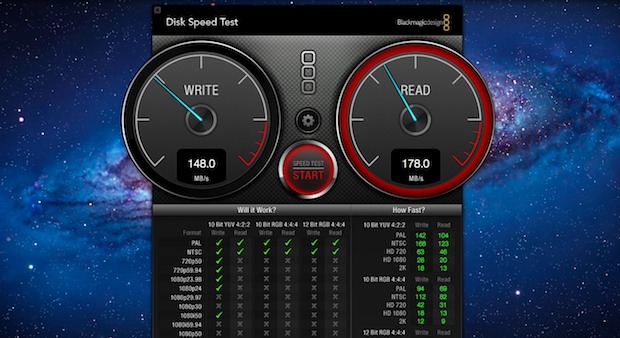
Want to compare hard disk performance or see just how big of a speed difference that SSD upgrade had? Grab the free Disk Speed Test tool from the Mac App Store, it’s a quick and simple way to measure drive performance. The app works by creating large blocks of temporary data that are written to … Read More

Slow iPhone Wi-Fi? Speed Up iOS Wireless Connections with Faster DNS Servers

Dec 16, 2011 - 18 Comments
Set iPhone DNS

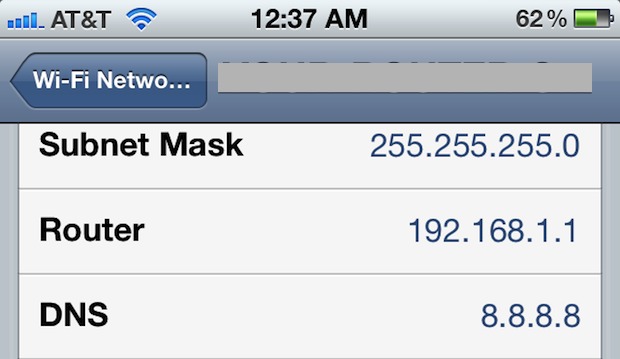
If your iPhone Wi-Fi connection seems inexplicably slow, particularly when having moved from one wireless network to another, try manually setting custom DNS servers. This speeds up the response time and your wireless connectivity in general.

Subscribe to OSXDaily

Subscribe to RSS Subscribe to Twitter Feed Follow on Facebook Subscribe to eMail Updates

Tips & Tricks

News

iPhone / iPad

Mac

Troubleshooting

Shop on Amazon to help support this site