How to Disable Screenshot Thumbnail Previews on Mac
Aug 2, 2019 - 25 Comments
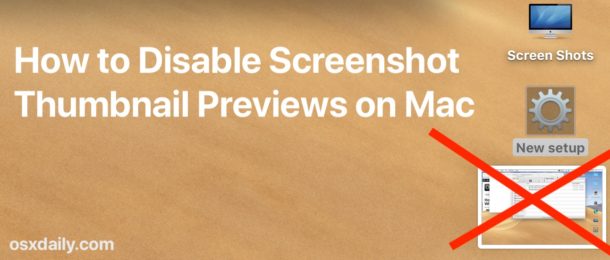
Do you want to turn off the screenshot thumbnails that show up on the Mac screen? You may have noticed that if you take a screenshot on Mac a little screenshot thumbnail preview pops up in the bottom right corner of the display and floats there for a few seconds. You can interact with that little thumbnail to quickly markup a screenshot, but showing those screenshot thumbnails also appears too slow down how long it takes for the actual screen shot file to generate and be available to the file system.
If you want to disable the screenshot thumbnail preview in Mac OS, this article will show you how to do that.
By Paul Horowitz - Mac OS, Tips & Tricks - 25 Comments